Bedtime Was Becoming a Two-Hour Project
Mornings used to be our worst time of day. Then I put a routine board on the kitchen counter and the kids started handling the morning checklist themselves. So naturally I thought: if this works at 7 a.m., why not at 7 p.m.?
Because bedtime is a completely different animal.
Mornings have urgency built in. The bus comes whether you’re dressed or not. Bedtime has no hard deadline in a kid’s mind. There’s always one more thing to do, one more glass of water, one more “I forgot to tell you something.” My 8-year-old will suddenly remember a school project. The 5-year-old needs a different pajama top. The 3-year-old is doing laps around the couch for no discernible reason. Three nights a week my husband works late, which means I’m running the whole circus alone.
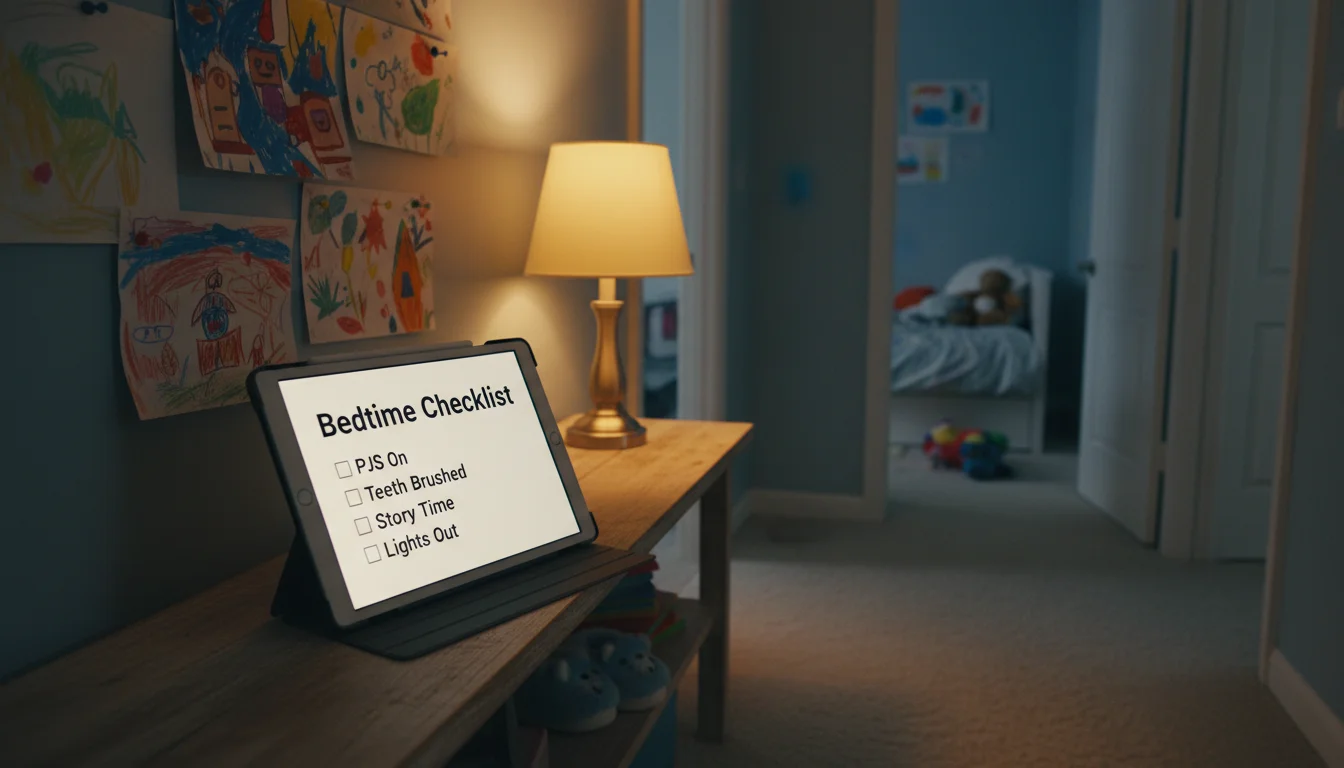
So I set up a second routine board. Same old iPad 6th gen, moved from the kitchen to the hallway outside the kids’ rooms after dinner. It shows the bedtime checklist. And after the last kid is in bed, it switches to a white noise app and sits on the dresser in the nursery. Two jobs, one tablet, zero new purchases – same calculation as skipping the dedicated baby monitor.
Why Bedtime Needs Its Own Board
The morning board works because it’s visible where the kids eat breakfast. But bedtime doesn’t happen in one room. You’re moving between the bathroom, bedrooms, and the hallway. The tablet needs to be somewhere that every kid passes during the wind-down, and our hallway is the natural bottleneck.
Bedtime also has a different energy problem. Mornings need activation – you’re waking kids up and getting them moving. Evenings need deceleration. The board has to slow things down, not speed them up. That means fewer steps, a dimmer screen, and a calmer overall feel.
And then there’s the screen guilt. A tablet at breakfast feels neutral – it’s a checklist, same as a piece of paper. A glowing screen at bedtime feels like you’re doing the thing every parenting article warns about. But the tablet isn’t entertainment here. It’s a list on a wall. The kids look at it for three seconds, see what’s next, and move on. It’s less screen time than the YouTube-to-fall-asleep trap that plenty of parents quietly rely on.
What’s On the List
Shorter is better. If your morning list has six steps, your bedtime list should have five or fewer. Kids are tired. You’re tired. Nobody wants to manage a twelve-step protocol at 7:30 p.m.
Our school-night list (ages 8 and 5):
- Bath or shower
- Pajamas on
- Brush teeth
- Pick tomorrow’s clothes
- One story, then lights out
That’s it. Five things. The “pick tomorrow’s clothes” step is the one that made the biggest difference, because it eliminated the 7 a.m. wardrobe crisis entirely. Two birds.
The 3-year-old’s list is even shorter. She can’t read, but she recognizes the pictures:
- 🛁 Bath
- 🧸 Pajamas
- 🦷 Teeth
- 📖 Story
Four steps with emoji. She points at the tablet and announces each one like a tiny drill sergeant. It doesn’t always work, but it works more often than me repeating “time to brush teeth” from across the hall.
Summer and weekends: I swap the list from my phone during our Sunday family check-in. Summer bedtimes are later, so we add a “quiet play” step before bath and drop the clothes-picking since nobody cares what they wear to the pool.
Pick Your App
The same apps from the morning routine board work fine here. You don’t need a separate app for evenings – just a second checklist in the same tool.
 Google Keep is still my pick. Create a new note called “Bedtime,” add the checklist, pin it. On old iPads where the app needs iOS 18+, open keep.google.com in Safari instead. I keep both the morning and bedtime lists pinned and just swap which one the tablet displays. Two taps on my phone, done.
 Happy Kids Timer is worth a look if your kids respond to the animated characters. It has a dedicated bedtime mode with preset tasks like pajamas, teeth, and story. Free version covers one child. The $3.99 in-app purchase unlocks extra profiles if you have multiple kids. Works on iOS 11+ and Android, so most old tablets can run it.
For Android tablets:  Fully Kiosk Browser ($10.99 one-time per device) locks the screen to your checklist page. Kids can’t swipe away to YouTube or accidentally close the browser. If you’re on iPad,
  Guided Access does the same thing for free – our kid-proofing guide walks through the setup.
Not sure which apps still run on your tablet’s OS version? Our tested list of free apps is sorted by compatibility.
Set Up the Display for Evening
The morning board runs at full brightness in a well-lit kitchen. The bedtime board is the opposite. You want it visible but not stimulating.
Screen brightness: Drop it to about 30-40%. Bright enough to read the checklist from a few feet away, dim enough that it doesn’t feel like staring into a flashlight before bed. On iPad, go to Settings > Display & Brightness and drag the slider down. On Android, Settings > Display > Brightness level. Turn off auto-brightness so it doesn’t crank up when the hallway light is on.
Night Shift or blue light filter: Enable it. On iPad: Settings > Display & Brightness > Night Shift > Scheduled, set it to start an hour before bedtime. On Android: Settings > Display > Night Light (or Eye Comfort Shield on Samsung). This shifts the screen to warmer tones, which is less disruptive to sleep than blue-white light.
Always-on for the routine window: You only need the screen on for 30-45 minutes while the kids run through the routine. Set auto-lock to “Never” during that window (or use our always-on settings guide for your specific device). After lights out, you’ll switch to the white noise app anyway.
Position it in the hallway. Not in a bedroom – that invites “can I play with the tablet” negotiations. The hallway outside the kids’ rooms is neutral territory. Prop it on a small shelf or use a basic stand at kid eye level. Every kid passes it on the way to the bathroom and again on the way to bed. It becomes the reference point the same way the kitchen board is at breakfast.
After Lights Out: White Noise Mode
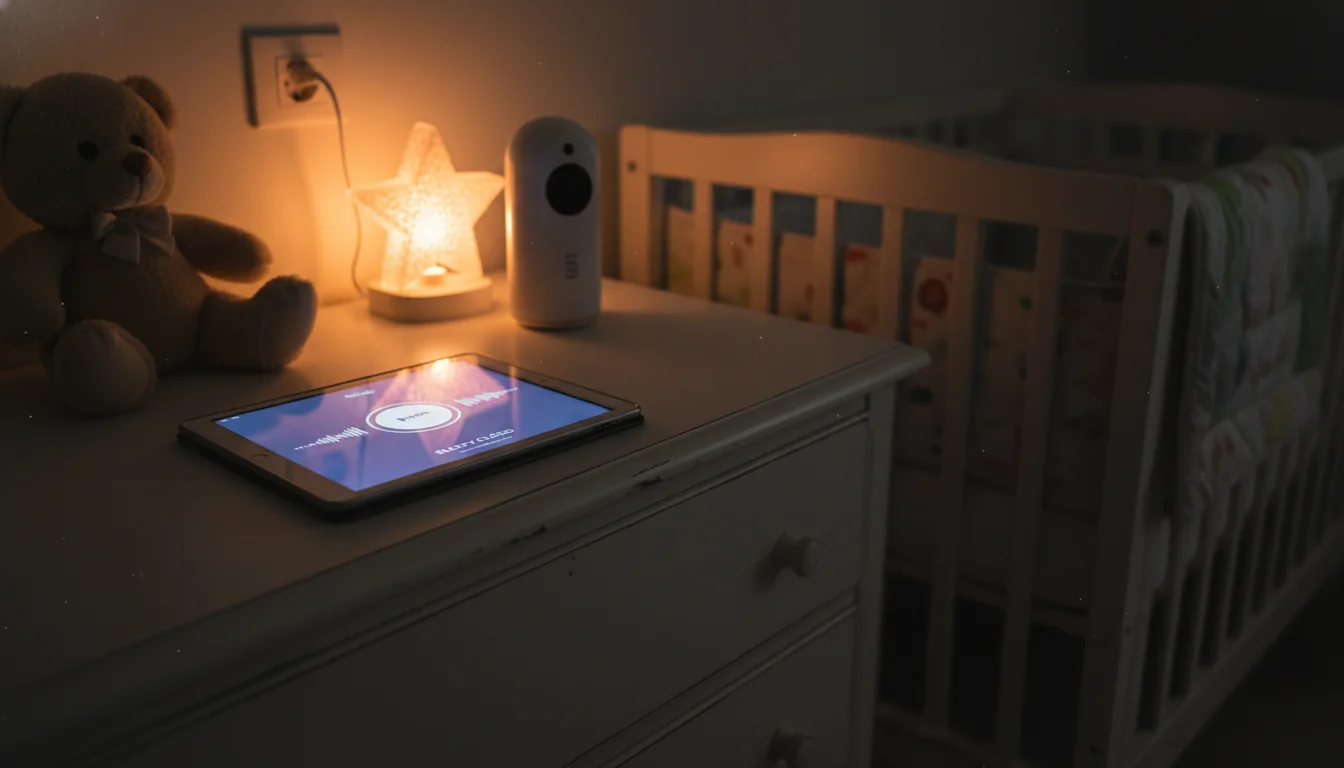
This is the part nobody else talks about. Once the bedtime checklist is done, that tablet is just sitting there in the hallway doing nothing. But if your youngest still uses white noise to sleep – and ours does – you already have a speaker and a screen in the right location.
 White Noise Baby ($0.99 on
  Android and iOS) does exactly what the name says. Pick a sound, set a sleep timer, leave it. It plays in the background, so even if someone taps the home button the sound keeps going.
White Noise Lite (free on Android and iOS) has more variety – rain, fan noise, ocean waves. Set the timer to 45-60 minutes so it fades after the kids are asleep.
Move the tablet from the hallway to the dresser in the nursery. Turn the screen to minimum brightness or face it toward the wall. You want sound, not light.
One safety note: keep the tablet at least 7 feet (about 2 meters) from the crib or bed, and use the lowest volume that still masks household noise. The American Academy of Pediatrics recommends this distance for any sound machine.
What We Adjusted After the First Week
The first version of our bedtime board had problems.
Bath was too late. We originally had bath as step 3 of 5. By the time the kids got there, they were already winding down and nobody wanted to get wet again. Moving it to step 1 – right after dinner cleanup – fixed the flow. Get the active, splashy part over first, then move into the calm stuff.
The 5-year-old wanted to check things off. Unlike the morning board where she just reads and moves on, at bedtime she wanted to tap each item. I added checkboxes in Google Keep instead of a plain list. Now she checks them off and feels accomplished. The 8-year-old thinks this is unnecessary, which is his review of most things his sister does.
Screen was too bright at first. Even at 40% with Night Shift on, the hallway felt like an airport at 7:30 p.m. I dropped it to 25% and it’s right. Your mileage will vary depending on how dark your hallway is.
We added “choose your story.” The original list just said “story.” But that led to a 10-minute negotiation about which book every single night. Now the list says “pick one book from the shelf” and the rule is whoever picks first, picks for everyone. This cut five minutes off bedtime, which at 8 p.m. feels like an hour.
The white noise transition needs a minute. Switching from the checklist app to the white noise app takes about 30 seconds – close one, open the other, set the timer, carry the tablet to the nursery. If you have a visual timer running for teeth-brushing, close that first. It’s not automated, and that’s fine. Thirty seconds of your time to replace a $30 sound machine is a good trade.
The Night It Clicked
It was a Wednesday. My husband was working late. All three kids were in various stages of bedtime chaos, and I was bracing for the usual hour-long negotiation. Instead, the 8-year-old looked at the board, told his sister “bath’s first,” and they both headed to the bathroom. The 3-year-old followed because she follows everything they do. I stood in the hallway holding a towel with nothing to say.
Twenty-five minutes later, everyone was in bed. I switched the tablet to white noise, set it on the dresser, and walked out. If you’re already running a morning board, the after-school version and this bedtime setup turn one old tablet into a full-day routine system. Three boards, one device, and a lot fewer times per day that you have to repeat yourself. For more ways to put that old tablet to work for your kids and family, that alone is worth the 20 minutes of setup.