Your old tablet still has a job to do
Your Old Tablet Has 63 New Uses Waiting
Practical guides for the iPad or Android tablet you already own.
Somewhere in your house – in a drawer, on a shelf, behind the couch cushions – there’s an old iPad. Maybe the kids outgrew it. Maybe you upgraded and never got around to selling it. Maybe it’s so slow that opening Safari feels like an act of patience.
Here’s what nobody tells you: that old iPad is more useful as a dedicated single-purpose device than it ever was trying to be a general-purpose tablet. A device that’s too slow to run five apps at once is perfectly fast enough to do one thing really well.
And the screen? Even an iPad from 2013 has a Retina display. That screen is better than most dedicated smart home displays, digital photo frames, and dashboard devices you can buy today.
So before you recycle it or let it die in that drawer, take 10 minutes and turn it into something your household actually uses.
For the Family
These are the ideas that make a visible difference in daily life – the ones where, when the screen goes black, someone in your family notices.
-
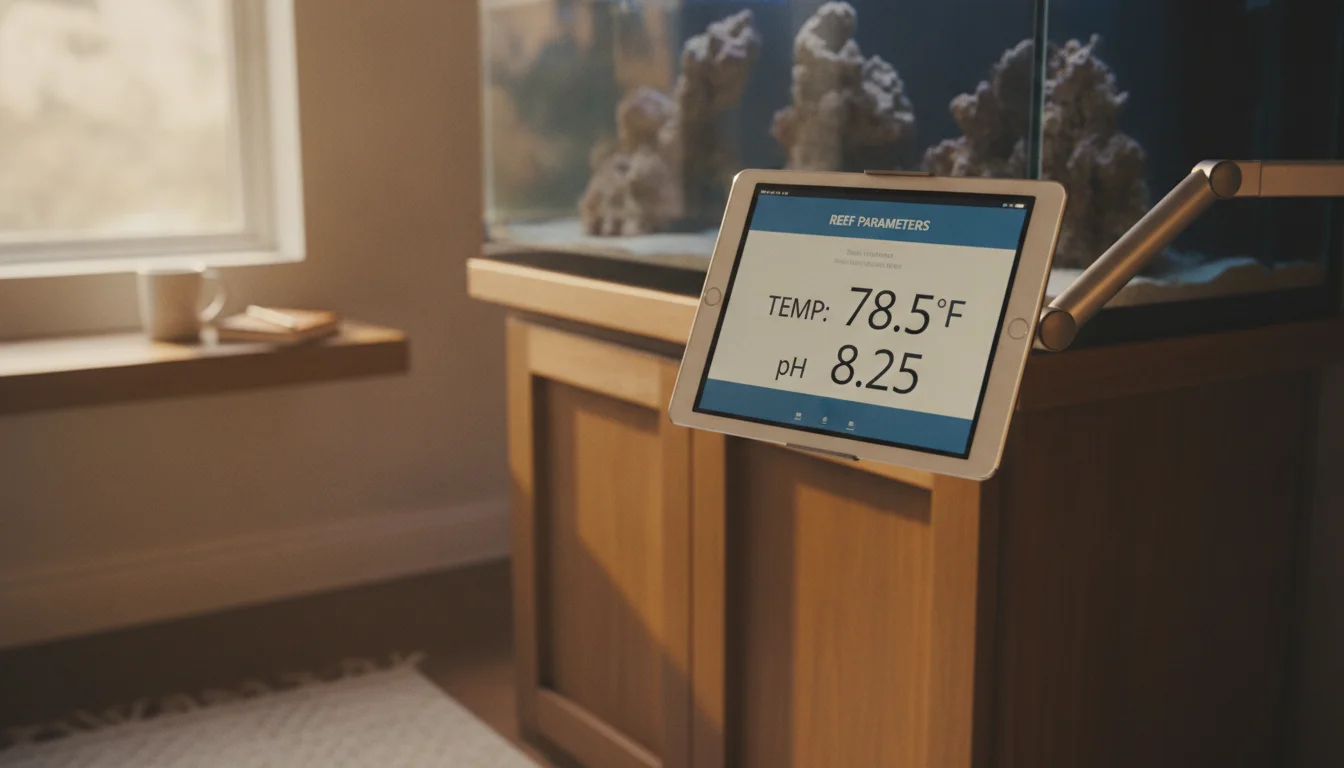
Turn Your Old iPad Into an Aquarium Controller & Display
Read More: Turn Your Old iPad Into an Aquarium Controller & DisplayWhich reef controller apps still run on an old iPad, how to mount one safely near a saltwater tank, and the reef-pi web-UI trick for iPads below the iOS floor.
-
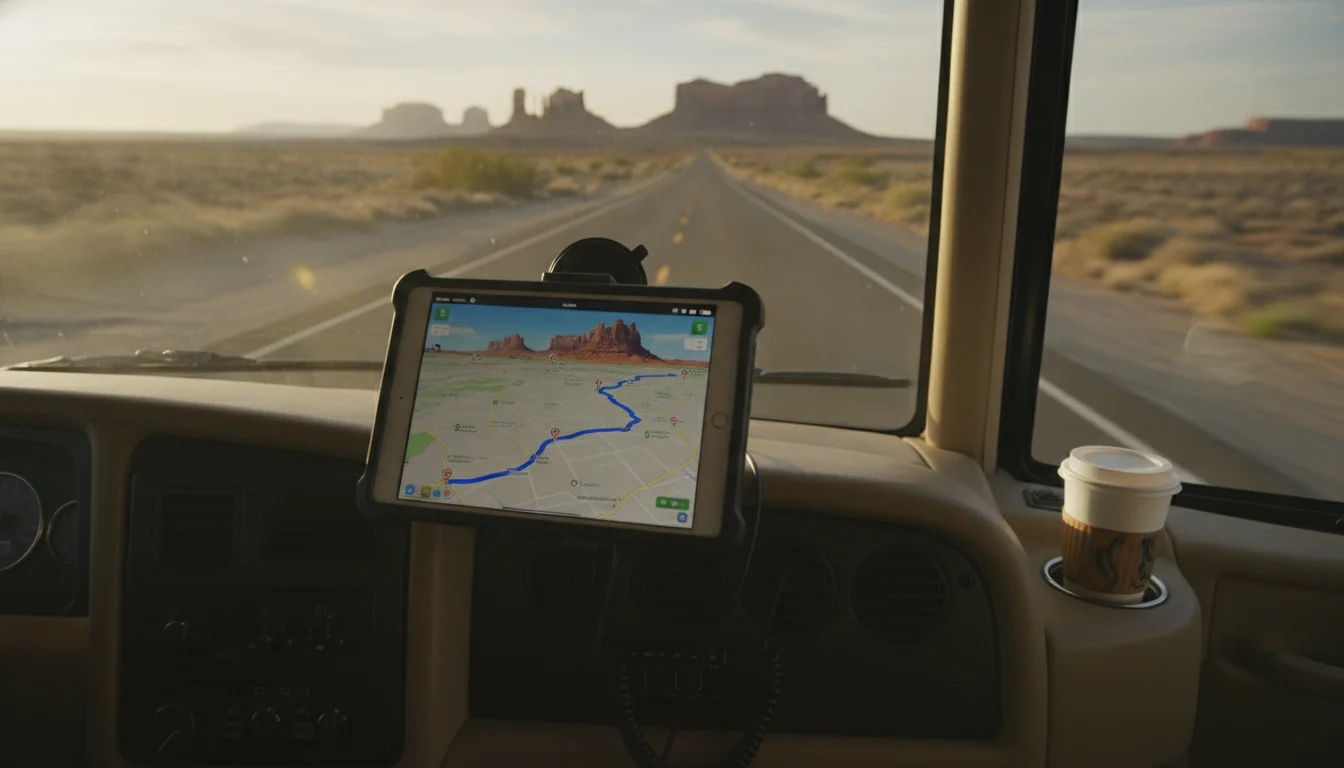
Turn Your Old iPad Into an RV Dashboard
Read More: Turn Your Old iPad Into an RV DashboardMount your old iPad on the RV dash for offline maps, campground info, backup camera, and trip planning. What actually works on older iOS on the road.
-
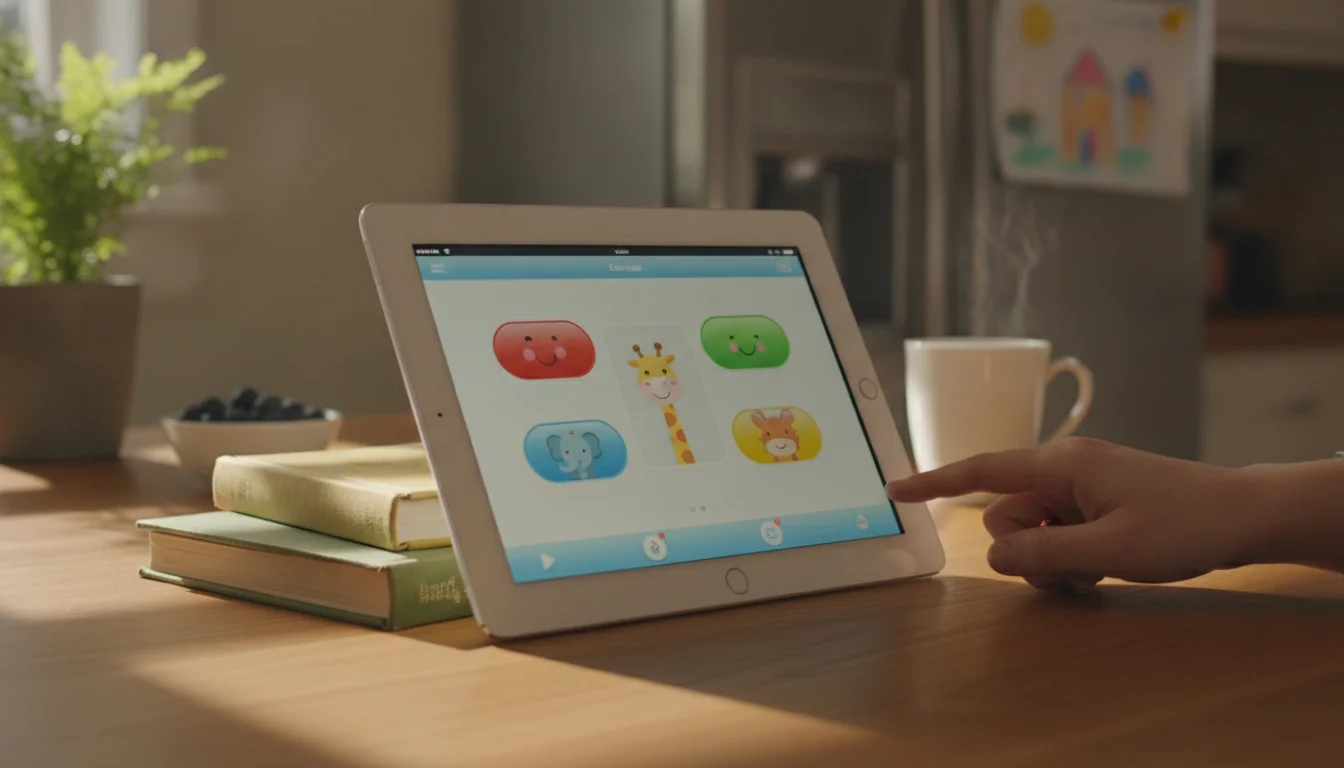
How to Download Apps on an Old iPad Without an iPhone (or Any Newer Device)
Read More: How to Download Apps on an Old iPad Without an iPhone (or Any Newer Device)How to actually get apps onto an old iPad without an iPhone – the last-compatible-version trick, the two-minute borrow method, and the Family Sharing route.
For the Kids
Old tablets and kids go together perfectly. The device is already too old to worry about, and a cracked screen or juice spill doesn’t ruin your day.
-
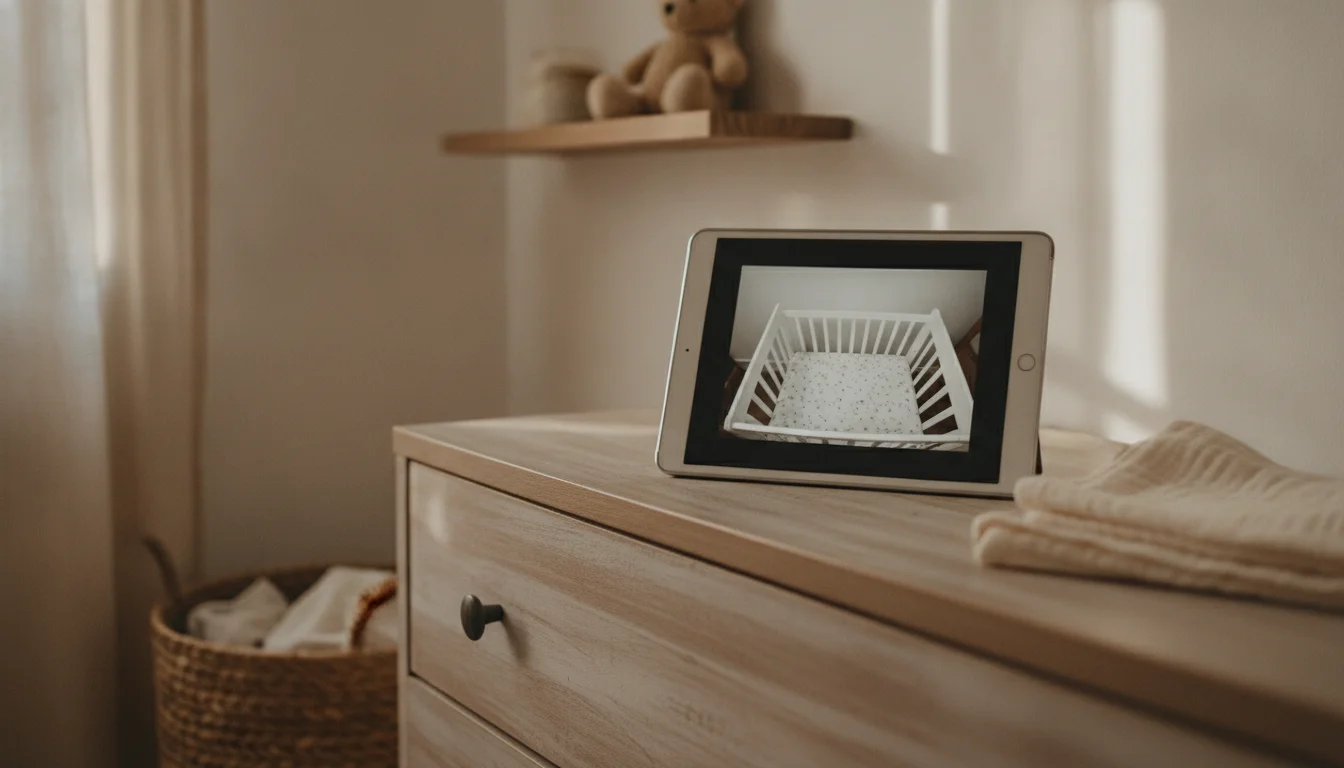
Tablet vs Baby Monitor: Which One Do You Actually Need?
Read More: Tablet vs Baby Monitor: Which One Do You Actually Need?Tablet vs baby monitor: a side-by-side from a mom of three. When the old iPad in the drawer is enough, and the four conditions that mean you should buy one.
-
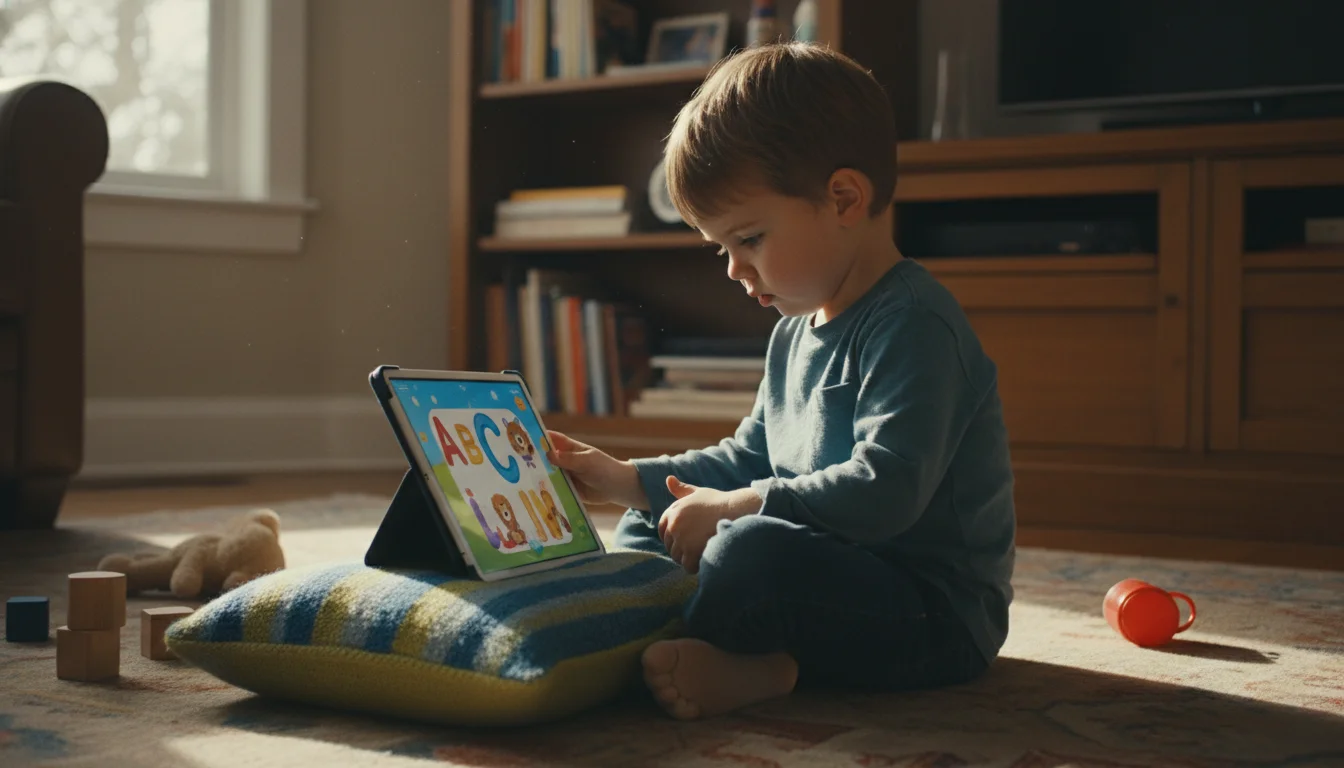
Best Kids Learning Apps That Still Work on Old Tablets
Read More: Best Kids Learning Apps That Still Work on Old TabletsWhich kids’ learning apps actually install on old iPads and Android tablets? A compatibility-checked list with real OS requirements, honest reviews, and the free apps worth trying first.
-

Turn Your Old Android Tablet Into a Kids’ Learning Station
Read More: Turn Your Old Android Tablet Into a Kids’ Learning StationThat old Android tablet is perfect for kids. Set up parental controls, install free educational apps, and hand it over without worrying about the bill.
Around the House
These turn your tablet into a dedicated appliance – something that does one job and does it all the time.
-
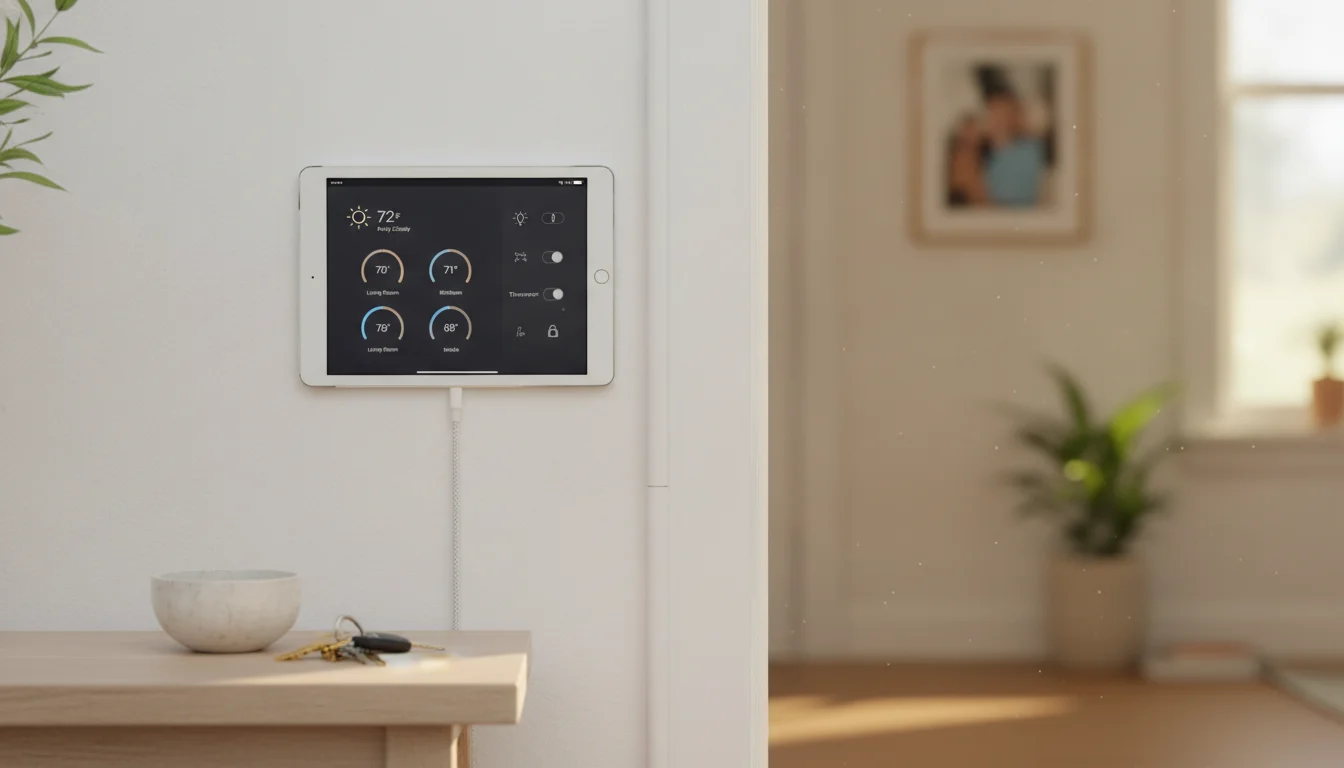
How to Turn an Old Tablet Into a Wall-Mounted Dashboard (Without Buying a New One)
Read More: How to Turn an Old Tablet Into a Wall-Mounted Dashboard (Without Buying a New One)The full setup for a wall-mounted tablet dashboard using the old iPad or Android in your drawer. Mount, cable, kiosk lockdown, and the battery bulge nobody warns you about.
-
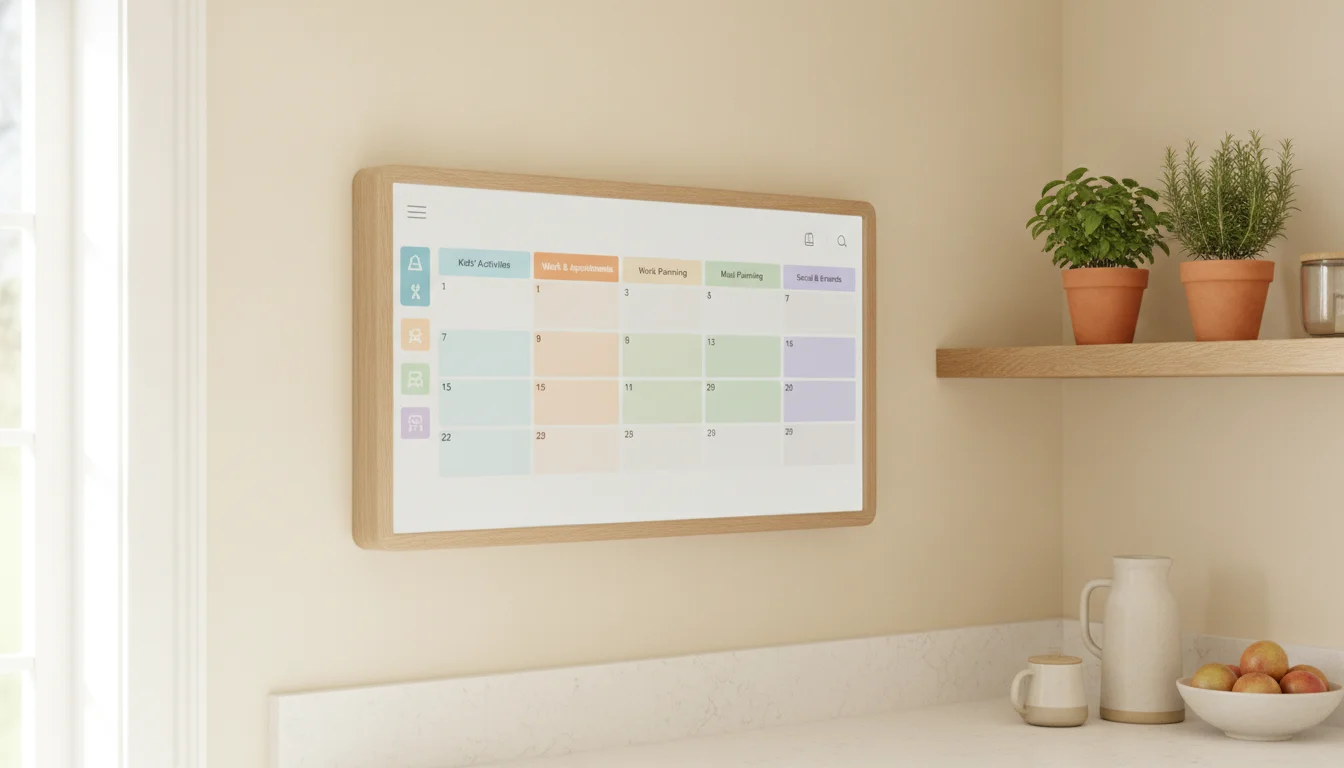
Echo Show 15 Review: Wall-Mount Reviews, the Prime Question, and a Cheaper Tablet Alternative
Read More: Echo Show 15 Review: Wall-Mount Reviews, the Prime Question, and a Cheaper Tablet AlternativeA researcher’s read on the Echo Show 15 and Show 21 as wall-mounted family displays – what Prime gets you for free, what the alternatives cost, and the spare-tablet path if you already own a Fire.
-
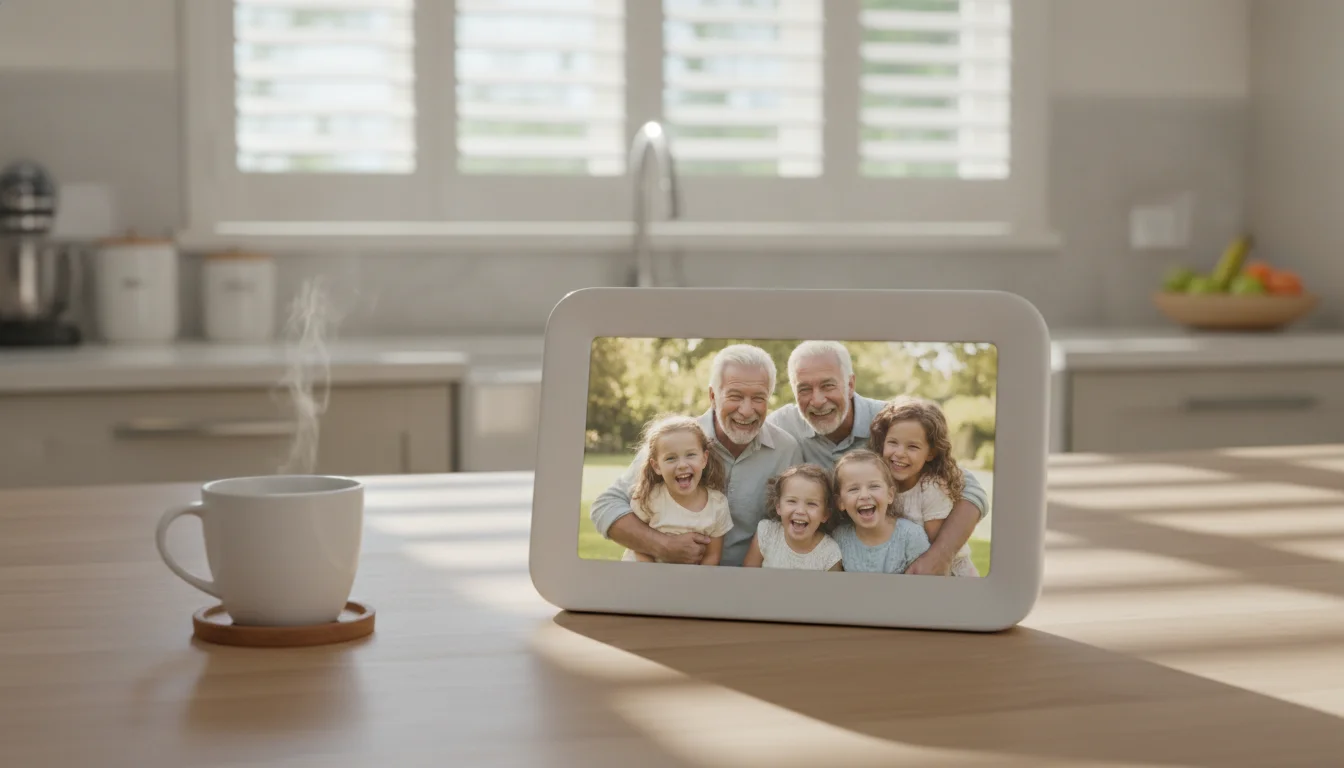
Skylight Frame Review: Honest Reviews, the Subscription Question, and a Cheaper iPad Alternative
Read More: Skylight Frame Review: Honest Reviews, the Subscription Question, and a Cheaper iPad AlternativeA researcher’s read on the Skylight Frame lineup – what makes the email flow genuinely great, what the subscription unlocks, and the spare-iPad path if the price is why you’re here.
For the Tinkerers
These require a bit more setup but are deeply satisfying if you enjoy a weekend project.
-
Turn Your Old iPad Into an Aquarium Controller & Display
Read More: Turn Your Old iPad Into an Aquarium Controller & DisplayWhich reef controller apps still run on an old iPad, how to mount one safely near a saltwater tank, and the reef-pi web-UI trick for iPads below the iOS floor.
-
Turn Your Old iPad Into an RV Dashboard
Read More: Turn Your Old iPad Into an RV DashboardMount your old iPad on the RV dash for offline maps, campground info, backup camera, and trip planning. What actually works on older iOS on the road.
-
How to Turn an Old Tablet Into a Wall-Mounted Dashboard (Without Buying a New One)
Read More: How to Turn an Old Tablet Into a Wall-Mounted Dashboard (Without Buying a New One)The full setup for a wall-mounted tablet dashboard using the old iPad or Android in your drawer. Mount, cable, kiosk lockdown, and the battery bulge nobody warns you about.
What If It’s Really, Truly Dead?
If the screen is cracked, the battery swells, or it won’t turn on at all, it’s time to let go. But don’t throw it in the trash.
How to recycle your old iPad responsibly →
The Common Objections
“Won’t keeping it plugged in 24/7 kill the battery?”
Probably, eventually. But you’re not using it as a portable device anymore. If the battery swells in two years, the iPad will have been a free kitchen display for two years. That’s a win.
“It’s too old to run anything.”
It doesn’t need to run five apps at once. It needs to run one app reliably. Even an iPad Air from 2013 can handle a photo slideshow, a calendar, or a weather display.
“I should just buy a dedicated device.”
Dedicated smart displays cost $80-200. An old iPad with a $12 stand does the same job with a better screen. Why buy what you already have?
Start With One
Pick one idea from this list. The one that solves a real annoyance in your daily life – checking the weather, managing the family calendar, keeping the kids entertained on road trips.
Set it up this weekend. If it sticks, great. If it doesn’t, the iPad goes back in the drawer and you’ve lost nothing.
Most people find that once one tablet gets repurposed, they start looking for more old devices to set up. It’s a small thing, but it’s satisfying – taking something forgotten and making it useful again.