Why the Show 15 Keeps Showing Up
The Echo Show 15 keeps landing in front of me in three specific places. The Amazon Prime Day deal email where it sits at $199 for 48 hours and the subject line is “your kitchen wall, sorted.” The parenting group thread where someone posted a photo of theirs mounted next to the fridge with the family calendar showing. And my own Search Console logs, where “echo show 15 alternative” and “echo show 21 vs skylight” have been quietly trickling in.
I already wrote about the tabletop Echo Show line – the Show 5, 8, 10, and 11 that live on counters and function primarily as voice assistants with a screen attached. This piece is about the two that hang on the wall and function primarily as displays with Alexa attached. It is a different device with a different job, and worth its own honest look.
A small caveat before the lineup: I have not held either the Show 15 or the Show 21. The Echo I actually own is a Show 8 on the kitchen counter. Everything in the review section below is drawn from reviewers who have lived with the wall-mounted models, cross-checked against Amazon’s own product pages and Dashpadd’s product catalog. The spare-tablet comparison at the end is the part I have run for two years.
The 2026 Echo Show 15 and 21 Lineup, Honestly
Both models are wall-mount-first devices with the same core hardware and different form factors.
- Echo Show 15: $299.99. 15.6-inch Full HD 1080p display. Wall mount hardware included; a Premium Adjustable Stand costs $99.99 extra if you want it on a counter instead. Horizontal or vertical orientation. Includes an Alexa Voice Remote. Fire TV built in.
- Echo Show 21: $399.99. 21-inch Full HD 1080p display (about 105 pixels per inch – lower density than the 15 by area). Wall mount and remote included in the box. Same 13MP camera, dual 2-inch woofers, dual 0.6-inch tweeters as the 15. The larger enclosure gets you meaningfully better sound in a room-filling context.
They are the same device in two sizes with two use cases. The 15 is a wall dashboard. The 21 is a kitchen TV that happens to have Alexa. Every reviewer converges on that split.
What the Reviews Actually Say
The wall-mount reviews are consistent on what the Show 15 gets right and where the marketing overreaches.
Setup is genuinely simple. The Show 15 ships with a mounting template, wall anchors, and the mount. TechRadar and CNN Underscored both describe drilling four holes and hanging the device as a 15-minute job. Amazon leaned into wall-mount-first design; this part is not oversold.
Prime members get a lot for $299.99.  Alexa+ (the conversational AI subscription) is free with Amazon Prime. Fire TV is built in. Skills, smart-home widgets, drop-in video calling. If you were already going to spend $139/year on Prime, the Show 15 is a well-integrated household device with no additional software fees. This is the value case.
Non-Prime buyers face a different math. Alexa+ standalone is $19.99/month for non-Prime users. The full modern Alexa experience is heavily bundled to that subscription. Without Prime and without Alexa+, the Show 15 falls back to “classic” Alexa – functional but noticeably less capable than the marketing implies.
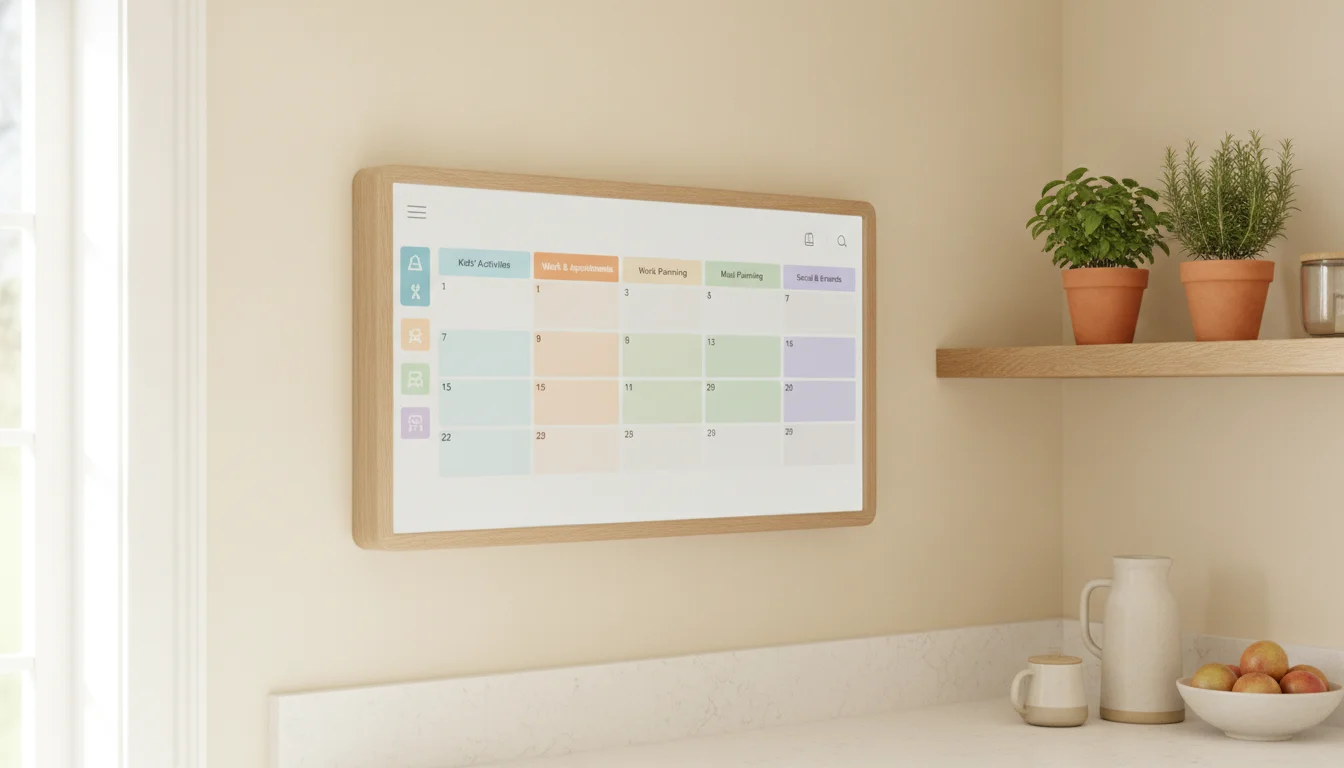
The wall calendar critique is the finding worth leading with. Multiple reviewers have flagged the same limitation. The Show 15’s home screen rotates through widgets – calendar, weather, news headlines, camera tiles – continuously. WeTried.it, in a roundup of family-calendar-focused displays, described the “‘news ticker’ type approach that was always changing” as actively bad for at-a-glance calendar use. Skylight Calendar Max at $599.99 and Hearth Display at $699 are dedicated family calendar devices; they hold the calendar view. Show 15 rotates away from it. If a fixed family calendar is what you actually want, the Show 15 is not it, even though Amazon markets it that way.
Privacy and always-on camera concerns are real. The 13MP camera is always physically present. Amazon ships a physical shutter, and the microphone can be muted, but if the household is sensitive to always-listening devices, that is not a solved problem.
The Show 21 gets essentially the same reviews with two additions. The larger screen makes Fire TV genuinely watchable from a kitchen island (the Show 15 is small enough that it works but feels cramped). And the acoustic space of the 21’s larger enclosure produces noticeably better sound.
The Prime Question
The subscription math is where this article earns its keep, because the answer to “should I buy an Echo Show 15” depends heavily on whether you already pay for Prime.
Three-year cost picture:
- Show 15 with Prime: $299.99. Alexa+ included. Roughly $300 over three years.
- Show 15 without Prime, with standalone Alexa+: $299.99 + $720 ($19.99 x 36 months) = about $1,020 over three years.
- Show 21 with Prime: $399.99 flat.
- Skylight Calendar Max: $599.99 flat, no subscription for basic use.
- Hearth Display: $699 flat, dedicated family calendar.
- Spare Fire tablet in Show Mode + wall mount: $20 for the mount if the tablet already exists.
- Spare iPad with a calendar dashboard app: $20 for the mount.
For a Prime household that already pays $139/year for shipping and video and does not think about it, the Show 15 is genuinely a well-priced piece of household infrastructure. For a non-Prime household that would need to add Alexa+ to get the marketed experience, the math is punishing.
If you are on the fence about Prime specifically because of the Show 15, Amazon still offers a 30-day Prime free trial. Two weeks with Prime, and Alexa+ turned on, is enough time to see whether Prime-included features are what you actually use, before you commit either to the subscription or to the $299.99 device.
Where to Buy It
The Show 15 and Show 21 are Amazon-first products, unsurprisingly. Direct from Amazon is where discounts appear, and Prime Day and Black Friday both routinely knock $50-$100 off the Show 15. The wider category context, if you are still browsing, lives in our old tablet ideas hub. The Echo Show 15 – on Amazon and Echo Show 21 – on Amazon.
The Amazon device links above are affiliate links via Amazon Associates – the price to you is the same whether you use them or not; we may earn a small commission if you buy through them. Full details on our affiliate disclosure page.
The Cheaper Echo Show 15 Alternative (If Price Is Why You’re Here)
Two spare-tablet paths cover most of what the Show 15 does, and they run on hardware you probably already have.
Fire tablet in Show Mode. Fire HD 8 and Fire HD 10 tablets have a built-in “Show Mode” that turns the tablet into a functional Echo Show. Alexa works, the widget dashboard works, drop-in calling works. Wall-mounted with a $20 bracket, an old Fire HD is about 80% of a Show 15 for zero incremental cost. The screen is smaller and the speakers are worse, but the software experience is genuinely close. The smart display guide covers the Show Mode setup.
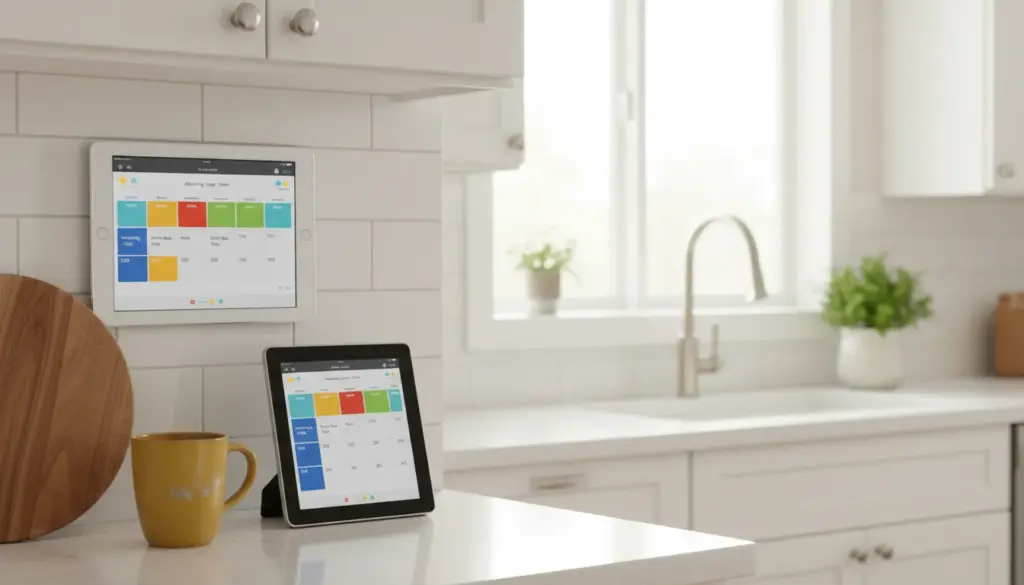
Spare iPad with a calendar dashboard app. An old iPad wall-mounted with the dashboard guide does not give you Alexa, but it does give you a fixed family calendar view – the thing the Show 15 rotates away from. Pair a calendar app from our old-tablet calendar roundup with a shared iCloud or Google calendar the family is already in, and the iPad becomes a purpose-built family dashboard.
The per-feature map compared to a Show 15:
- Voice control. Show 15 has Alexa built in. Fire tablet in Show Mode does too. iPad does not, unless you install a third-party app; Siri is not a household voice-hub replacement.
- Family calendar at a glance. iPad with a fixed calendar app wins outright. Show 15’s rotating widgets do not.
- Smart home hub. Show 15 wins if you have Alexa-compatible smart home devices. Fire tablet ties. iPad loses unless you install Home Assistant or similar.
- Fire TV / streaming. Show 15 and Fire tablet win; iPad has its own streaming apps but different content.
- Cost. Show 15 is $299.99 for Prime members; the spare-tablet paths are $20 if the tablet exists.
- Wall-mount hardware. Show 15 ships with it. iPad and Fire tablet need a $15-$40 bracket from our mount roundup.
The honest gap: the Show 15 is a purpose-built wall-mount device with speakers, camera, and Alexa integration that a spare tablet does not fully match. The Fire tablet in Show Mode comes closest. The iPad wins specifically on the calendar-at-a-glance use case that Show 15 marketing overpromises.
For dedicated family calendar devices instead, the Hearth Display alternative covers the $700 category, and if photo display is the primary need, the Skylight Frame review, Nixplay Frame review, and Aura Frame review all address that specifically.
Who Should Pick Which
Five specific cases, because “just wall-mount a tablet” is not always the answer.
Buy the Echo Show 15 if you are a Prime member who wants a wall-mounted Alexa + smart home hub. The $299.99 buys a well-integrated device that shows widgets, streams Fire TV, handles Alexa+ conversations, and controls compatible smart home devices. If the household is already inside Amazon’s ecosystem, this is the natural buy.
Buy the Echo Show 21 if you specifically want a kitchen island TV that also does Alexa. The 21 has meaningfully better sound and a big enough screen to actually watch shows from across the room. If Fire TV in the kitchen is the primary goal, the extra $100 is worth it.
Buy a Skylight Calendar Max or Hearth Display if a family calendar is the actual need. The Show 15’s rotating widgets are not a fixed calendar view. Dedicated devices are more expensive up front ($599-$699) but do that specific job better. See our Hearth Display alternative for the full comparison.
Use a spare Fire tablet in Show Mode if you already own one. This is the closest software match to a Show 15. A $20 wall bracket and 30 minutes of setup gets you 80% of the Show 15 experience for zero incremental hardware cost.
Use a spare iPad with a dashboard app if the calendar view is what you actually want and no Alexa integration is needed. The pixel-density gap is in the iPad’s favor, and the fixed calendar view is a genuine functional advantage over the Show 15 for that specific use case.
Pull the Tablet Out of the Drawer First
If there is an old Fire tablet or iPad in the house and you are on the fence, the cheapest experiment is the one you can run this Saturday. Fire HD in Show Mode wall-mounted with a $20 bracket, or an iPad with a calendar dashboard app pointed at a shared family calendar. Try it for a month.
If it does not do what you hoped, the Echo Show 15 will still be $299.99 in December and Prime Day will probably knock it down by $50-$100. If it works, you have saved at least $280 and rescued a tablet from a drawer at the same time.