Why Hearth Keeps Showing Up
The first time the Hearth Display turned up in my world, it was an Instagram ad. The second time, a friend texted me a photo of one on her kitchen wall. The third was in my Search Console logs, where “hearth display alternative” had started landing on a Dashpadd page that, frankly, was more polemic than review. So I sat down to do what the reader is doing: read the published reviews, watch the videos, lurk the parenting threads, and write up what’s actually there.
I haven’t held a Hearth Display. I want to be clear about that up front. What’s below is a meta-review built on the reviews that did, paired with an honest look at the spare-tablet path some readers come here for.
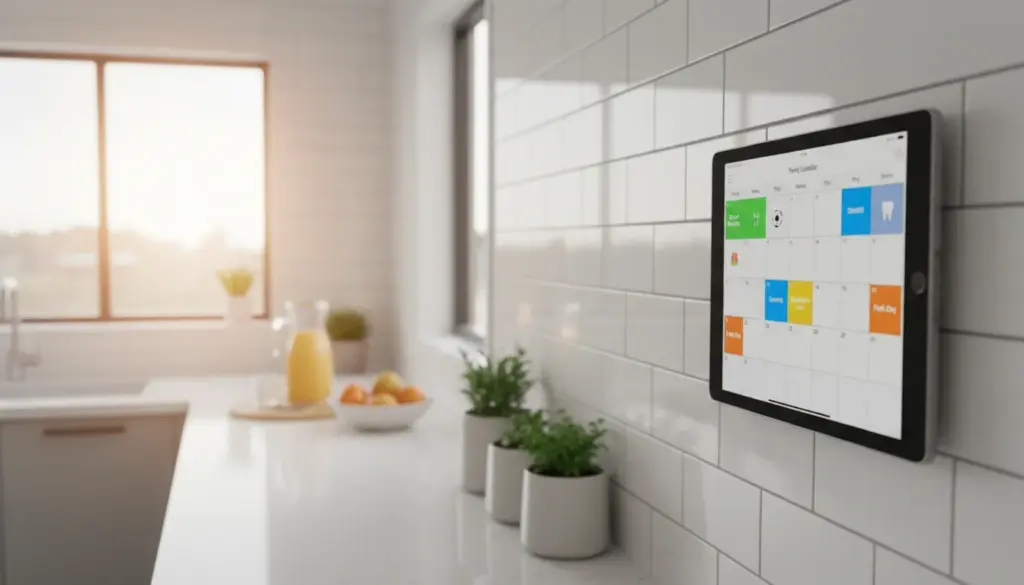
 Hearth is a 27-inch wall-mounted touchscreen aimed at families: shared calendar, routines for kids, meal planning, shopping lists, a slowly rotating photo gallery. Time Magazine put it on its 2023 Best Inventions list. The Instagram ads are doing their job. The price, which I’ll get to, is the part that sends people searching for a Hearth Display alternative in the first place.
What the Reviews Actually Say
I read through coverage from  The Quality Edit,
  WeTried.it,
  The Millennial Stay-at-Home Mom, and
  Today’s Parent. The reviewers’ households are different, but their lists converge.
The screen is the headline. A 27-inch touchscreen at 1920×1080 in a wood or matte-painted frame reads as furniture rather than tech. The Quality Edit’s Angela Tafoya wrote that “it doesn’t take up too much wall real estate, but you probably want a decent amount of space to hang on the wall so it has room to breathe.” Three frame finishes (light wood, matte black, matte white) and a slim profile – about an inch deep – are part of why the photos in reviews look as good as they do.
Hearth Helper is the genuinely-novel feature. You snap a photo of a school flyer or a birthday invitation, and Hearth’s AI parses it into a calendar event. WeTried.it says they use the display “every single day.” Most reviewers single out Helper as the thing that does work they were already doing in their head at 10pm on a Sunday.
The routines feature lands with elementary-age kids. The visible checkboxes and streaks turn a morning routine into a thing children operate themselves. The Millennial Stay-at-Home Mom’s verdict was that “for our family, the answer has been a resounding yes. It has genuinely taken a significant chunk of the mental load off of me.”
Setup is straightforward, but the install is a real install. Most reviewers report under 20 minutes of software setup. The hardware side is more involved: the unit needs a power cable, and several reviewers mention adding an outlet, hiding cord, or hardwiring through the wall. It’s not a tabletop device.
The things reviewers consistently flag are the ones the marketing doesn’t lead with:
- On-screen calendar editing is clunky. Most quick entry still happens on the companion app.
- The power cable management is awkward in a way that’s hard to hide. Expect to think about the outlet.
- No Alexa or Google Home integration. If your house leans on a voice assistant, the display doesn’t talk to it.
- Wall placement is a non-trivial decision. You want a spot accessible to the kids and visible to the parents, near a power source, with enough wall to breathe.
That’s the device. The reviews are mostly positive from people who used it for months, with a consistent set of asterisks that don’t make the marketing copy.
What It Costs
Hearth is $699 for the display. There’s an active 10% discount as of writing, putting it at $629.10 in cart. The companion software is layered: a basic mode works without a subscription, but the AI features (Hearth Helper, meal planning, routines, the streak system) sit behind a Family Membership. That’s $9 a month, or about $5.76 a month if you commit to three years upfront. End of year one you’ve spent somewhere between $760 and $810, depending on which plan you picked.
Where to Buy It
Hearth Display – $699 direct from hearthdisplay.com (no affiliate relationship, this is just the manufacturer’s link).
A note for transparency: Dashpadd has no affiliate arrangement with Hearth. We earn nothing if you click through. If you’ve read this far and decided Hearth is the right device for your household, the manufacturer’s site is the cleanest place to buy it – that’s where the 120-day return window and the one-year warranty are spelled out clearly.
The Cheaper Hearth Display Alternative (If Price Is Why You’re Here)
About half the readers landing on this page are doing late-stage device research. The rest searched “hearth display alternative” because $700 plus a subscription felt like a lot for a wall calendar, and they wanted to know what else is out there. If that’s you: the most common substitute is something you probably already own.
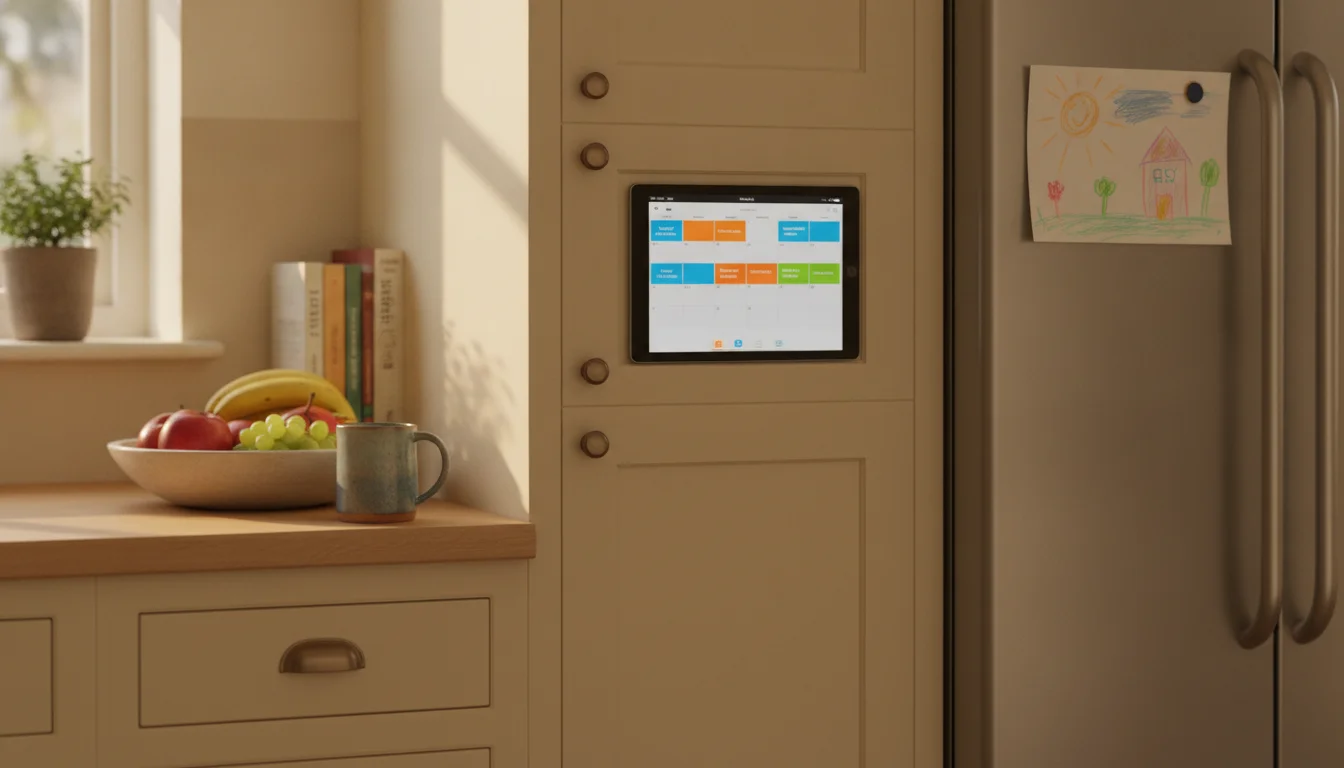
Take an iPad or Android tablet you already have in a drawer. Plug it into the wall. Open Google Calendar in landscape. You now have a family calendar display. Smaller than Hearth, no AI scheduling, but the core “everyone looks at the wall and sees who has what when” job is done.
The per-feature map of what a spare tablet handles for free:
- Shared calendar.
 Google Calendar is free. So is the
  Apple Calendar already on the iPad. Both color-code across household devices.
  Cozi does the same job with a family-first UI and a free tier. For a polished dashboard look,
  DAKboard has a free browser tier that shows calendar, weather, and photos with a small watermark; the July 2026 TouchHub update runs on that free tier for the interactive layer and Home Assistant control, while the shared chore chart with points and a family leaderboard requires DAKboard’s Essential ($6/month) or Plus plan, with a meal planner coming – our family chore chart on a tablet writeup covers the setup.
 - Shared photos. iCloud Shared Albums or Google Photos shared library, set to slideshow.
- Weather. Any weather app. Carrot Weather‘s dashboard view fills a wall-mounted tablet nicely on the free tier.
- To-do and shopping lists. Apple Reminders, Google Tasks, Cozi,
 TickTick (free), or
  Trello (free). Google Tasks now requires iPadOS 17, so on older iPads stick with Reminders. Everyone in the house can add from their phone.
 - Meal planning. Hearth Helper’s AI is the hard-to-replicate feature. Most families rotate through five meals; a shared Apple Note or Trello board covers it in three minutes a week. Not as fancy, same outcome.
- A routine board for the kids. Cozi has chore lists. So does a Trello board with morning and after-school columns. So does a printed chart taped beside the tablet. The Hearth streak system is harder to copy, but visible-checkbox routines aren’t.
- The install. A tablet mount, a charging cable run behind a cabinet, screen set to never sleep. The full walkthrough is in our iPad family calendar guide. The app picks are in our best calendar apps for an old tablet roundup, with screenshots on iOS 13 and Android 10 hardware.
The honest 20% gap, because pretending otherwise would be silly: an 11-inch tablet across the kitchen isn’t a 27-inch display across an open-plan living room. Hearth Helper has no real free-app equivalent yet. A mounted iPad reads like a mounted iPad, not like furniture out of the box. And iOS will occasionally push an update that resets the screen-stay-awake setting, which Hearth users don’t have to think about.
The Three-Year Cost, Side by Side
| Path | Hardware | Subscription (3 yr) | Total |
|---|---|---|---|
| Old tablet you already own + Google Calendar + wall mount | ~$25 mount | $0 | ~$25 |
| Old tablet + DAKboard Essential ($6/mo) | ~$25 mount | $216 | ~$241 |
| Hearth Display (monthly Family Membership) | $699 | $324 | $1,023 |
| Hearth Display (3-year prepaid Family Membership) | $699 | $207.36 | ~$906 |
If you already own a tablet, the gap between “use what you have” and “buy Hearth” is roughly $880. If you don’t, a new entry-level iPad is $349, plus a mount and the setup time, and the gap shrinks.
For the broader category breakdown (Skylight, Cozyla, Apolosign, and the rest of the dedicated displays), our old tablet vs digital calendar display comparison walks through every device side by side. If you’re comparing against the cheaper smart-display end of the market instead, the Echo Show alternative breakdown covers Amazon’s $90 to $399 lineup the same way.
Who Should Pick Which
A few specific cases, because “everyone should use a tablet” isn’t useful.
Buy Hearth if you actually want the AI scheduling. If your weekly bottleneck is “I keep getting school flyers and I’m tired of typing them in,” Hearth Helper is the genuinely-hard-to-replicate piece. The rest of the package is well-executed, but Helper is the unique feature.
Buy Hearth if there’s no spare tablet in the drawer and aesthetics matter. If you’re going to spend money either way – a new entry-level iPad runs $349 plus a mount plus setup – the price gap narrows. At that point Hearth’s out-of-the-box polish is closer to even on cost, and meaningfully ahead on how it looks on the wall.
Buy Hearth if the device is a gift for someone non-technical. My mum is the example I keep coming back to. She’d never debug a frozen kiosk app on an iPad. The setup-and-forget factor is worth real money for a household that wants the wall display to just keep working. (My mum specifically ended up with  Skylight for similar reasons – smaller screen, lower price, no required subscription. Same principle, different price point.)
Use the spare-tablet path if you already own the tablet and price is the thing. This is the most common case. The setup is one afternoon, the ongoing cost is a charging cable, and the calendar-on-the-wall problem is solved well enough that most people stop noticing the missing 20%.
Pull the Tablet Out of the Drawer First
If you’re on the fence, the cheapest experiment is the one you can run today. The iPad or Android tablet you already own, mounted with a $25 swing arm, running Google Calendar in landscape. Try it for a month. If the screen size is genuinely the dealbreaker, Hearth will still be there in June. If it isn’t, you’ve saved $880 and learned something about your household at the same time.
The setup guide, the calendar app picks, and the mount roundup are the three pieces you need.