Week Two Is When the Chart Dies
The chart goes up on a Sunday night. Laminated, color-coded, one row per kid, one column per day. By Wednesday it’s under a permission slip. By the following Monday it’s on the counter, then in the recycling. Nobody made a decision to stop using it. It just left the family’s field of view and never came back.
That’s the actual problem with the paper chore chart, and it’s the reason the sticker version, the whiteboard version, and the printed PDF from Pinterest all end the same way. Kids didn’t lose interest. The chart lost visibility. And a chart nobody sees might as well not exist.
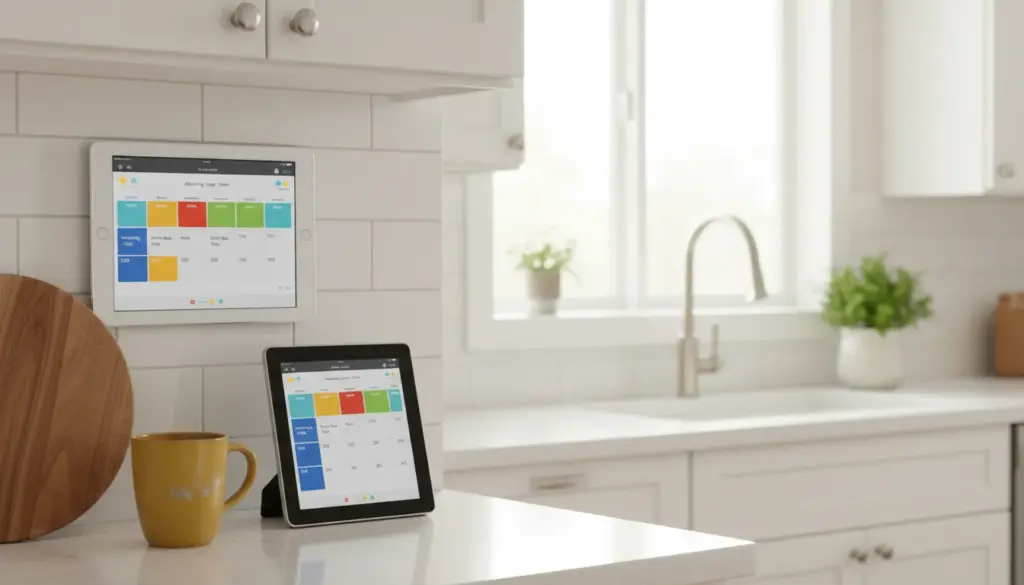
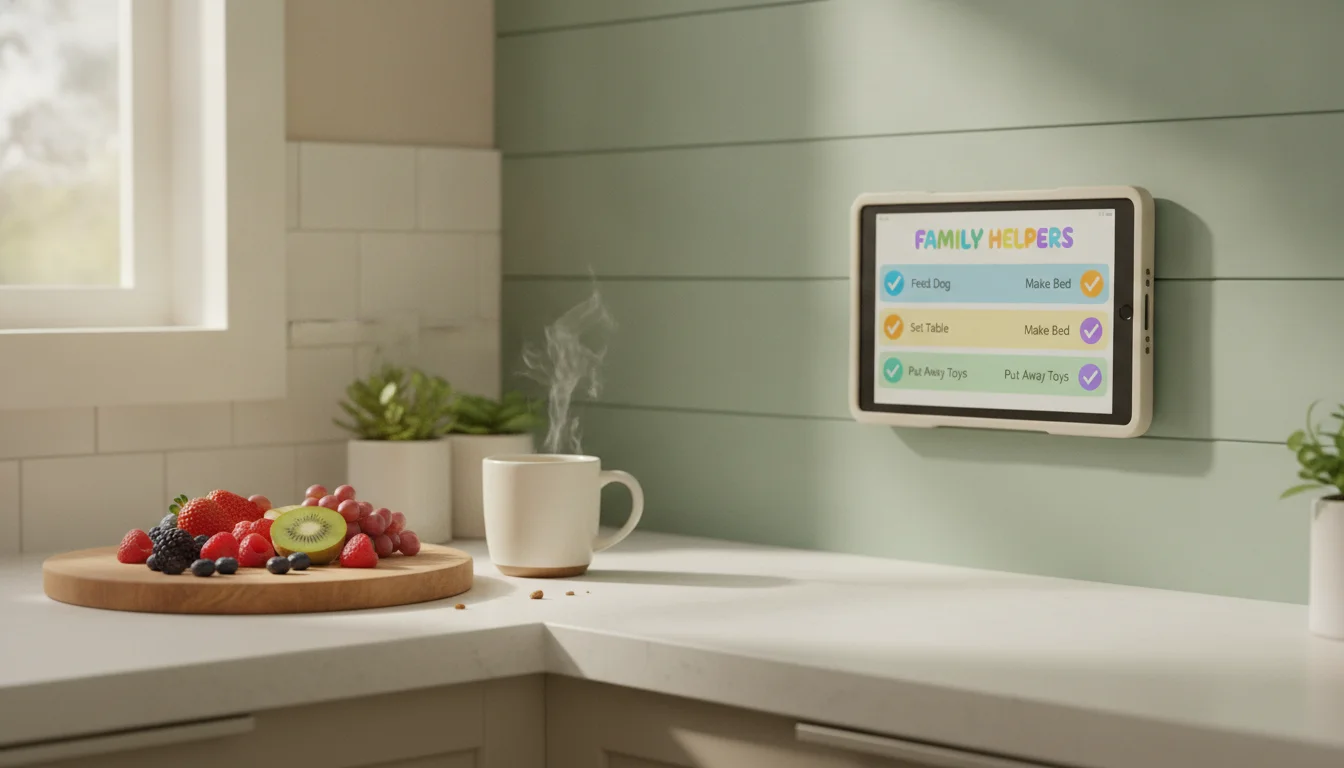
The old tablet you have in a drawer solves this in one move: it goes on the wall, at eye level, always on, always showing the list. You can update it from your phone while you’re loading the dishwasher. Kids tap their own boxes. Nobody has to peel stickers off on Sunday night and put fresh ones on.
The pick isn’t the tablet – the tablet is the delivery system. The pick is which app fits your family’s texture. Below are the three that actually work on old iPads and Android tablets, at three different levels of setup effort.
What the Tablet Fixes That Paper Doesn’t
Three failure modes any digital chore chart has to solve, and a wall-mounted tablet handles by default.
Visibility. The chart sits at eye level in the room the family passes through. Not on the fridge (which becomes a collage), not on a phone (which stays in a pocket). Mine is next to the kitchen light switch. Every kid coming home from school looks at it whether they mean to or not.
Reset. Digital charts reset themselves. No sticker peeling. No reprinting. Edit the routine once, every child sees the new version.
Sync from your phone. When the babysitter needs to know the Wednesday chores, or your husband needs to add “take out the recycling” from the couch, the update lands on the wall in three seconds. Paper charts genuinely cannot do this.
The wall-mount step matters more than the app. A tablet on a counter that gets knocked around and closed still fails the visibility test. Our mounts and stands guide covers wall mounts under $30.
Pick 1: TouchHub on DAKboard (Essential Plan, $6/month)
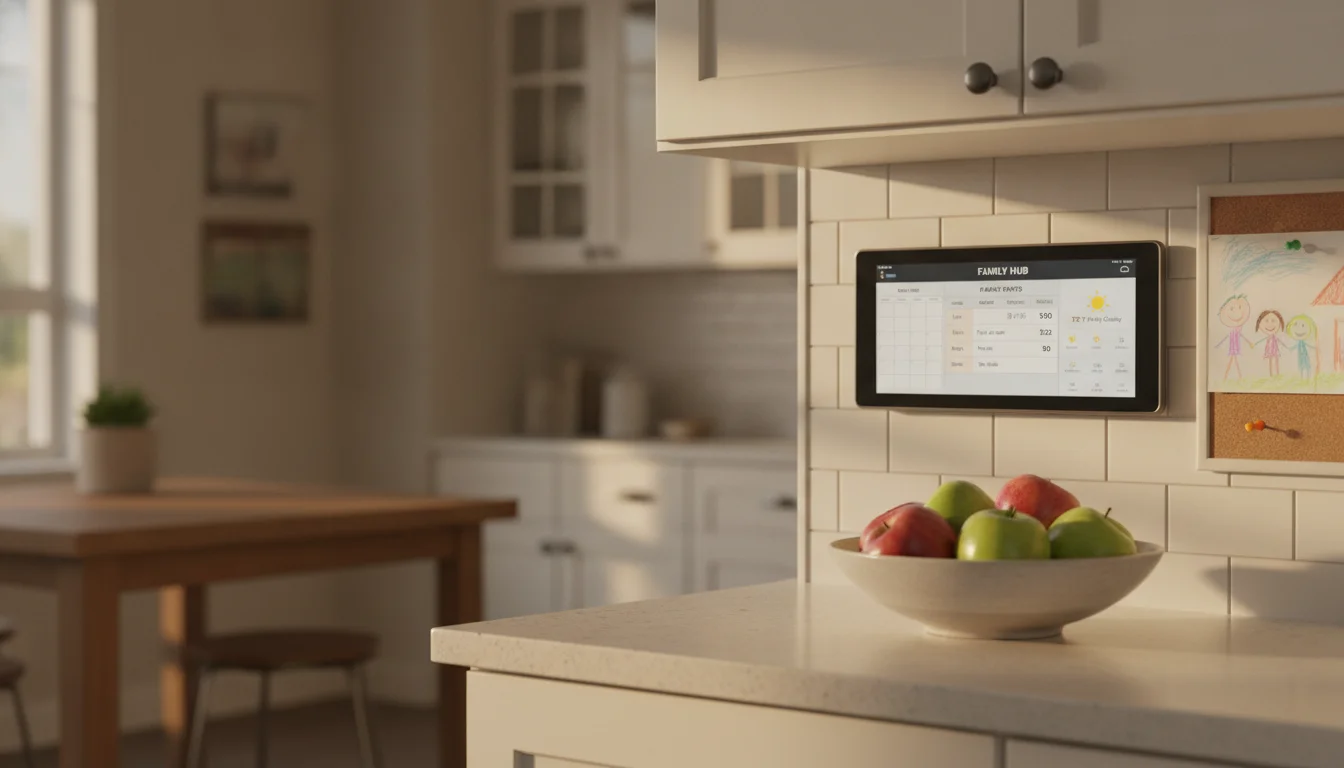
If you want chores, the family calendar, and the weather on one screen,  DAKboard’s TouchHub is the closest thing to a family command center in one browser tab. It launched in July 2026. The base TouchHub view and Home Assistant control run on every plan including free, but the piece that turns it into a chore chart – the Family Chores Manager – requires DAKboard’s Essential plan ($6/month, or $5/month billed yearly).
TouchHub is the touch-enabled layer DAKboard added on top of their existing dashboard product. On Essential and up, the chores app gives you a shared chore chart with a space per family member, a points system with rewards you decide, child lock so the 4-year-old doesn’t wipe the board, and a family leaderboard. All of that sits alongside DAKboard’s calendar, weather, and photo widgets on the same screen. A meal planner is coming soon.
Setup is a browser tab. Sign up at dakboard.com, pick Essential (or Plus at $10/month if you want three custom screens), add a screen, pair your calendar, enable TouchHub. On the tablet, open the DAKboard URL full-screen. On Android,  Fully Kiosk Browser locks the tablet to that URL and blocks kids from swiping over to YouTube. On iPad, Guided Access does the same thing.
Best for: families willing to spend $5-6/month for a chore chart plus wall calendar plus weather on one screen, with points and a leaderboard built in. Skip if: you want a zero-cost chore chart – jump to Cozi or Trello below.
Pick 2: Cozi Family Organizer (Free Tier)
 Cozi is the family app most people already have installed for the shared calendar. The chore chart lives in the shared-lists feature on the free tier: create a list per kid, add the daily items, and each kid checks off their own on the tablet. Anyone in the family can edit from their own phone.
Cozi’s iPad app requires iOS 17, so old iPads run cozi.com in Safari instead – same features, pinned browser tab. On Android 6 and up, the app installs directly.
Best for: families who already use Cozi for the calendar and want chores on the same account. Skip if: you want a dashboard-style single-screen display – Cozi is app-shaped, so the chore list is a screen you navigate to, not a panel on a permanent wall display.
Cozi Gold is $39 a year for month view, change notifications, and a birthday tracker. None of the chore features sit behind the paywall.
Pick 3: Trello or a Shared Google Keep Note (Lightweight)
If TouchHub and Cozi feel like too much app, the lightweight version is a shared  Trello board or a pinned
  Google Keep note. This is the setup I ran for two years before we tried anything else.
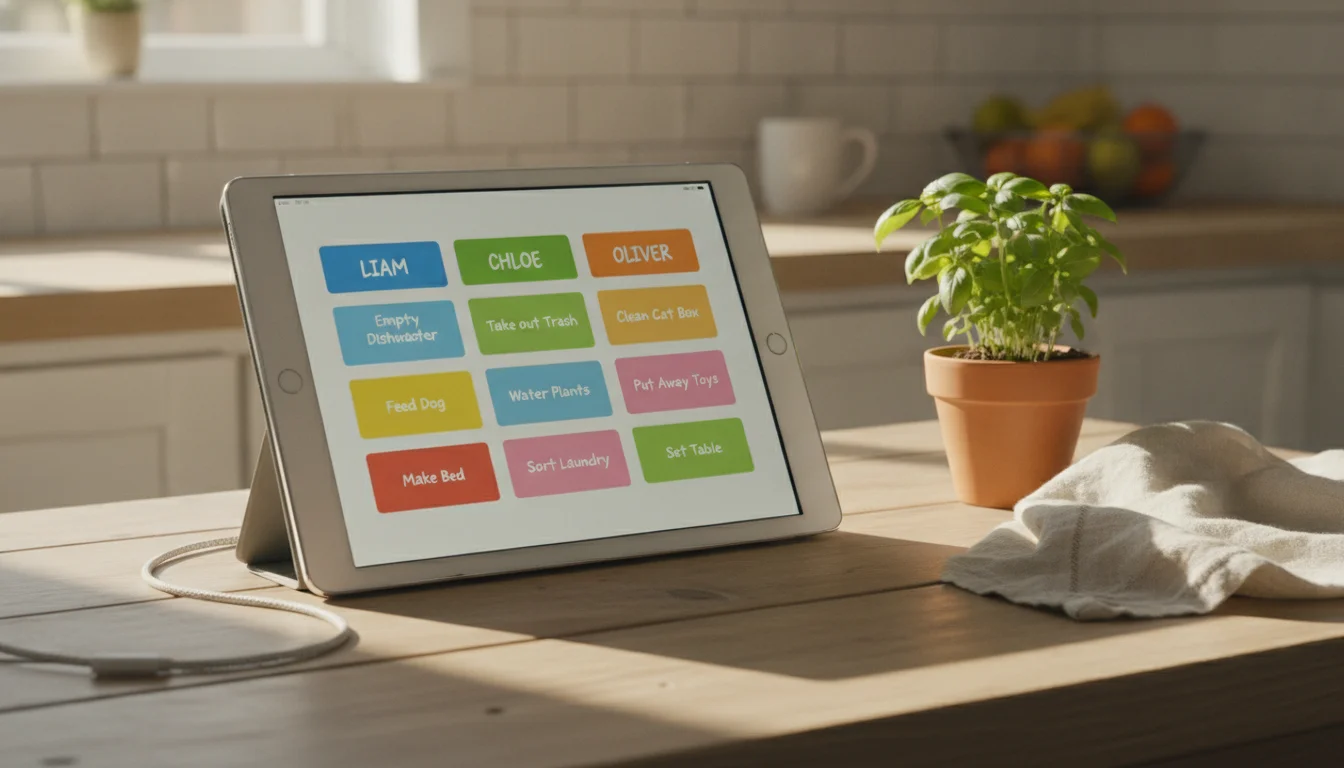
Trello’s free plan covers unlimited cards and up to ten collaborators per Workspace. One list per kid, one card per chore. Kids drag cards from “To Do” to “Done” with a finger. Overnight, drag everything back. Google Keep is even simpler: a note per kid, checklist items, pin it, full-screen in the browser. Keep runs on every iPad ever made through Safari – it’s what my after-school routine board uses.
Best for: parents who want zero-fuss. No account per kid, no reward system to configure, no dashboard to lay out. Kids tap boxes, boxes turn green. Skip if: you want reward tracking, points, or leaderboards built in.
Quick Reference
| App | Free tier covers chores | Works on iOS 12-16 | Works on Android 8+ | Best-for age | Reward system |
|---|---|---|---|---|---|
| DAKboard + TouchHub | Essential $6/mo required | Browser only | Browser only | 5-12 | Points + leaderboard |
| Cozi | Yes (shared lists) | Browser only (app needs iOS 17) | App installs | 5-14 | None built in |
| Trello | Yes (10/Workspace) | Browser only (app needs iOS 15) | App installs | 8-14 | None built in |
| Google Keep | Yes | Browser (app needs iOS 18) | App installs | 5-10 | None built in |
If the tablet is genuinely too old to run any of these in a browser, our list of apps that still work on old tablets has the fallbacks.
Age-Specific Boards That Get Checked
The chart my 3-year-old can use is not the chart my 8-year-old will look at without rolling his eyes.
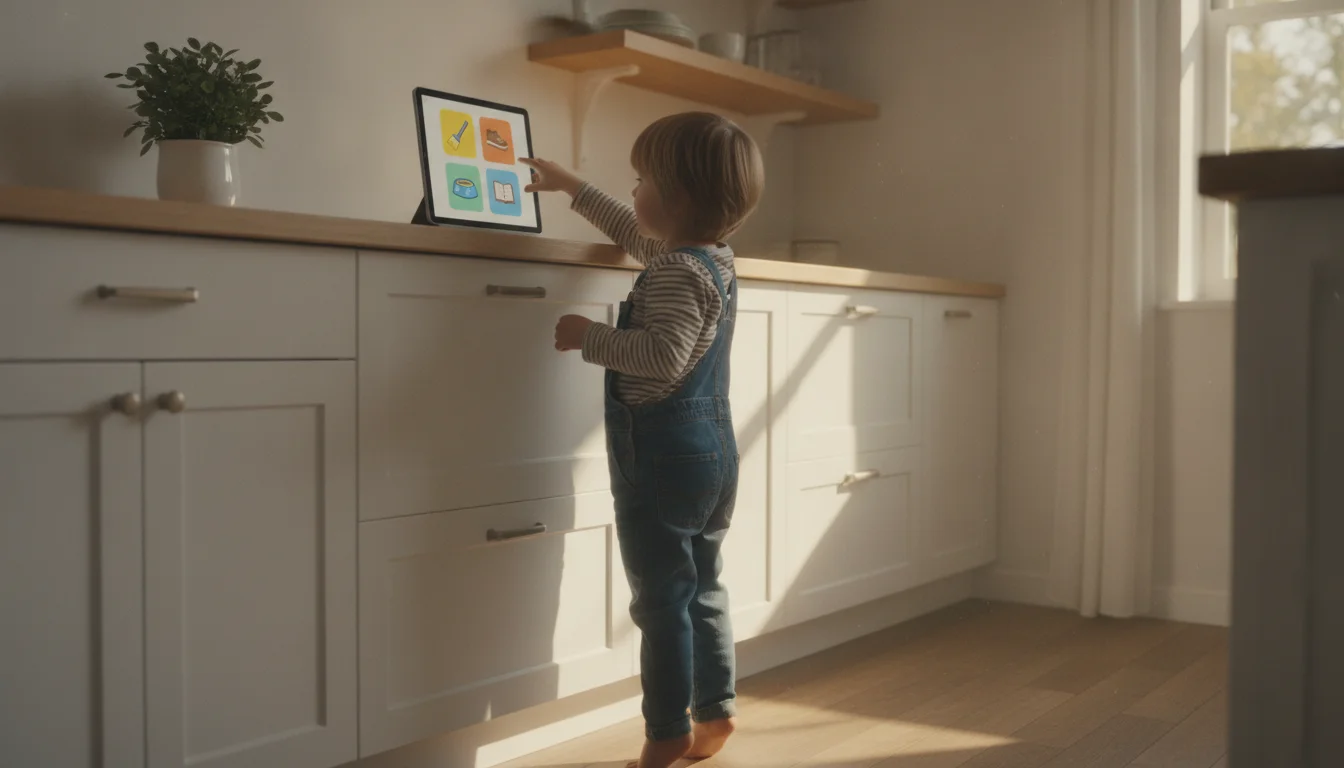
Ages 4-6: Picture chart. Every chore is an emoji. “Feed the dog” is a dog. Three to five items maximum. TouchHub and Trello support emoji in item names; Cozi is text-only in the free tier. Kids at this age aren’t following a list, they’re following a sequence.
Ages 7-10: The standard list. Text chores, one line each. Five to seven items. Add a start time to homework-adjacent chores (“clean room by 5:30”). Sweet spot for chore charts.
Ages 11+: Points or bust. Older kids want to know what they’re getting. TouchHub’s points system is the reason to pick it for the tween years – reward is screen time, allowance, or Friday-night takeaway choice. Trello and Cozi don’t do points natively.
Multiple ages on one tablet: Two Trello boards or two pinned Cozi lists, one per kid. TouchHub handles this natively with a space per family member and a leaderboard on top. That’s the reason to pick it if you have three or more kids.
Mount It, Kiosk It, Leave It Alone
The setup layer is what makes any of the above stick. Skip it and the tablet ends up in a drawer within a week.
Mount it at eye level. Kitchen counter height for younger kids, wall-mounted at adult eye level if the family passes through a hallway. A wall mount under $30 handles this. If it lives on a stand, tape the charging cable to the counter so the 4-year-old doesn’t pull it off.
Kiosk it. On Android, Fully Kiosk Browser ($10.99 one-time) locks the tablet to your chore-chart URL, keeps the screen on, and blocks the navigation bar. On iPad, Guided Access (Settings > Accessibility > Guided Access on iOS 13+, or Settings > General > Accessibility > Guided Access on iOS 12) does the same thing without an app. Our kid-proof-old-tablet guide covers both.
Always on. Disable auto-lock (iPad: Settings > Display & Brightness > Auto-Lock > Never; Android: Developer Options > Stay Awake). Keep it plugged in. Old tablet batteries are usually degraded; treat it as a wall device, not a portable one. Our tablet battery safety guide covers the always-plugged-in question.
Update from your phone. All three apps sync from your phone in real time. When a chore changes, edit it once from your phone, and the wall display refreshes on its own. This is the single feature that means the chart doesn’t become stale.
What to Do the Second Week
Around day nine, one of the kids will walk past the tablet and ask you what they’re supposed to do. This is the actual test. It happens with every chore chart, paper or digital, and the answer is the same one that fixes it:
“Check the chart.”
Not “empty the dishwasher.” Not “did you feed the dog.” Just “check the chart.” You are redirecting them to the system instead of being the system. Say it four days in a row and the habit locks in. Say it four days in a row while also telling them what to do and it doesn’t.
The other thing that kills the chart is inconsistency from the adults. If Wednesday’s chore changes every week, if the reward system shifts, if you skip the chart on days you’re tired, the kids figure out fast that it isn’t real. Pick a routine. Put it on the tablet. Leave it alone for a month before you change anything.
The chart that survives isn’t the prettiest one or the one with the most features. It’s the one on the wall, running, that the kids can see when they’re deciding what to do next. Your old iPad is the cheapest way to be that wall, and the delivery system doesn’t care whether TouchHub, Cozi, or Trello sits behind the glass.
For the fuller family-workflow picture on the same tablet, our weekly family check-in ties the chore chart to the meal plan and the calendar. And if you’re wondering what else that tablet can do, we have a full list of family tablet uses worth browsing.
Frequently Asked Questions
What’s the best free chore chart app for a family tablet?
Cozi is the strongest free pick if you also want a shared calendar in the same app. Trello and Google Keep are the lightest-touch free options if you want zero setup and no reward system. TouchHub on DAKboard is the strongest paid pick at $6/month, adding points, child lock, and a family leaderboard on top of a dashboard that also shows the calendar and weather.
My iPad is on iOS 12. Which of these still works?
All of them, through the browser. Cozi, Trello, and TouchHub all run in Safari on iOS 12. The apps have higher iOS requirements (Cozi needs iOS 17, Trello needs iOS 15), but the web versions don’t. Pin the browser tab, use Guided Access to lock the screen.
How do I stop my kids from swiping over to YouTube on the chore-chart tablet?
Guided Access on iPad or Fully Kiosk Browser on Android. Guided Access is free and built into iOS. Fully Kiosk is $10.99 one-time on Android. Both lock the tablet to one app or URL until you enter a passcode. Our kid-proof-old-tablet guide walks through both.
What’s the best age to start a chore chart?
Around four, with a picture chart of two or three items. The point at this age isn’t the chores – it’s the ritual of checking a list and owning the completion. Chores get real around six or seven. The chart-as-habit forms earlier.