Why Skylight Keeps Showing Up
The Skylight Frame shows up in the same places every December. The parenting Facebook groups where someone asks “what’s a good gift for Grandma who only knows how to use email?” The Amazon gift lists where someone annotated it as “our favorite thing we bought last Christmas.” The Instagram ad that follows you around for three weeks after you click one photo-frame article.
It shows up in my Search Console logs too, where “skylight frame alternative” has been trickling in for months onto a Dashpadd page that was mostly about the iPad path, not about Skylight at all. Both audiences deserve a proper answer.
A small caveat before the lineup: I have not held a  Skylight Frame. The family’s dedicated frame is an Aura – see the Aura Frame review for that one. Everything in the review section below is drawn from reviewers who have lived with the various Skylight models, cross-checked against Skylight’s current product pages. The spare-iPad comparison at the end is the part Dashpadd has been running for two years.
The 2026 Skylight Lineup, Honestly
Skylight’s current US lineup is three models, but the two 10-inch options are more different than they look on a shelf.
- Skylight Frame (original 10″): ~$159.99, frequently on sale to $139.99. Amazon has been running it at $134.50. 8GB local storage (holds around 8,000 photos). 1280×800 display. This is the frame most 2023 and 2024 gift guides were reviewing.
- Skylight Frame 2 (10″): $169.99-$199.99 depending on color and style. 16GB storage, 1920×1200 Full HD display (noticeably sharper than the original), 2GHz quad-core processor (60% faster). Auto-brightness. Swappable magnetic borders in four styles and eight colors. This is the model Skylight now leads with on its site.
- Skylight Frame 15″: $299.99. 1920×1080 display, wall-mountable. Available at Amazon and direct from Skylight.
The two 10-inch models have more in common than they have different on the outside. The key differences are in the screen, the speed, and – critically – what you get without paying extra.
What the Reviews Actually Say
Every reviewer who has set up a Skylight Frame starts with the same note. “If you can send an email, you can use this frame.” During setup, the frame generates a unique email address. You send a photo to that address. About 60 seconds later, it appears on the frame. Plug in, connect to Wi-Fi, done.
That is the Skylight’s real competitive advantage, and it is not marketing copy – it is what happens. The family member who forwards every email gets it. The grandparent who has uploaded photos to exactly one service in their life gets it.  WeTried.it calls the setup experience one of the easier ones in the category, and every other review lands in the same place.
The things reviewers flag on the original Frame are more specific than “it’s just okay.”
The original Frame’s screen underperforms in bright rooms. Maximum brightness is around 255 nits – fine on a north-facing hallway wall, not great on a south-facing kitchen counter. The Explosion Network reviewer noted the picture was “disappointingly low-quality and drained of colour” in anything approaching daylight, partly the brightness cap and partly the reflective glass screen. The Frame 2’s auto-brightness and Full HD panel address most of this.
Almost every premium feature on the original Frame is behind Skylight Plus ($39/year). Video playback, photo captions, the full mobile app (not just the email flow), cloud photo backup – all paywalled on the original. The Explosion Network review put it bluntly: “nearly every great feature I could make about the photo frame is hidden behind an ‘if you subscribe to Skylight Plus’ comment.”
Frame 2 mostly fixes the subscription problem. Videos and captions are free on Frame 2 – no Plus needed. The app works free-tier. Plus on Frame 2 is largely about cloud backup rather than gating core features. Skylight clearly heard the criticism.
Neither model has native Google Photos or iCloud sync. You email photos or use the app. There is no “point it at your existing photo library and it refreshes automatically” flow the way Nixplay has (on its paid tiers) or Dropbox integration offers. If your family’s photos live in Google Photos, the workflow is: find the photo you want, send it to the frame’s email. That is not nothing, but it is a manual step.
The one thing every roundup gets wrong: the Frame 2’s 1920×1200 display is sharper than the Aura Carver’s 1280×800. If you are deciding between a Skylight Frame 2 and an Aura Carver on resolution alone, the Skylight wins. No competitor article makes this clear.
The Subscription Question
The subscription math is where this article earns its keep, because the story is different depending on which model you are buying.
For the original Frame, the three-year picture:
- Skylight Frame + 3 years of Plus: ~$160 + $117 = about $277
- Skylight Frame 2 (videos free, no Plus needed for most features): $170-$200 flat
- Aura Carver 10″: $134 flat, unlimited cloud storage, no subscription, ever
- Spare iPad + $20 stand: $20 if the tablet already exists
For existing original Frame owners wondering whether Plus is worth the $39/year renewal: what Plus actually buys you is the mobile app (easier photo management from your phone), video clips, captions, and cloud backup so your library survives if the frame dies. If the frame is on the counter and the family uses it, $39/year is the least-friction path. If the email flow is all you need and you do not care about videos, the free tier is genuinely functional.
Where to Buy It
If Skylight is the right frame, the Frame 2 is the version worth buying – the screen is better, the subscription story is cleaner, and it will age better. It is available at Amazon, Target, Best Buy, and direct from myskylight.com.
The original Frame is still sold widely and still shows up in “best digital photo frame” roundups, but the Plus subscription math changes the total cost enough that Frame 2 is the smarter long-term purchase for most buyers.
The Cheaper Skylight Frame Alternative (If Price Is Why You’re Here)
About half the readers landing here are still in the research phase. The rest searched “skylight frame alternative” because $160-$200 plus the possibility of a subscription felt like a lot for a photo frame, and they wanted to know what else was out there. If that is you, the most common substitute is something the recipient probably already owns.
Take an old iPad or Android tablet sitting in a drawer. Plug it into the wall. Point a photo-frame app at a shared album. Done. The whole thing runs on hardware you already paid for and photo services you are already using.
Two setup paths:
- The iPad path covers the full setup on an old iPad – app picks, auto-lock settings, shared album configuration.
- The Android tablet path does the same on Android, with Google Photos as the natural photo source.
What you get compared to a Skylight:
- A sharper screen. A 9.7-inch iPad runs 264 pixels per inch. The original Skylight Frame runs about 150 ppi. Even against the Frame 2 at 1920×1200, an older iPad with a Retina display is competitive. For faces and text, the iPad holds its own.
- Photo sources you already use. The iPad reads from
 iCloud Shared Albums,
  Google Photos, Dropbox, a Synology, or any folder you point it at. New photos from anyone in the family show up automatically – no email required.
 - No subscription. No storage cap. No annual renewal.
- It also does other things. The iPad on my kitchen island is a photo frame at 9 a.m., a recipe screen at 4 p.m., and an audiobook player at 7 p.m. The Skylight is a photo frame all day.
- The cost. If the tablet already exists: $20 for a stand from our mount roundup. Nothing else.
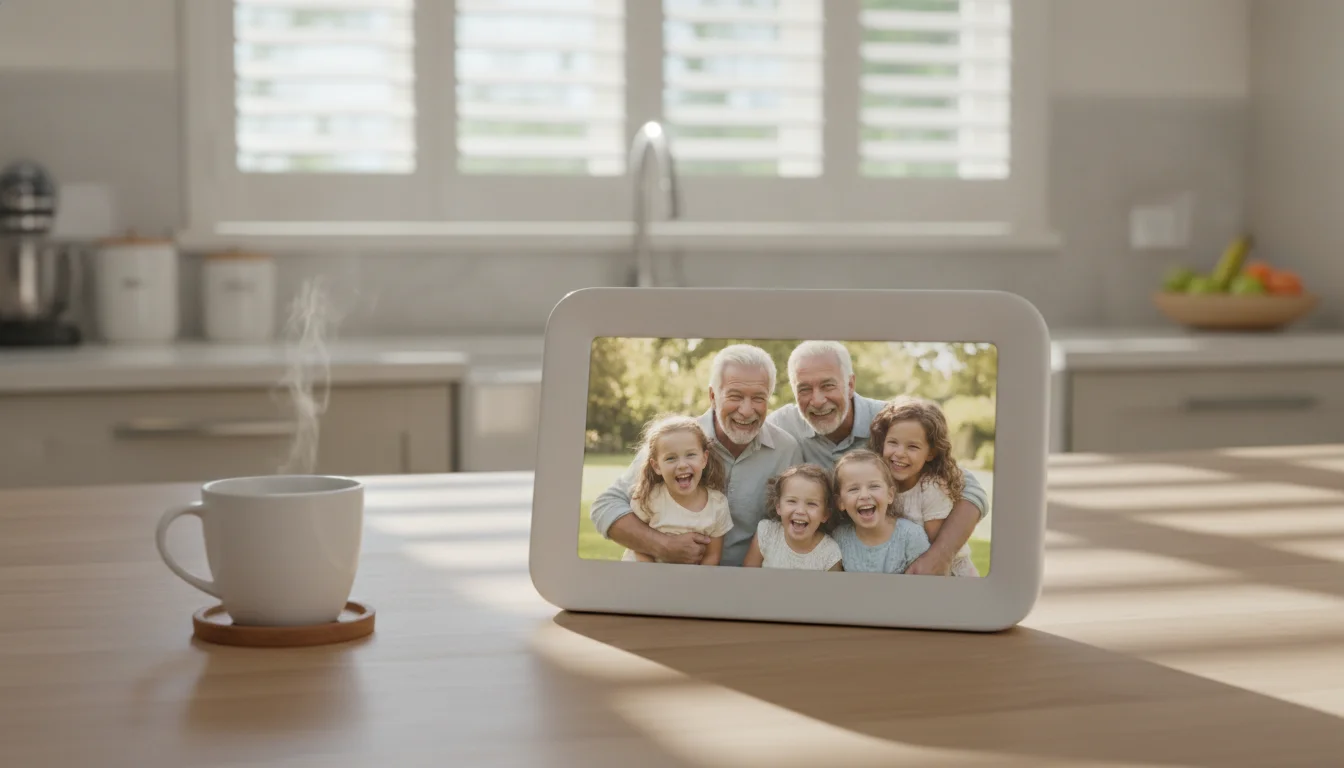
The honest gap: a propped-up iPad does not read as furniture the way a Skylight Frame 2 does – especially with the swappable Snap Frames in wood or sage. The Skylight’s email setup is the only photo-sharing flow a non-technical grandparent will use without help. The Skylight is ready in five minutes; the iPad version is twenty. None of these gaps are nothing.
The full comparison lives in our iPad vs dedicated frame breakdown. For the no-subscription premium option, the Aura Frame review covers the Carver and Walden the same way. For the subscription-heavy alternative we just covered last week, the Nixplay Frame review has the storage-cliff story.
Who Should Pick Which
Four cases, because “just use a tablet” is not always the answer.
Buy the Skylight Frame 2 if ease of setup is the whole point. The person you are buying for cannot be walked through an app, will not tolerate a QR code, and the person sending photos only knows how to email. No other frame comes close to Skylight’s onboarding experience. The Frame 2 is the version to buy – better screen, cleaner subscription story, and videos included. If that gifting moment is what you are trying to create, spend the extra $10-$40 over the original and get Frame 2.
Buy the original Frame only if you find it significantly discounted. Black Friday can knock it under $100. At that price with the free email flow, it is a reasonable gift even with the Plus subscription question pending. At $139.99 or $159.99, Frame 2 is the better value unless someone is buying two frames at once.
Buy the Aura instead if you want the same “plug it in, done” gift with no subscription math. The Aura Carver at $134 undercuts the original Skylight on price and includes unlimited cloud storage with no annual renewal, ever. The Aura’s email-invite flow (invite someone via email to upload photos) is comparable in simplicity to Skylight’s, and the Aura’s no-subscription story is cleaner. Our Aura Frame review covers the full lineup.
Use the spare-iPad path if there is already a tablet in the house and someone can spend 20 minutes on setup. This is the most common case in 2026. The number of grandparents without an old iPad or tablet somewhere in the house is dropping every year. If the tablet is there, the better gift is your Saturday afternoon, a $20 stand, an app from our photo frame app roundup, and a shared album the family is already adding to. The iPad becomes the present. The pixel density is competitive and the annual cost is $0.
Pull the iPad Out of the Drawer First
If you are on the fence and there is an old iPad or Android tablet somewhere in the house, the cheapest test is the one you can run this Saturday. Tablet, $20 stand, one app from our old-tablet roundup, and a shared album the rest of the family is already in.
If the picture is not as good as you hoped, the Skylight Frame 2 will still be available in December and Black Friday will probably knock it down. If it is good enough, you have saved at least $150 and skipped the subscription renewal email entirely.