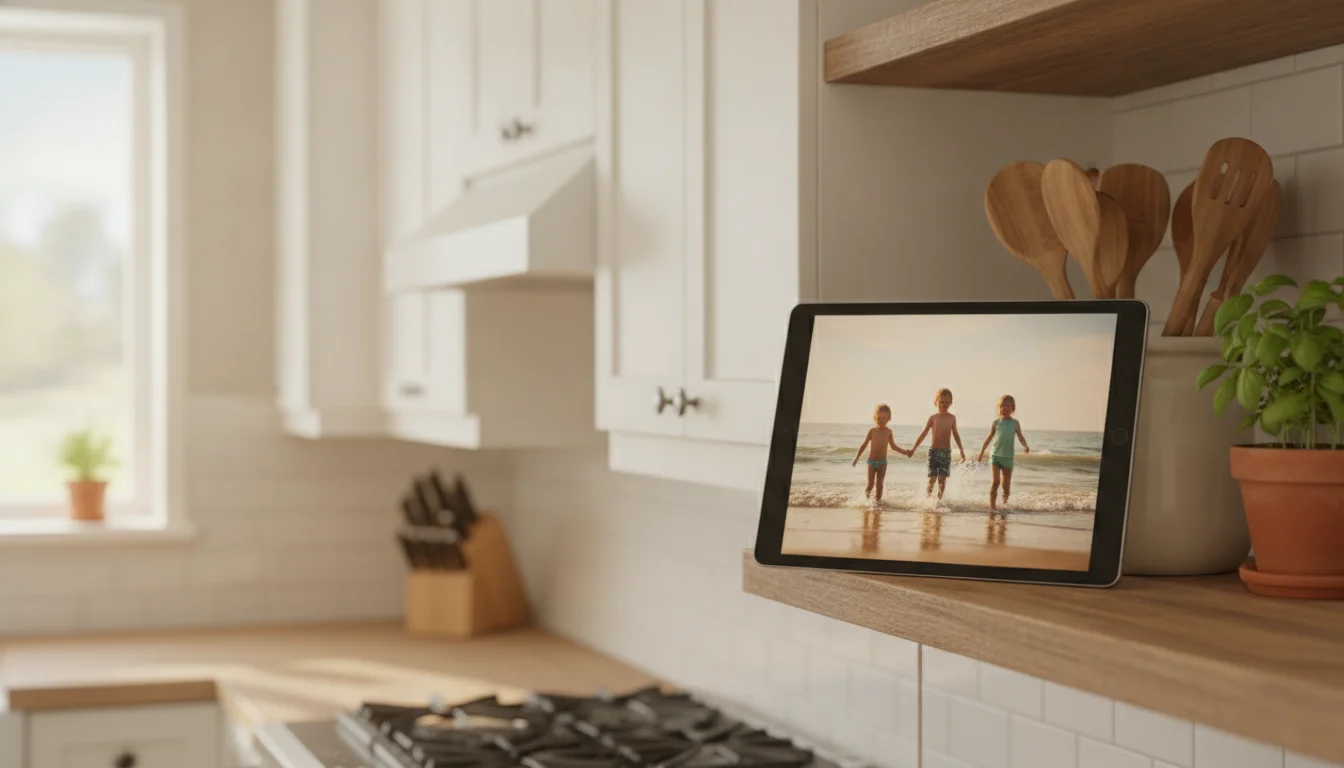
My mother-in-law’s iPad 2 came back from her house in a shoebox, wrapped in a 30-pin cable that had clearly been bent the same way for a decade. She wanted to know if it was “good for the kids or anything.” It powered on with 4% battery, and the App Store said no to almost everything I searched for. It’s now on our kitchen shelf running a slideshow of the kids, and it’s been there for weeks.
So here is the short version for anyone holding one: there are very few iPad 2 apps that still work, the list is decided entirely by iOS 9.3.5, and the hardware matters more than the App Store does. Get the cable and the charger right and a 2011 iPad still has a few good jobs in it.
What can you still do with an iPad 2?
Four jobs, and the iPad 2 does each one well:
- Photo frame. A 9.7-inch screen on a shelf, running a shared album. Setup.
- Kitchen timers and a bedside clock. Several named timers at once, or a sunrise alarm. Setup.
- Music player for one room. Your own library into a Bluetooth speaker or an old stereo. Setup.
- Movie player, including on the TV. VLC for the car, and an HDMI adapter for the living room. Setup.
It can’t be a second monitor or a music remote. Why, below.
The apps that still install
The iPad 2 stops at iOS 9.3.5 (the Verizon cellular model got 9.3.6, which only fixed a GPS date bug). It also has a 32-bit chip, and almost every developer dropped 32-bit iPads years ago. That’s why the App Store list is so short. As of late October 2026, these are the ones that still install:
| App | What it’s for | Price |
|---|---|---|
 LiveFrame |
Photo frame slideshow | Free, $4.99 to remove ads |
 VLC |
Plays almost any video or music file | Free |
| Thyme |
Several kitchen timers at once | Free |
| Light Alarm |
Sunrise-style alarm clock | $6.99 |
Most of the useful work happens in the apps that came on it: Photos, Music, Videos, iBooks, Clock, Notes and Safari. The full list of iOS 9.3.5 compatible apps has the details on each, the two apps that claim iOS 9 but won’t install, and the five-minute certificate fix that gets Safari opening normal websites again. Do that fix before anything else on this page. If you have other old tablets in the drawer too, our guide to which apps still work on old tablets sorts every model by its last iOS version.
What you actually have
Apple released the iPad 2 in March 2011. Here’s what matters about it now, from  Apple’s spec page:
- Screen: 9.7 inches, 1024 x 768. It isn’t Retina (that arrived with the iPad 3 a year later), so small text looks soft up close. From across a kitchen, nobody can tell.
- Chip and memory: a dual-core A5 with 512 MB of memory. Fine for a slideshow, not for a heavy modern website.
- Ports: the wide 30-pin dock connector, and a headphone jack. The headphone jack is more useful than it sounds.
- Video out: up to 1080p mirroring through Apple’s Digital AV Adapter.
- Battery: 25 watt-hours, rated for 10 hours when it was new.
If you’re not sure it’s an iPad 2 and not an iPad 3, look at the tiny print on the back. A1395, A1396 or A1397 is an iPad 2. How Old Is My iPad? covers the rest.
Charging: fix the 30-pin problem first
Most iPad 2s that “won’t charge” are fine. The cable and the charger are the problem.
The iPad 2 came with a 10W charger, and it wants about 2 amps. A small iPhone cube gives it 1 amp, which is often not enough to charge it while it’s on, and you get “Not Charging” in the corner. Old 30-pin cables are the other half. Lots of the cheap ones sold today are rated for 1 amp too, and a fifteen-year-old original with a frayed end is worse.
My husband was the one who pointed me at the rating on the listing instead of the price. The  MIRAREED 30-pin cable (about $5) lists 2.1 amps, and the Amazon Basics 12W charger gives 2.4 amps, which is a little more than the iPad 2’s own charger did. Together they fix the most common reason an iPad 2 ends up in a drawer.
One thing to skip: Lightning-to-30-pin adapters. They go the other way, letting a newer iPhone plug into an old 30-pin speaker dock. They won’t help you charge an iPad 2 from a Lightning cable. If it still won’t charge with a good cable and charger, Old iPad Won’t Charge goes through the next steps.
The battery after fifteen years
Apple lists the iPad 2 as obsolete, so an Apple Store won’t replace it, and an independent repair shop is the only route if you want a new one. For most of these jobs, you don’t need one.
Every job here keeps the iPad in one place, plugged in, so the battery barely matters. We’ve written up why leaving an old tablet plugged in is fine, and the short version is that a battery that’s already old does better on a steady charge than on daily drain-and-refill.
The exception is a battery that’s swelling. If the screen is lifting at the edges, the back has a bulge, or the iPad gets hot while charging, stop using it. Here’s where to recycle an old tablet.
Job 1: Photo frame
This is the job I’d give an iPad 2 first. The 9.7-inch screen is bigger than most cheap digital frames.
The easiest version needs nothing installed. Make a shared album in Photos on your phone, invite the iPad’s Apple ID, and turn on iCloud Photo Sharing on the iPad (Settings > iCloud > Photos). Anything anyone adds shows up on the iPad. Open the album on the iPad and start a slideshow. If you’d rather it look like a real frame, with transitions and a sleep schedule overnight, install LiveFrame. It’s the only current photo frame app that still installs on iOS 9, which is why it’s top of our list of photo frame apps for old iPads.
Set Auto-Lock to Never (Settings > General > Auto-Lock), put it on a stand, and plug it in. The full version, with stands and wall options, is in Turn Your Old iPad Into a Digital Photo Frame.
Job 2: Kitchen timers and a bedside clock
A full recipe screen is harder. Paprika needs iOS 12, and heavy food blogs can crash Safari with only 512 MB of memory. Simple recipe pages load fine once the Safari certificate fix is done, and copying a recipe into Notes works every time.
Timers are where it earns its spot on the counter. The built-in Clock only runs one timer. Thyme runs several named ones side by side, in numbers big enough to read from the stove. It’s an iPhone app, so set the App Store search filter to “iPhone Only” to find it, and tap the 2x button to fill the screen. More kitchen ideas are in our kitchen assistant guide.
On a nightstand, Clock’s alarm works exactly as it did in 2016. Light Alarm ($6.99) adds a slow sunrise on the screen before the alarm goes off. Turn the brightness all the way down, because a 9.7-inch screen is a lot of light in a dark bedroom.
Job 3: Music for one room
The best music app for an iPad 2 is mostly the Music app that came with it. Streaming apps are out: Spotify needs iOS 16.1, and the other streaming apps left iOS 9 long ago. Your own library works fine. Sync it from a computer, or copy files into VLC, which plays FLAC and other formats the Music app won’t.
Getting the sound out is easy. The iPad 2 has Bluetooth 2.1, which pairs with a brand-new speaker without any trouble. You won’t get the range of a new phone, which doesn’t matter in one room. The headphone jack means a $5 aux cable into an old stereo works too. Our old iPad music setup guide has the stand and cable picks for an iPad 2 on a counter or a workbench.
Job 4: Movies in the car or on the TV
Load films into VLC from a computer before a road trip and the iPad 2 is a perfectly good back-seat movie player. Guided Access (Settings > General > Accessibility) locks it to VLC, which keeps a four-year-old out of Settings.
The surprise is the TV. With Apple’s 30-pin Digital AV Adapter, an iPad 2 mirrors its screen to HDMI at up to 1080p, according to Apple’s own specs. Apple stopped selling that adapter years ago, so you’d be looking for a used one, worth it only for home videos you want on the big screen.
Can an iPad 2 be a second monitor?
No. Sidecar and  Duet Display both need iPadOS 13.
 spacedesk‘s listing says iOS 9.3, which looks like it should fit, but the app only installs on 64-bit iPads, and the iPad 2 is 32-bit.
If you want a second screen, our second monitor guide covers which iPads can do it and what to buy if yours can’t.
Music remotes hit a wall too. Apple’s own iTunes Remote app needs iPadOS 11.4, so the iPad 2 can’t control music playing on a computer or an Apple TV.
What not to try
None of these install: YouTube, Netflix, Kindle, WhatsApp, Instagram, Facebook, Gmail, banking apps or any modern game. Older copies from your Purchased list usually open and then can’t connect. The iOS 9.3.5 list has the specifics.
The one-page iPad 2 setup
Here’s the order I did it in:
- Plug it in with a 2-amp-rated 30-pin cable and a 10W or 12W charger. Leave it an hour before deciding it’s dead.
- Update to iOS 9.3.5 if it isn’t there: Settings > General > Software Update.
- Do the Safari certificate fix from the 9.3.5 list.
- Sign in with the Apple ID it’ll use, and delete what you won’t need to free up space.
- Install the one app for its job: LiveFrame, Thyme, Light Alarm or VLC.
- Set Auto-Lock to Never if it’ll live plugged in.
- Put it where it’s going to live, on a stand, and leave it there.
Got a newer one in the same drawer? The iPad mini 2 version of this guide gets a much longer app list on iOS 12.
Ours has been on the shelf since the shoebox came back. My mother-in-law saw it at Sunday dinner, watched three photos of the kids go by, and asked if she could have it back.