There are two Apple Watches in our kitchen drawer: my husband’s Series 3 and my Series 5. The old iPads that used to share that drawer all have jobs now. The watches don’t. Both still turn on. Both still tell the time. And every few months one of us picks one up, says “we should do something with this,” and puts it back.
If you’re trying to work out what to do with an old Apple Watch, the first answer is boring but it decides everything else: which one is it? A Series 3 and a Series 5 look almost the same on a wrist and are very different machines in 2026. One of them can be a child’s first watch. The other can’t. One still gets sleep stages. The other counts hours asleep and stops there. So start with the model, then pick a job.
First, which one is in your drawer
The easiest way is from the iPhone it was paired with: open the Watch app, go to General > About, and the model is listed there (tap Model Number to see the A-number). If it’s already unpaired, flip it over. The case back is engraved with the size and material, which narrows it down.
Here’s what each one can still do, from  Apple’s compatibility table and its security release notes:
| Model | Last watchOS | Can be a kid’s watch | Sleep stages | Apple Trade In |
|---|---|---|---|---|
| Series 3 | watchOS 8.8.2 | No | No (total sleep only) | $0, recycle |
| Series 4 GPS | watchOS 10.6.2 | No | Yes | $0, recycle |
| Series 4 GPS + Cellular | watchOS 10.6.2 | Yes | Yes | $0, recycle |
| Series 5 GPS | watchOS 10.6.2 | No | Yes | $0, recycle |
| Series 5 GPS + Cellular | watchOS 10.6.2 | Yes | Yes | $0, recycle |
The first-generation Apple Watch SE stops at watchOS 10.6.2 too, so most of what follows for the Series 4 and 5 applies to it. One difference: Apple Trade In still gives credit for an SE (up to $30), so check before you recycle one. None of these run a current watchOS. watchOS 27 needs a Series 9 or later.
Does it still work with your iPhone?
Apple lists a minimum iPhone for each watch (an iPhone 6s or later for the Series 3 and 5; for the Series 4, an iPhone 5s or later for GPS and an iPhone 6 or later for cellular) and no maximum. Nothing on Apple’s support pages says a Series 3, 4 or 5 stops pairing with a newer iPhone.
First, install the last update if the watch doesn’t have it. Early in 2026 Apple released watchOS 8.8.2 for the Series 3 and 10.6.2 for the Series 4 and 5. They’re small, but they renew a certificate the watch needs for activation, iMessage and FaceTime after January 2027, so a watch left on 8.8.1 or 10.6.1 will start failing at those. It’s the last update so far.
As for a new iPhone: owners on Apple’s forums report pairing a Series 3 on 8.8.2 with an iPhone on iOS 26 this year, though setting it up as new sometimes stalled and built-in apps could hang while installing. I haven’t found the same clear reports for a Series 4 or 5, and I haven’t seen reports on iOS 27 yet. If setup insists on an update the watch can’t install, that’s the end of the road for daily use. If it pairs, everything below works.
One more thing worth knowing before you pick a job: one iPhone can have more than one watch paired to it. In the Watch app, tap All Watches at the top of the My Watch tab, add the old one, and turn on Auto Switch. Whichever watch you put on becomes the active one. That’s what makes the first job work.
Seven jobs an old Apple Watch can still do
The pattern with all of these: the battery limits it more than the software does. A five-year-old watch battery often won’t get through a full day anymore. Jobs that keep the watch on a charger, or only ask for a few hours on the wrist, suit it best.
1. The night watch
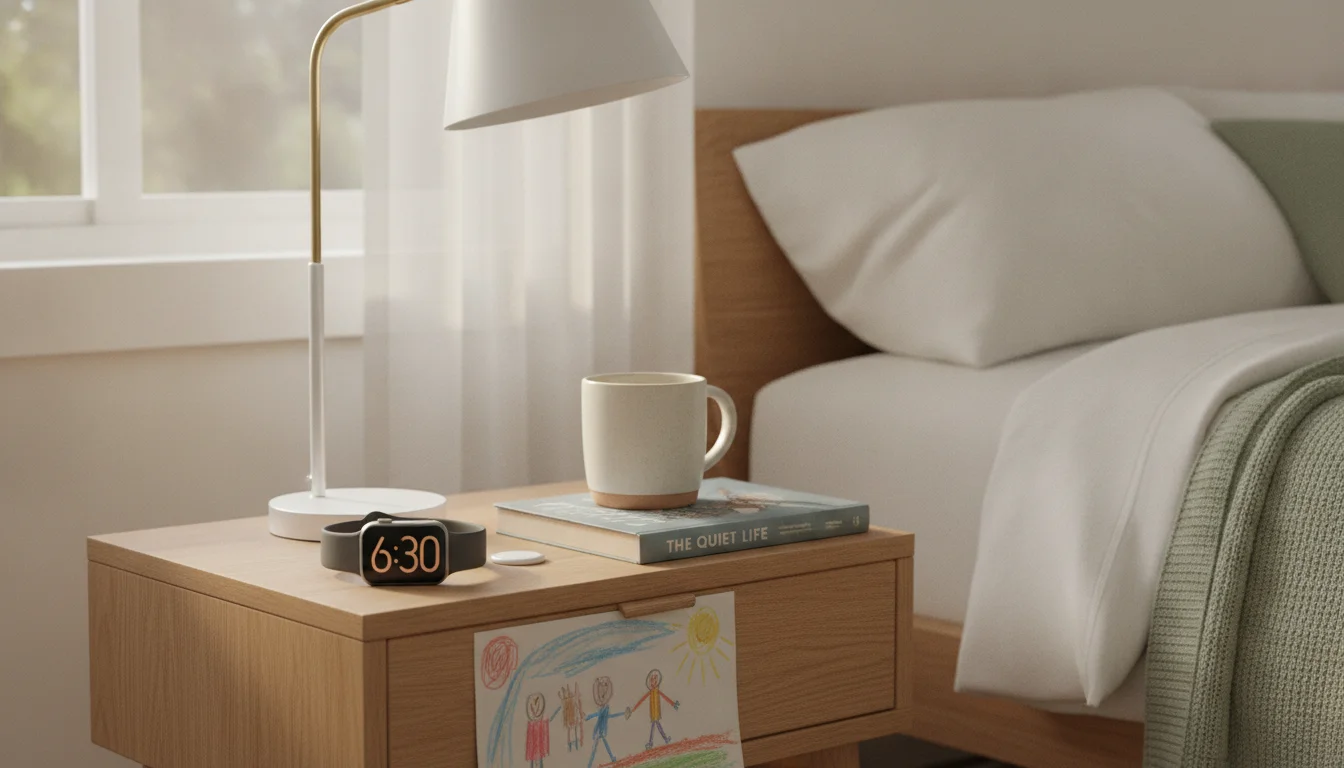
Your new watch charges overnight. The old one goes on for bed. With both paired to the same iPhone, you get sleep tracking and a silent alarm that taps your wrist instead of waking the whole house (in a house with a three-year-old, this matters). In the morning, swap back.
Works on: all three. Series 4 and 5 get sleep stages (REM, core and deep) because they run watchOS 9 or later. A Series 3 records total time asleep and does the alarm, which is most of what I wanted from it anyway.
2. A kid’s first watch
Apple’s Family Setup (it now calls it Apple Watch For Your Kids) lets you set up a watch for a child who doesn’t have an iPhone, managed from yours. They can call and message approved contacts, you can see where they are, and Schooltime blocks the fun stuff during class.
Works on: a Series 4 or Series 5 with cellular only. Not a GPS model, and not a Series 3 of any kind. This is the trap. Plenty of parents find out halfway through setup that the watch in their drawer is the GPS version. Check the model before you promise anyone anything. You don’t need a cellular plan to set it up, but without one the watch only calls and messages over Wi-Fi or near your phone, which defeats the point for a kid at the park.
Two other limits: a Family Setup watch loses Sleep, Blood Oxygen, ECG and a few other apps, so it can’t double as anyone’s sleep tracker. And if you’re weighing this against handing over an old tablet, we’ve covered what an old tablet can do for kids and family life separately.
3. The watch you don’t mind wrecking
Pool, beach, yard work, climbing, a week of camping. All three models are water resistant to 50 meters (164 feet), which covers swimming but not diving. A cracked screen on a watch you’d already written off costs you nothing. I’d rather the old one meets the sand.
Works on: all three.
4. A bedside clock
Put the watch on its charger on its side and it switches to Nightstand mode: a big, dim clock, and the side button snoozes the alarm. It’s a small screen, but it’s exactly the right brightness at 3 a.m. If you’d rather have something bigger by the bed, an old iPad works as a smart alarm clock too.
Works on: all three. Turn it on in Settings > General > Nightstand Mode if it doesn’t kick in.
5. An iPhone camera remote
The Camera Remote app on the watch shows what your iPhone camera sees and fires the shutter, with a timer. Prop the phone on the bookshelf, step back into the family photo, tap your wrist. This is the job the old watch does better than you’d expect, because it never needs to last more than ten minutes.
Works on: all three, paired to the iPhone you’re shooting with.
6. The gym-bag watch
Leave it in the gym bag or by the treadmill and wear it only for workouts. Heart rate, the Workout app and Activity rings all still work, and an hour a day is easy on a tired battery. It also means the new watch doesn’t get sweaty and scratched.
Works on: all three. A Series 3 is fine for this; it was the workout watch for years.
7. The spare
Apple Watches go in for repair, and screens crack. Keep the old one charged every couple of months and paired as a second watch on your iPhone, and you have something to wear the week the new one is away.
Works on: all three, as long as it still pairs.
What it can’t do anymore
The short list, so nobody spends a Saturday on it:
- New watchOS features. watchOS 27 needs a Series 9 or later. Some newer apps in the watch App Store have moved past watchOS 8 and 10 too, so a Series 3 in particular has a shrinking app list.
- Kids on a GPS model. No workaround. Cellular Series 4 or later only.
- Sleep stages on a Series 3. Total sleep only.
- All-day battery. Expect less than you used to get. If you’d need a full day from it, a battery service may cost more than the watch is worth.
If it’s not worth keeping
Before it goes anywhere, unpair it from your iPhone: in the Watch app, tap All Watches, the info button next to the old watch, then Unpair Apple Watch. That backs it up, erases it and removes Activation Lock, so the next person can actually use it. Without that step it’s a brick to anyone else.
Then the part that surprised me. Apple Trade In no longer takes a Series 5, and the older Series 3 and 4 aren’t on the list either. Apple will still recycle any of them for free, at an Apple Store or by mail, but you won’t get credit. We’ve written up how to recycle old Apple devices if you’re clearing out the iPads at the same time.
Selling it privately gets you something, but not much: tens of dollars, not hundreds, with a Series 5 in good shape at the top of that range. The math is the same as selling an old tablet: for most families, the job it does in the house is worth more than the check.
FAQ
Can an old Apple Watch pair with a new iPhone? Apple lists a minimum iPhone for each model and no maximum, so there’s no published cutoff. Owners report a Series 3 pairing with an iPhone on iOS 26, sometimes with hiccups. A Series 3 can’t go past watchOS 8.8.2 and a Series 4 or 5 can’t go past 10.6.2, so install 8.8.2 or 10.6.2 first, while it’s still paired with the old phone.
Can a Series 3 be a kid’s watch? No. Apple Watch For Your Kids needs a Series 4 or later with cellular, or a cellular SE.
Is a Series 5 worth anything? Not at Apple: Trade In no longer accepts it, though Apple will recycle it for free. A private sale gets a modest amount. It’s often worth more as a night watch or camera remote.
My Series 5 is the night watch now: on for bed, a 6:15 wrist tap so the alarm doesn’t wake the three-year-old, back on the charger by breakfast. Mark’s Series 3 goes in the gym bag this week, which is more than it has done in years. If there’s an old iPad in the same drawer, here’s what ours do now.