That Old iPad Still Has a Job to Do
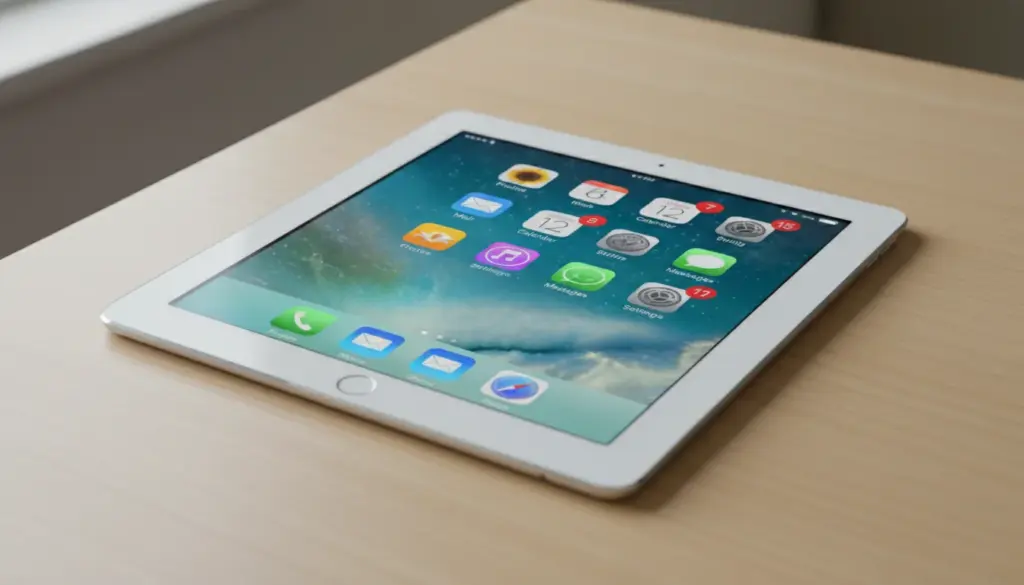
There’s probably an old iPad in your house right now. The one that got replaced when someone upgraded. The one the kids dropped enough times that the corner is dented but the screen still works. The iPad 4 that’s been in a drawer so long you’re not sure where the charger is.
You’re not going to sell it. Nobody’s buying a tablet stuck on iOS 12. And it’s not coming back as your daily device – your phone does everything it did, and better.
But here’s what surprised me: that old iPad is actually one of the best dedicated screens you can put in your house. Not because it’s fast. Because it’s available. It doesn’t ping with notifications. Nobody needs it for anything else. You set it up once, plug it in, and it just does its thing.
Not sure which iPad you have or what it can still run? Start there. If it’s stuck on a really old iOS version, some of these ideas narrow – but even outdated iPads have options. And if it’s just slow, you might be able to speed it up enough to make this work.
For the Family
These are the ideas that stick. The ones where you set it up on a Saturday morning and three months later it’s still running.
Kitchen Display
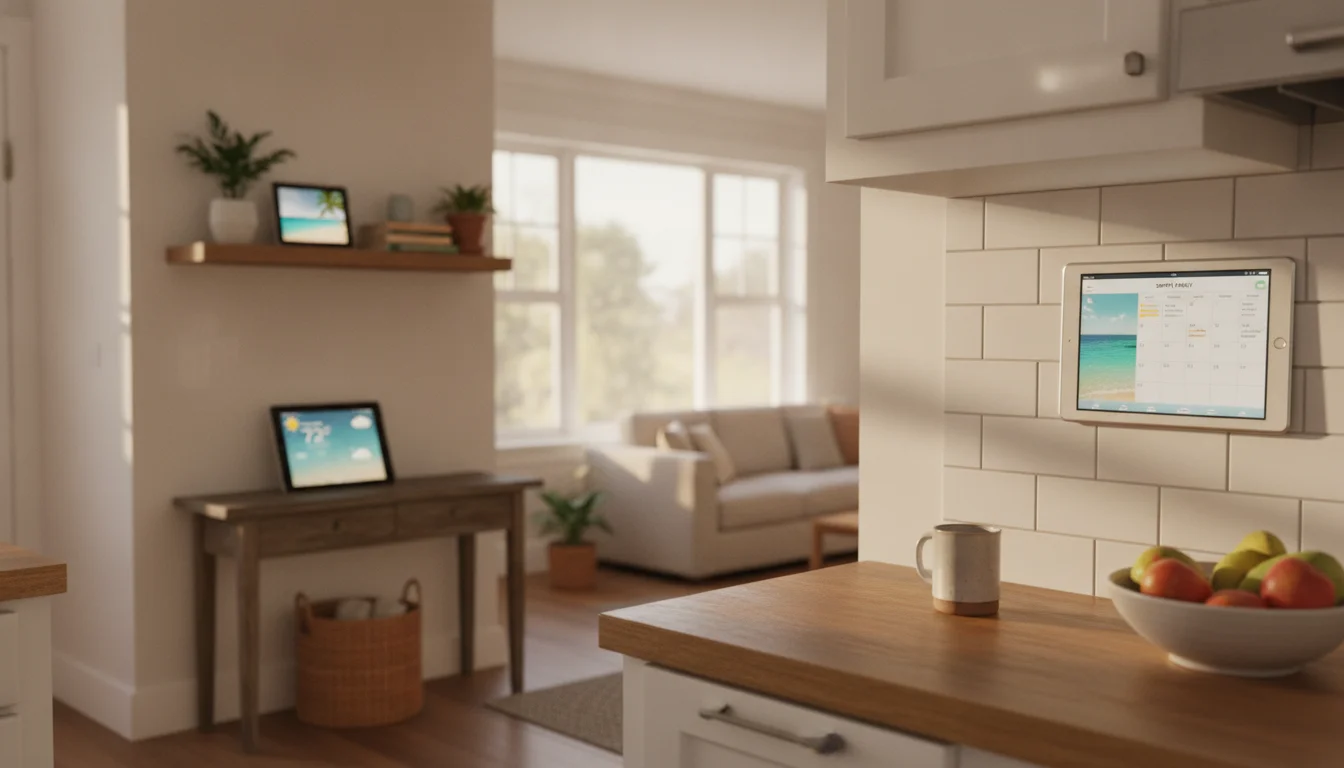
Mount it on the wall or lean it against the backsplash. Show recipes, timers, and the family calendar. The stuff you check twenty times a day.
iPads are good at this because Guided Access locks the screen to one app without any third-party software. Turn it on, choose your app, and the kids can’t accidentally close it. No Fully Kiosk Browser equivalent needed – Apple built one in.
We have a full kitchen display setup guide and an iPad-specific kitchen assistant article with app picks.
Digital Photo Frame
This is the one that gets grandparents involved. Set up a shared iCloud album, put the iPad on the shelf at grandma’s house, and every new photo of the kids shows up automatically.
 Apple Photos has a built-in slideshow feature that works on every iPad ever made. For something more polished,
  Digital Photo Frame Slideshow works on iOS 12+ and pulls from iCloud, Google Photos, and Dropbox. If you have a really old iPad (iOS 9 territory), LiveFrame still installs and supports scheduling and weather overlays.
We have a full photo frame walkthrough and a comparison with dedicated photo frames if you’re on the fence.
Family Calendar
A tablet in the hallway showing everyone’s schedule. Color-coded by family member. Visible from across the room so nobody asks “what time is soccer?” anymore.
Apple Calendar in full-screen looks decent on an iPad, but the real trick is pairing it with  Guided Access so it stays put. If you share calendars through iCloud, the display updates automatically when someone adds an event from their phone.
The full setup is in our family calendar display guide, and our calendar app roundup covers third-party options.
Bedside Alarm Clock
Prop it on the nightstand. Clock face, tomorrow’s weather, maybe a sunrise alarm. The iPad’s screen is big enough to read without glasses from across the room, which is exactly the point.
Guided Access keeps it from turning into a midnight scrolling device. Use the built-in Clock app, or a third-party clock app in full screen. (StandBy mode is iPhone-only – it’s not available on any iPad, so a dedicated clock app is the way to go.)
Full setup in the smart alarm clock guide.
For the Kids
Old tablets and kids are a natural match. The device is already too old to worry about, and yogurt on the screen isn’t going to ruin your day.
Learning Station
Load it with  Khan Academy Kids (free, works on iOS 12+) and put it on a shelf where the kids know the “learning tablet” lives. Always charged, always ready.
Guided Access shines here. Lock the iPad to Khan Academy Kids, and younger children can’t exit to YouTube or the App Store. No parental control app needed. For multiple learning apps, set up Screen Time restrictions in Settings to limit what’s available. Kid-proof the tablet before handing it over – a $10 rubber case turns it into something you don’t worry about.
More app recommendations in the kids’ learning station guide.
Car Entertainment
Headrest mount, downloaded shows, volume-limiting headphones. Road trips solved.
The catch on older iPads:  Netflix now requires iOS 18, and most streaming apps have moved to iOS 16+. If your iPad is too old for the latest app, check whether you have a previously downloaded version that still works. You can also transfer video files directly via iTunes or Files and play them with the built-in player. Not glamorous, but it works on every iPad.
Setup details in the car entertainment guide.
Retro Gaming Console
iPads have caught up to Android here.  RetroArch (free, iOS 12+) is now on the App Store, and Delta (free, iOS 14+) makes NES, SNES, N64, and Game Boy games dead simple. Pair a Bluetooth controller and you have a portable gaming console.
Even an iPad Air from 2014 running iOS 12 handles everything up through PS1 games. The screen is big enough to actually enjoy them. Our retro gaming setup guide walks through controller pairing and ROM management.
Around the House
These turn an old iPad into a dedicated appliance. One job, always on.
Smart Home Control Panel
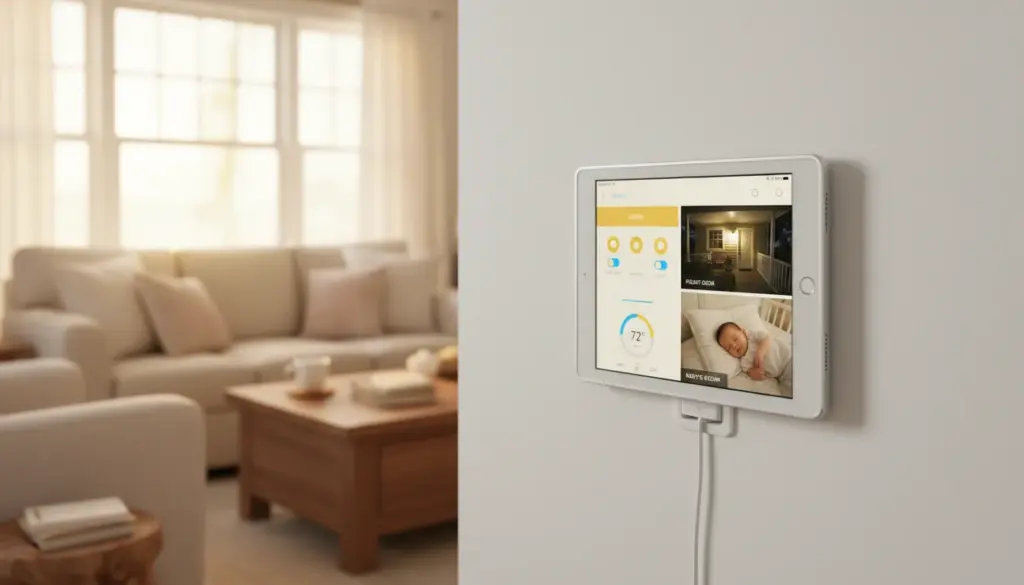
If you have smart lights, a thermostat, or HomeKit devices, a wall-mounted iPad makes a solid control panel. But there’s an honest limitation: Apple Home now requires iOS 16.2+, which cuts out older iPads entirely.
The workaround is  Home Assistant, which runs a web dashboard in any browser – even Safari on iOS 12. You need a Home Assistant server (a Raspberry Pi will do), but once it’s running, the iPad just loads a webpage. No app compatibility concerns.
We have a dedicated Home Assistant tablet guide and a broader smart home control panel guide covering both approaches.
Weather Station
Live radar, hourly forecasts, severe weather alerts. Prop it in the hallway and never wonder if you need a jacket. Built-in Weather app works, but third-party options with always-on displays look much better on a wall.
The weather station guide has specific app picks and sensor pairings.
Music and Podcast Hub
Connect a Bluetooth speaker, open a music app, and put it in the kitchen or living room. Dedicated music controls that anyone can use.
Fair warning:  Spotify now requires iOS 16.1. If your iPad is older, use Spotify’s web player in Safari – it works, just with some limitations. Apple Music works on any iPad that can run it (it’s built in), and for downloaded music files, the built-in Music app handles everything.
More in the dedicated music player guide.
Home Security Monitor
Show live camera feeds on a dedicated screen by the front door. But check your camera app’s requirements first –  Ring now needs iOS 17, and most major camera apps have moved to iOS 15+.
If your iPad is too old for the native camera apps, load the camera’s web interface in Safari, or use a browser-based viewer like the Home Assistant dashboard. The security monitor guide has the full app comparison and mounting tips.
Household Dashboard
Calendar, weather, grocery list, and family to-dos on one screen. This is the kitchen display idea taken further – not just recipes, but a command center for the household.
Our household dashboard guide covers the full setup without requiring any smart home skills.
For Work and Creativity
These give the old iPad a second career.
Second Monitor
This is where iPads have a genuine advantage over Android. If you have a Mac and an iPad running iPadOS 13+ (iPad 6th gen or later), Sidecar gives you a wireless second display with zero setup and no extra apps. Built-in, free, works well.
For Windows users or older iPads,  Duet Display works but is subscription-based ($4/month). Our second monitor guide covers both options with honest performance notes.
Drawing Tablet
Pair a cheap capacitive stylus with  Sketchbook (free, iOS 14+) and you have a surprisingly capable drawing surface. Won’t match an iPad Pro with Apple Pencil, but for kids learning to draw or casual sketching, it works.
Note:  Procreate ($12.99) requires iPadOS 16.3, which limits it to newer iPads. Sketchbook is the better option for older hardware. Full stylus recommendations in the drawing tablet guide.
Dedicated E-Reader
The iPad’s screen is large enough for PDFs and comics that feel cramped on a phone.  Amazon Kindle requires iOS 16, so older iPads may need Apple Books (built-in on every iPad) or downloaded ePubs instead.
Not great for reading in bed – too heavy, too much blue light. But perfect for a reading corner or desk. The e-reader guide covers font sizing, Night Shift, and the best reading apps for older devices.
Home Workout Screen
Prop it at eye level, follow a workout video, track your sets. The iPad’s screen is big enough to actually see the instructor from across the room, which your phone isn’t.
YouTube works on practically every iPad, and plenty of fitness apps still support older iOS versions. The workout screen guide has specific app recommendations.
The iPad Advantage (and the Honest Downsides)
Where iPad wins:
- Guided Access. Apple’s built-in kiosk mode locks the iPad to a single app. No third-party app needed. This is the single most useful feature for repurposing.
- Sidecar. Free wireless second monitor for Mac users. Nothing on Android competes.
- AirPlay. Stream content from your iPhone to the iPad (or the iPad to a TV) without extra apps.
- Build quality. Even old iPads tend to have better screens and longer-lasting hardware than budget Android tablets.
- Resale value. If you decide to sell instead, iPads hold value longer. We have a selling guide if that’s your call.
Where iPad loses:
- App Store cutoffs. Apple is aggressive about dropping old iOS support. Apps that installed last year may not install today. Our list of apps that still work on old tablets tracks what’s current.
- No sideloading. If an app drops your iOS version, that’s it. Android lets you sideload older APKs.
- No true kiosk mode. Guided Access is good, but Fully Kiosk Browser on Android is better – scheduled dimming, remote admin, motion-activated wake. iPad has no equivalent.
- iOS version ceiling. iPad 4? Stuck on iOS 10. iPad Air 1? iOS 12. The ceiling determines everything. Find your iPad’s limit here.
- Battery degradation. Old iPad batteries drain fast. For wall-mounted or always-on uses, keep it plugged in. If the battery is swollen, stop using it immediately. We have a battery safety guide covering what to watch for.
- What not to use it for. Don’t put banking apps, password managers, or your primary email on an iPad that’s stopped getting iOS updates. The security patches are what keep those safe, and old iPads aren’t getting them anymore. Keep the sensitive accounts on a device that’s still supported.
If you’re deciding between repurposing an old iPad or an old Android tablet, our iPad vs Android comparison breaks down which is better for each use case.
What If It Really Won’t Work?
If the screen is shattered beyond use, the battery is swollen, or it won’t even turn on, it’s time to retire it properly. Don’t throw electronics in the trash.
Apple Stores accept any iPad for free recycling through their  Trade In program. Best Buy takes them too. Our recycling and disposal guide covers how to wipe your data first.
If you’re replacing rather than just recycling, Apple’s Certified Refurbished store is the cleanest upgrade path. Same one-year warranty as new, but recent-generation iPads at meaningful discounts.
And if the screen is cracked but it still turns on, there are uses for broken tablets that don’t need a working touchscreen.
Pick One and Start
Don’t try to do all seventeen. Pick the one that solves a problem you actually have. The one where you think, “yeah, that would be useful.”
If you’re not sure: the photo frame or the kitchen display. Both take 15 minutes and both tend to become permanent. The photo frame especially – once grandma starts getting daily photos of the kids, nobody’s taking that iPad back.
That old iPad in the drawer didn’t stop being useful. It just needs a smaller job description.