Ask online what still runs on an iPad 4 and you’ll be told nothing does. Go to the App Store, search for  YouTube or Kindle, see “requires iOS 17.0 or later,” and you’d believe it.
It isn’t true, though, and I can give you a number. On November 4, 2026, I went through 16,049 US App Store listings, a sample from about a hundred searches, looking for iOS 10.3.4 compatible apps. 1,430 of them still accept an iPad 4. None of the big streaming or social apps made it, and a lot of what’s left is abandoned. But there’s a photo frame, a video player, an alarm clock, an ebook reader and plenty of games in there, and that’s enough to give this iPad a job.
Which devices stop at iOS 10.3.3 and which got 10.3.4
Only one iPad ends up on iOS 10, and that’s the iPad 4, also called iPad (4th generation), from 2012. Two iPhones stop here as well:
- iPad 4, Wi-Fi (model A1458): iOS 10.3.3
- iPad 4, Wi-Fi + Cellular (A1459, A1460): iOS 10.3.4
- iPhone 5c: iOS 10.3.3
- iPhone 5: iOS 10.3.4
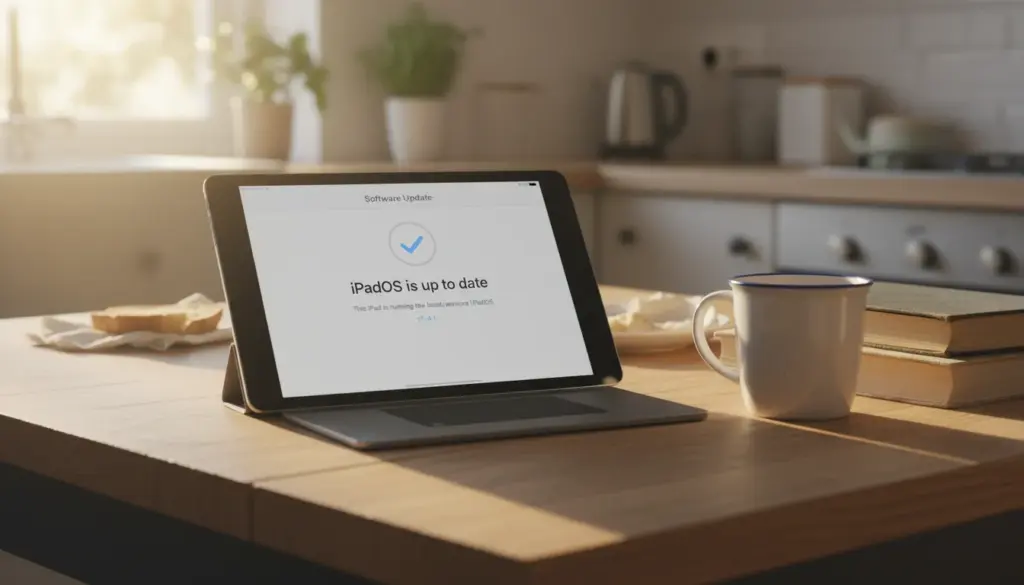
Apple released 10.3.4 in July 2019 to fix a GPS date problem, and only the devices that needed it got it. If your Wi-Fi iPad says 10.3.3 and “up to date,” it’s right. There’s nothing else coming, and every app below treats the two versions the same.
To check, go to Settings > General > About and look at Version. It looks just like an iPad 3, so the quick tell is the charging port: the iPad 4 has the small Lightning port, and the iPad 3 has the wide 30-pin one. How Old Is My iPad? has the rest of the model numbers. If yours turns out to be older, you want the iOS 9.3.5 list, and iPad Air and mini 2 owners have the iOS 12.5.8 list. The Apps That Still Work on Old iPads and Android Tablets hub sorts out everyone else.
One caution. In January 2026 Apple updated iOS 12 devices so iMessage,  FaceTime and activation keep working past January 2027. I can’t find any sign that iOS 10 got the same thing, and Apple hasn’t said what happens to it then. I wouldn’t build anything important on iMessage or FaceTime here.
Built-in apps that still work
Start here, because none of it needs the App Store.
- Photos – albums and slideshows, which is the easiest photo frame you’ll ever set up.
- Music and TV (called Videos outside the US) – anything on the device or synced from a computer.
- iBooks – Apple Books before the rename, for EPUBs and PDFs.
- Notes, Reminders, Calendar, Contacts and Clock – fine for personal use.
- Maps and Safari – both work, and Safari has more going for it than you’d think. More on that below.
What’s missing: no Files app (that came with iOS 11), and no Weather or Calculator, because Apple didn’t put those on the iPad until much later. The iPad 4 has a 32-bit chip, so Night Shift and Split View never came to it either.
App Store apps that still install (checked November 2026)
A listing’s minimum iOS isn’t enough on its own. Each app also has a list of supported devices, and the iPad 4 has to be on it. Endless Alphabet says iOS 9, for example, but its device list starts at the iPad Air, so it won’t install. Everything below passes both tests as of November 4, 2026.
| Job | App | Requires | Price |
|---|---|---|---|
| Photo frame | LiveFrame |
iOS 9.3.5 | Free, $4.99 to remove ads |
| Video files | AVPlayerHD |
iOS 9.0 | $2.99 |
| Video files | GOM Player |
iOS 10.0 | Free |
| Alarm clock | Light Alarm |
iOS 9.0 | $6.99 |
| Alarm clock | SpeakToSnooze Alarm Clock HD |
iOS 10.0 | Free |
| Sleep sounds | Fan Noise Sleep Sounds |
iOS 10.0 | Free, $1.99 for continuous play |
| Kitchen timers | Thyme |
iOS 9.0 | Free |
| Ebooks | KyBook 2 |
iOS 8.1 | Free |
| Comics | Chunky Comic Reader |
iOS 9.0 | Free |
| Weather | YoWindow Weather |
iOS 9.0 | $0.99 |
| Calculator | Calculator for iPad! |
iOS 9.0 | Free |
| Radio | Radio USA |
iOS 9.0 | Free |
| Kids | Numbers from Dave and Ava |
iOS 10.0 | Free, $2.99 to unlock all numbers |
I’d install LiveFrame first. It plays local albums with clean transitions, and it’s on our list of photo frame apps for old tablets because it reaches back this far.
You’ll see VLC recommended for old iPads everywhere, including on this site until this week. On November 3, 2026, version 3.7.4 dropped iOS 9 through 12 and all 32-bit devices, so it’s off the list. Its release notes blame “Apple’s enforcement,” and that explains the whole table. Developers who keep updating an app get pushed to newer iOS versions, so what’s left for iOS 10 is mostly software nobody touches now. The newest update in the table is from 2021, and the oldest is from 2016.
Set your expectations by that. I checked listings, not an iPad 4, and an open listing only says the store will hand the app over. Anything that leans on a server can stop working with no notice, which is why I’d trust a local player over a weather app. Free apps from this era often carry ads. And Apple clears out apps that sit untouched for years, so a paid app is a small bet. Keep it to a few dollars.
Thyme is an iPhone app. Search with the App Store’s filter set to “iPhone Only” and it runs in a small window you can blow up with the 2x button.
Games that still install
Games are the best-stocked shelf. About 230 of those 1,430 listings are games.
- Solitaire by MobilityWare ($4.99, iOS 10.0)
- Chess Prime 3D (free, iOS 9.0)
- Sudoku from AppyNation (free, iOS 7.0)
- Triple Town (free, iOS 7.1)
- Dream City: Metropolis and Bakery Story 2 (free, iOS 7.0)
The two Storm8 games come from an iPad 4 owner who posted on Apple’s forum in 2024 about installing more than 15 games on iOS 10.3.3. They said Dream City rarely lagged and Bakery Story 2 did now and then. Both are online games, so they could go quiet one day, and they have in-app purchases. If this is a kids’ iPad, turn those off under Settings > General > Restrictions.
Skip any site offering an “iOS 10 apps list free download” of .ipa files. Those files won’t install on a normal iPad, and you’ve no idea what’s in them.
Safari is better here than on iOS 9
iPad 2 and iPad 3 owners have to install a certificate by hand to reach much of the web. You don’t. Let’s Encrypt, the free certificate service behind a lot of sites, says iOS 10 and later trust its root, so those sites should load. That’s a bigger gift than it sounds.
It’s still a 2017 browser, though. Forum reports say banking sites and other heavier pages won’t open or won’t sign you in, and I wouldn’t count on YouTube in Safari either, because the reports are old and mixed. Use it for reading and recipes. If it keeps quitting, why Safari crashes on old iPads has the settings that help.
The “older version” trick
If you ever downloaded an app on this Apple ID, the App Store may offer “the last compatible version” from your Purchased list. The steps are in how to download apps on an old iPad, and it’s the one route back to VLC if you’ve installed it before.
Keep your hopes modest. The builds that would run here are years old, and many can’t reach their own servers, so the app opens and sits there. Offline apps do far better than streaming ones. If the App Store won’t connect at all, Old iPad Won’t Download Apps walks through the fixes. Reports are mixed on this one: that 2024 owner was installing fine, and a poster in 2025 couldn’t download anything they wanted.
What no longer works
I’d rather you didn’t spend an evening on these. Each needs a newer iOS than this iPad can run:
- Video: YouTube (iOS 17),
 Netflix (iOS 26),
 Disney+ (16.5), Prime Video (17), Hulu (16.4), Plex (16), PBS KIDS Video (15)
- Reading and music: Kindle (17), Libby (13),
 Spotify (16.1)
- Social and mail: Facebook (15.1), Instagram (16.3), WhatsApp (15.1), Gmail (18)
- Kitchen: Paprika (12)
Banking and two-factor apps are out too. Anyone telling you Facebook runs on iOS 10.3.3 is working from a very old post.
What an iPad 4 is still good for
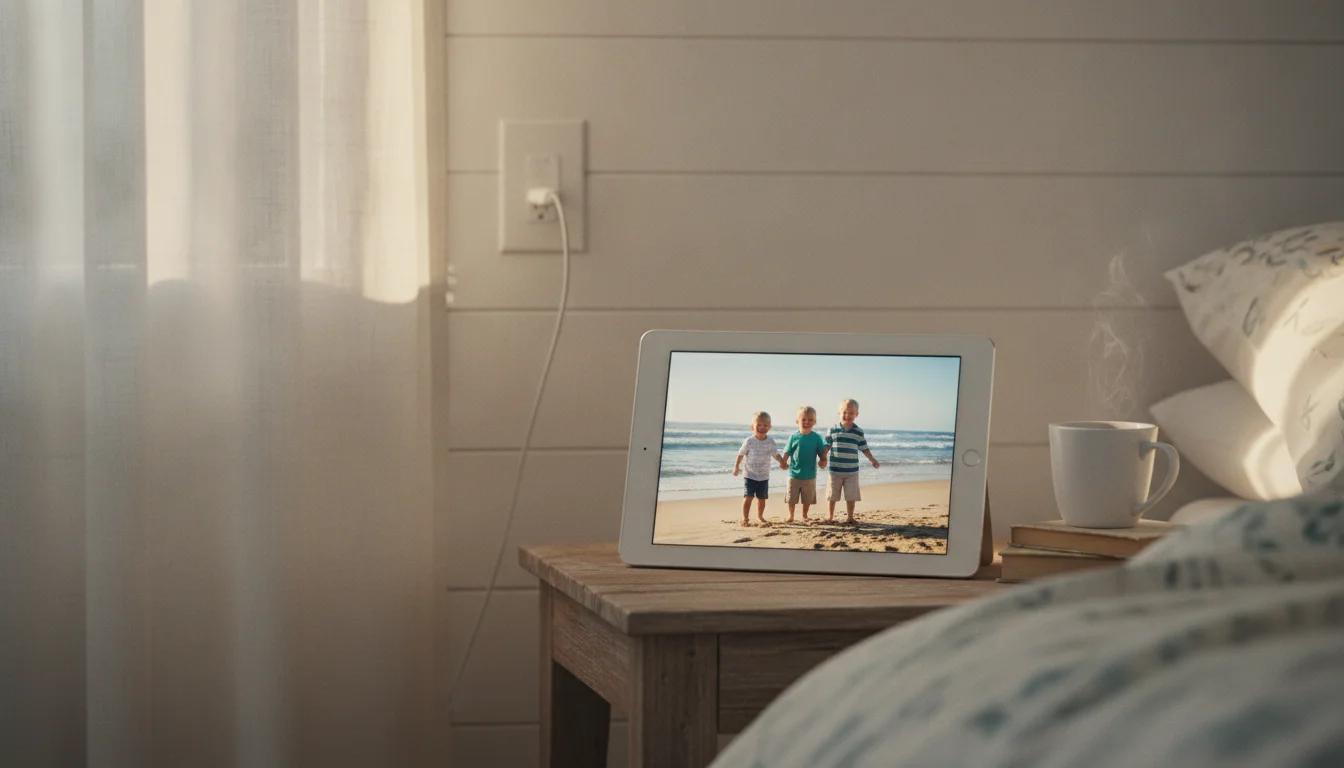
- A photo frame on a shelf, with LiveFrame or a Photos slideshow. The 9.7-inch Retina screen is the best thing this iPad has left.
- A bedside clock with Light Alarm and Fan Noise Sleep Sounds.
- A car movie player with films loaded into AVPlayerHD before you leave.
- A kitchen screen with Thyme and recipes open in Safari.
- An ebook and comic reader with KyBook 2 and Chunky.
- A kids’ game tablet. Guided Access (Settings > General > Accessibility) locks it to one app, so a four-year-old stays out of Settings.
Giving it a job
Two cheap things make any of those stick.
The first is a cable. The iPad 4’s Lightning port is its best piece of luck, because you can still buy the cable anywhere. After fourteen years the original is often why it “stopped charging,” and a fresh  MFi Lightning cable costs less than $10.
The second is a stand, around $15 to $20. A frame or clock only works if the iPad lives where you’ll see it, and leaning it on the toaster gets old fast.
iPad (4th generation): Bedside, photo frame
- Lipper Bamboo Folding Tablet Stand, about $17: an 8 in wide stand for a 9.7 in screen; the listing states no depth or weight limit. See it on Amazon
- Lamicall Adjustable Tablet Stand, about $15-20: a 9.7 in screen at 0.37 in (9.4 mm) thick, inside its 4 to 13 in range and the 0.71 in (18 mm) limit with a case on. See it on Amazon
- Keep it charging with a 12W or bigger adapter and a Lightning cable.
Fit from the makers’ spec sheets against each tablet’s published size, not our own testing. Affiliate links – your price stays the same.
If what you really wanted was YouTube, Netflix or Kindle, nothing above gets you there, and that’s a fair answer. An Amazon Renewed Fire HD 10 runs about $65 to $80 and plays all of them, with YouTube in the Silk browser, and the iPad 4 can carry on as the frame. If it’s time to let it go, here’s where to sell or recycle an old tablet.
A tablet from 2012 that still has 1,430 apps willing to install isn’t finished. Put LiveFrame on it tonight, stand it on a shelf, and see if anyone asks you to put it back in the drawer.