The Problem Nobody Talks About
You pull up Spotify on your old iPad, hit update, and get the message: “This app requires iOS 16.1 or later.” That’s it. No workaround offered, no alternative suggested. Just a wall.
Spotify bumped its minimum to iOS 16.1 in late 2025, which cut off every iPad Air 2, every iPad mini 4, and every iPad that maxes out at iOS 15. YouTube Music did the same thing, requiring iOS 16. On Android, the cutoffs are gentler but still real – YouTube Music needs Android 8.0, which drops older budget tablets.
So what do you actually install? I went through the major music apps and checked what still works on the tablets people actually have sitting in drawers – not the current-gen stuff, but the 2015 iPad and the 2017 Samsung Galaxy Tab that refuse to die.
Which Tier Is Your Tablet?
Before picking an app, figure out where your device lands. This determines everything.
iOS devices:
- iOS 12-14 (iPad 4, iPad Air 1, iPad mini 2/3): Very limited. No major streaming apps install. You have Apple Music built-in and a handful of third-party local players.
- iOS 15 (iPad Air 2, iPad mini 4, iPad 5th gen): Moderate options. Streaming apps are mostly gone, but local players and web workarounds work well.
- iOS 16+ (iPad 6th gen and newer): Full access to everything. You probably don’t need this article.
Android devices:
- Android 5-7 (older budget tablets, pre-2017): Limited but surprisingly workable with local players.
- Android 8-9 (2017-2019 tablets): Good coverage. Most apps still install.
- Android 10+: Full access. You’re fine.
Not sure which iOS version your iPad runs? Check Settings > General > About. For Android: Settings > About Tablet > Software Information.
Best Streaming Apps by Device Tier
Most “best music apps” articles don’t mention compatibility at all. This one does.
Spotify
 Spotify requires iOS 16.1 and Android 7.0. If your iPad is stuck on iOS 15 or below, the app won’t install.
- Price: Free with ads, Premium $12.99/month for offline and ad-free
- Works on your device? Android 7+ yes. iOS 15 and below, no.
- Workaround: The web player at open.spotify.com works in Safari on older iPads. It’s not great – no offline, occasional playback hiccups – but it plays.
YouTube Music
 YouTube Music requires iOS 16.0 and Android 8.0.
- Price: Free with ads, Premium $11.99/month, or $15.99/month bundled with YouTube Premium.
- Works on your device? Android 8+ yes. iOS 15 and below, no.
- Workaround: music.youtube.com in the browser works on older devices. Interface is clunky on small screens but functional.
Apple Music
 Apple Music is the one streaming service that works on every single old iPad, because it’s built into the Music app. No separate download needed. On Android, it requires 5.0+, which covers nearly everything.
- Price: $10.99/month (individual plan). No free tier.
- Works on your device? Every iPad ever made. Android 5.0+.
- The catch: You need an active subscription. But if you already pay for Apple Music through your family, your old iPad can use it without any additional cost.
Plex (Your Own Library, Streamed)
 Plex requires iOS 16.0 for the app, and Android 7.0. If you already run a Plex server for movies, you might not realize it handles music libraries too.
- Price: Free (Plex Pass $6.99/month optional for premium features)
- Works on your device? Android 7+ yes. iOS 16+ only for the app.
- Workaround: The web player at app.plex.tv works in older browsers on iPads stuck on iOS 15. Your old tablet makes a great Plex music remote even without the native app.
Best Local Music Players
If you have your own MP3s, FLACs, or files ripped from CDs, you don’t need streaming at all. These apps play what’s already on the device – no internet required.
Musicolet (Android)
 Musicolet is the standout pick for old Android tablets. It’s around 11 MB and requests zero internet permissions. It just plays your files.
- Price: Free (no ads, no tracking)
- Min Android: 7.0
- Why it’s great for old devices: Tiny footprint, minimal RAM usage, and it supports multiple queues, a tag editor, and a basic equalizer. On a tablet with 1-2 GB of RAM where Spotify would choke, Musicolet runs like nothing’s there.
VLC (Android and iOS)
 VLC plays anything. MP3, FLAC, OGG, AAC – if it’s an audio file, VLC handles it. And it works on Android 4.2+ and iOS 9.0+.
- Price: Free, open-source
- Why it matters here: It’s one of the few quality players that genuinely supports ancient devices. Your iPad mini 2 on iOS 12? VLC installs and runs. That 2014 Samsung tablet on Android 5? VLC works.
- Downside: The music library interface isn’t beautiful. It’s designed as a video player first. But for “I just want to play my MP3s,” it’s reliable.
Poweramp (Android)
 Poweramp is the audiophile pick. Better equalizer, better sound processing, better interface than VLC for dedicated music listening.
- Price: Free 15-day trial, then $3.99 one-time purchase
- Min Android: 5.0
- Who it’s for: If sound quality matters and you have good speakers or headphones connected to your old tablet, Poweramp is worth the four bucks.
Evermusic (iOS)
 Evermusic is the go-to for older iPads that can’t run streaming apps. It plays local files and can also connect to cloud storage (Google Drive, Dropbox, OneDrive) to stream your own music library.
- Price: Free with ads, Pro version available
- Min iOS: 15.0
- Why it matters: It connects to cloud storage (Google Drive, Dropbox, OneDrive), so your iPad can still access music files without needing a modern streaming app.
The Web Player Workaround
This is the option scattered across dozens of forum comments that nobody puts in one place: just use the browser.
Spotify Web Player (open.spotify.com): Works in Safari on iPads running iOS 14+ (Safari 14 required). You lose offline playback and the interface is basic, but streaming works. Log in with your existing account. iPads stuck on iOS 12 or 13 won’t load the web player properly.
YouTube Music (music.youtube.com): Works in most browsers on Android 7+ and iOS 12+. The free tier plays with ads, same as the app.
The honest limitations:
- No offline downloads (you need the app for that)
- Battery drain is higher through the browser
- Occasional audio interruptions if Safari reloads the tab
- Interface isn’t optimized for touch on older browsers
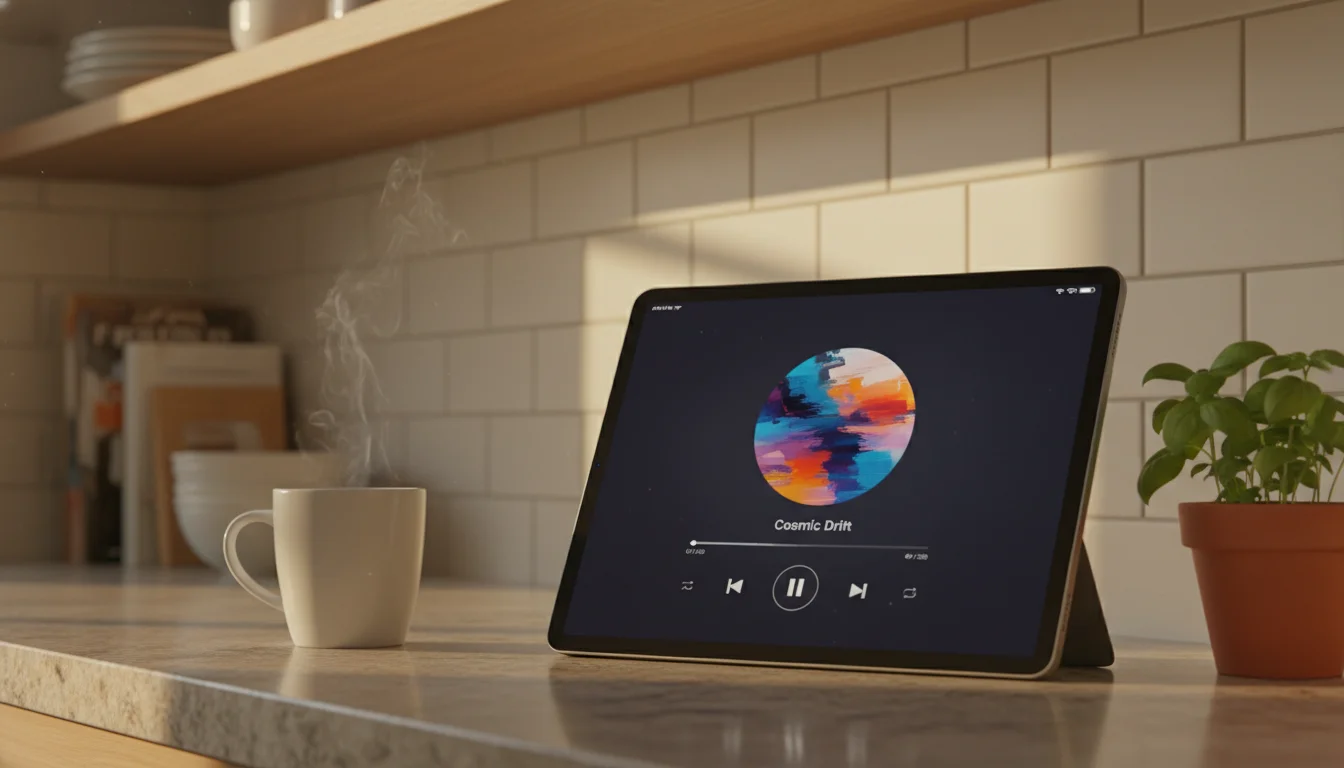
For a tablet that sits on a counter plugged in and connected to WiFi, these limitations mostly don’t matter. You’re not taking it on a run. If the tablet is your dedicated music player at home, the web player is a perfectly good solution.
Best Free Options (No Subscription)
If you don’t want to pay anything:
- VLC – Free, plays everything, works on virtually every device
- Musicolet (Android only) – Free, no ads, lightweight
- Spotify Free (web player) – Ad-supported streaming in the browser
- YouTube Music Free (web player) – Ad-supported, works in browser
- Apple Music built-in – Only if you already have a subscription through Family Sharing
For a deeper look at free apps across all categories, our guide to free apps for old tablets covers more than just music.
Quick Picks by Situation
“I just want Spotify but it won’t install” – Use the web player at open.spotify.com. It works.
“I have a library of MP3s and want to play them” – Musicolet on Android, VLC on iOS.
“I want the best sound quality from local files” – Poweramp ($3.99, Android only).
“My iPad is stuck on iOS 12-13 and nothing installs” – VLC for local files, Apple Music if you’re subscribed. Web player streaming requires iOS 14+.
“I want my tablet as a music remote for home speakers” – The Android tablet music setup guide covers Bluetooth speaker pairing and home screen widgets for one-tap playback.
Setup Tips
Once you’ve picked your app, a few things make the experience better on an old tablet:
Keep the screen on: If the tablet sits on the counter as a music controller, set auto-lock to “Never” (iOS: Settings > Display & Brightness > Auto-Lock. Android: Settings > Display > Screen timeout).
Connect a speaker: Even a $30 Bluetooth speaker sounds dramatically better than tablet speakers. The old iPad doesn’t need to have great speakers if it’s just the remote.
Download for offline: If your tablet’s WiFi is flaky, download playlists when you can. This applies to Spotify Premium, Apple Music, and YouTube Music Premium – all allow offline saves when using a compatible device.
Disable notifications: Go into Do Not Disturb or Focus mode so nothing interrupts playback. The whole point of using a dedicated tablet is that it doesn’t get interrupted.
For the complete setup walkthrough – Bluetooth pairing, home screen widgets, and keeping it running 24/7 – see the full iPad music player setup guide or the Android music control guide. And if music is just the start, browse more ideas for giving old tablets a second life.