The $250 Question in the Baby Aisle
Should you buy a dedicated baby monitor or use a tablet you already own? You’re standing in the baby aisle at Target. The Nanit is $250. The Infant Optics is $200. The cheap audio-only one is $37 and looks like it belongs in 2008. And you’ve got a tablet at home with a free app that does the same job.
So which one do you actually buy? Or do you buy nothing?
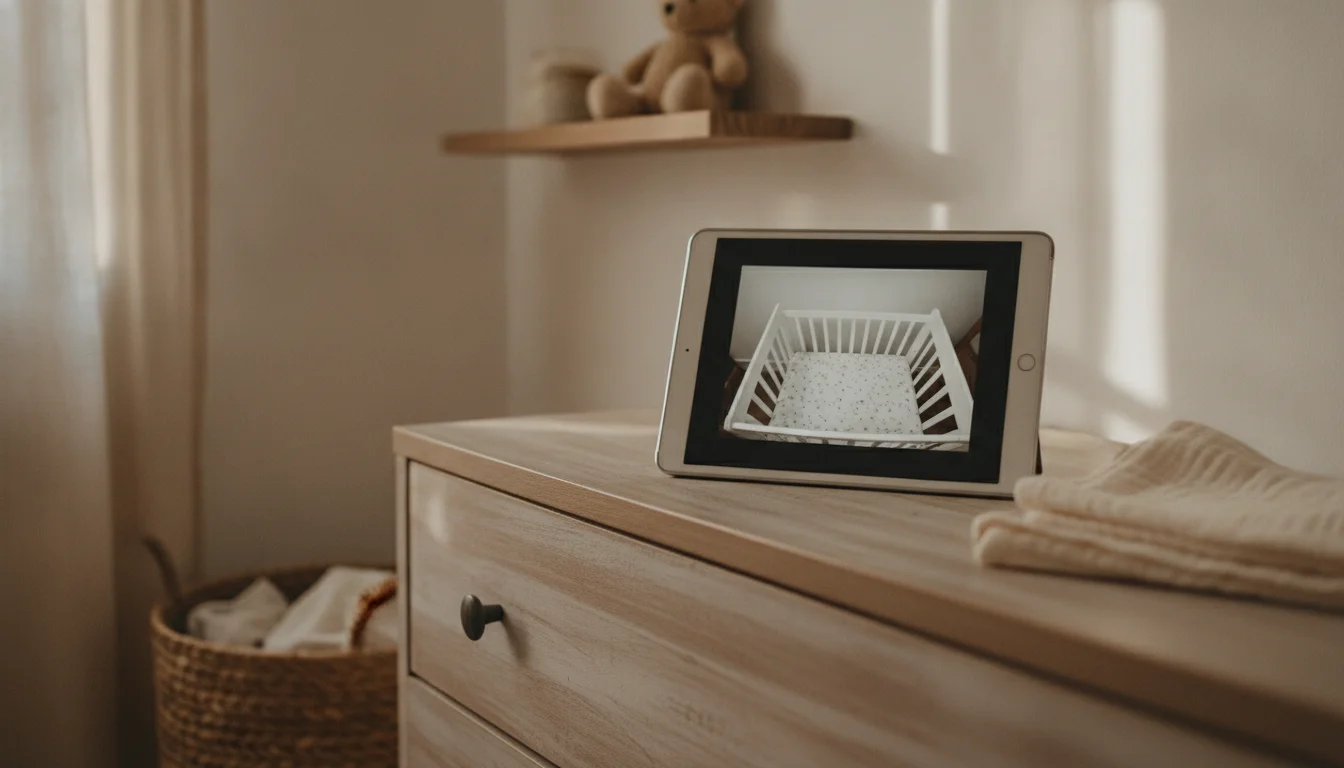
I’ve used both. I’ve used the dedicated monitor for the first baby because I was a first-time parent and the idea of not having one felt reckless. I’ve used the old iPad as a baby monitor for the second and third, because by then I’d figured out which features I actually used at 2 AM and which were just expensive peace of mind. Here’s the side-by-side.
The Three Routes You’re Actually Choosing Between
Most “best baby monitor” guides bury this. There are three real options, not ten.
Dedicated video monitor. A standalone unit with a screen, a camera in the nursery, and a proprietary radio signal between them. No phone, no app, no WiFi. The  Eufy SpaceView E110 (~$120) and
  Infant Optics DXR-8 PRO (~$200) are the category leaders. Night vision, pan/tilt, two-way audio, and it just works.
Dedicated audio monitor. A walkie-talkie for the nursery. No screen on either end – just a sound feed and a vibrating alert when it’s loud. The  VTech DM221 is the standard, $37, and surprisingly competent. No subscription, no app, just sound.
A tablet you already own + an app. The iPad or Android tablet you already own (usually one that’s no longer in daily rotation), plus a free or one-time-purchase app like  Alfred Camera or
  Cloud Baby Monitor. Free if you have the tablet. Roughly $6-7 if you want the no-ads version of the better apps.
The first two options give you a purpose-built device that does one thing very well. The third gives you a flexible device that does the job well enough most of the time, and that you can repurpose into something else when the baby grows out of the crib.
The Side-By-Side
Each row is a real tradeoff.
| Tablet + app | Dedicated audio ($37) | Dedicated video ($120-250) | |
|---|---|---|---|
| Upfront cost | $0-7 | ~$37 | $120-250 |
| Night vision | No (you need a night light) | N/A | Yes, infrared |
| Range | Wherever your home WiFi reaches | 1,000 ft (DECT radio) | 600-1,000 ft (proprietary radio) |
| Overnight reliability | Decent – apps can crash or fail to reconnect | Excellent | Excellent |
| Two-way audio | Yes, with noticeable lag | Yes, clean | Yes, clean |
| Setup time | 15-20 min | 5 min | 10 min |
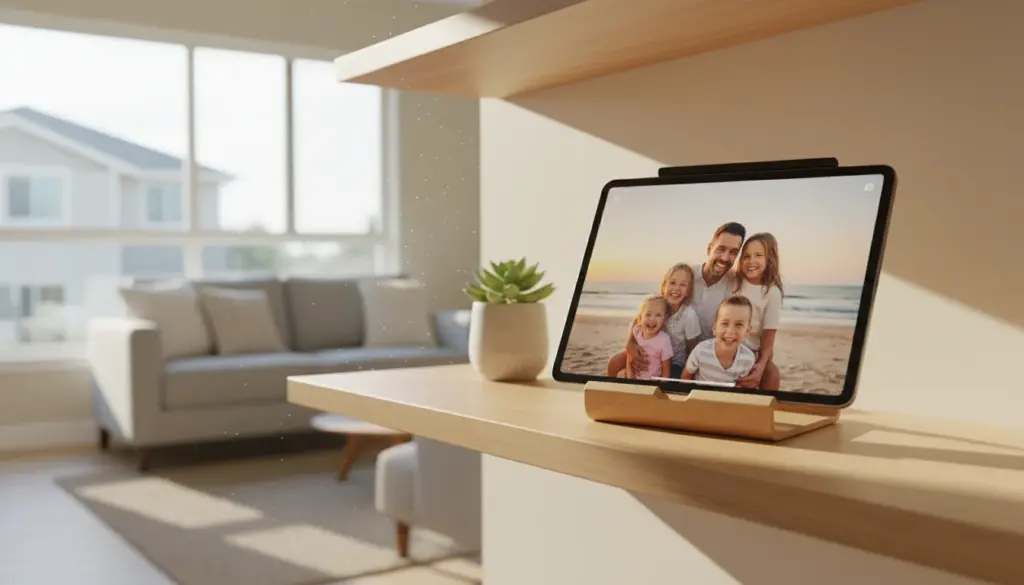
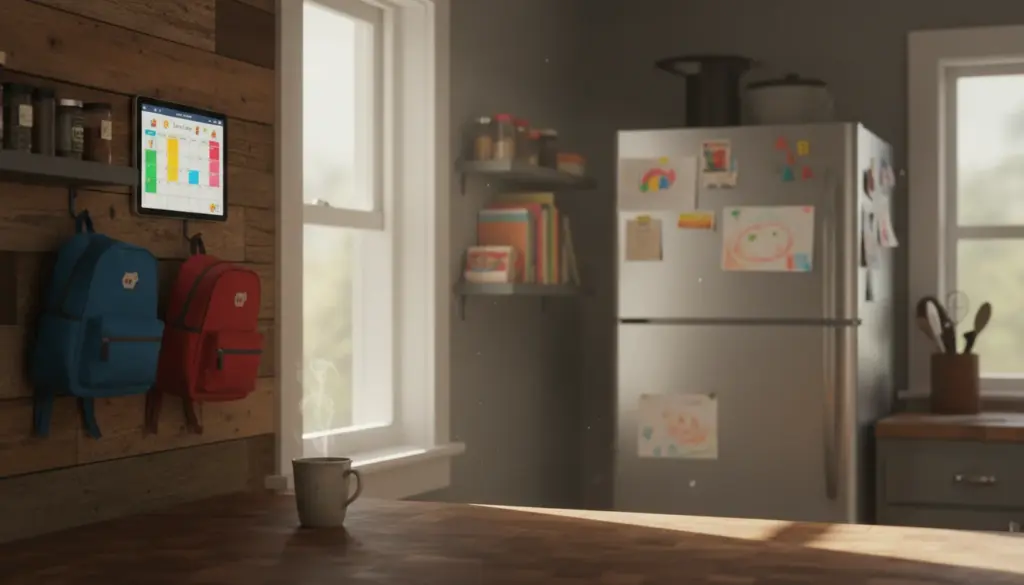
| Multi-purpose use | Yes – photo frame, calendar, security cam later | No | No |
| Always-on, always-listening parent unit | No (your phone is the parent unit) | Yes | Yes |
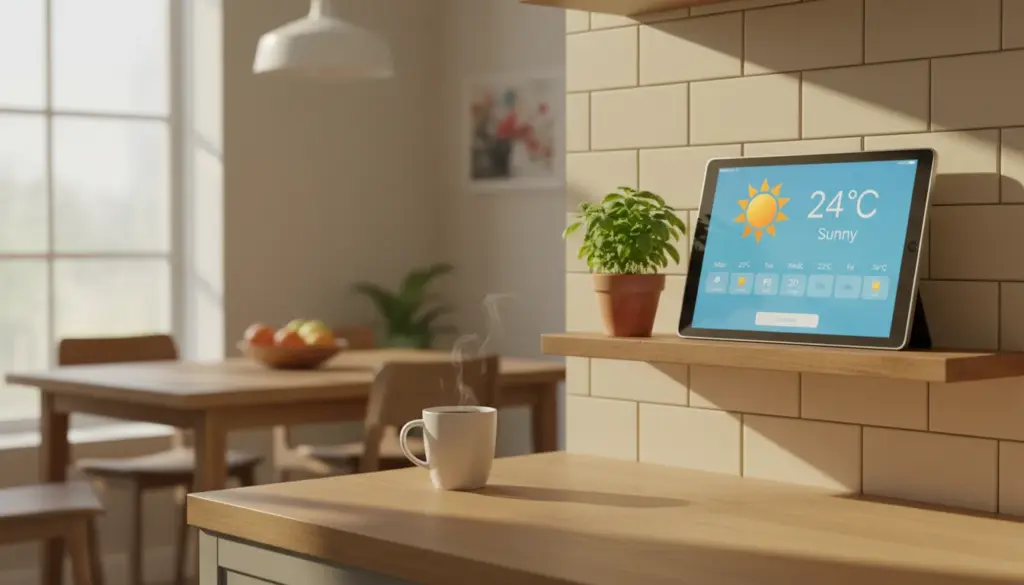
| What happens when baby outgrows it | It becomes a kitchen display or photo frame | It sits in a drawer | It sits in a drawer |
The dedicated units win on reliability and night vision. The tablet wins on cost and what happens after.
There’s no version of this table where one option is best at everything. Anyone who tells you otherwise is selling you something.
Buy a Dedicated Monitor If…
There are four conditions that genuinely justify spending the money. If any apply, just buy the thing.
Your baby’s room is dark. Like, pitch dark. Blackout curtains, no hallway light, nothing. Tablet cameras don’t have infrared. You’ll see a faint outline at best, and you’ll spend half the night convinced something is wrong because you can’t actually see your baby. The Eufy SpaceView E110 at ~$120 is the sweet spot here – real night vision, no WiFi to drop, decent screen, two-way audio. If you want the gold standard, the Infant Optics DXR-8 PRO at ~$200 is what every parenting forum eventually lands on. Both have been around long enough that the bugs are gone.
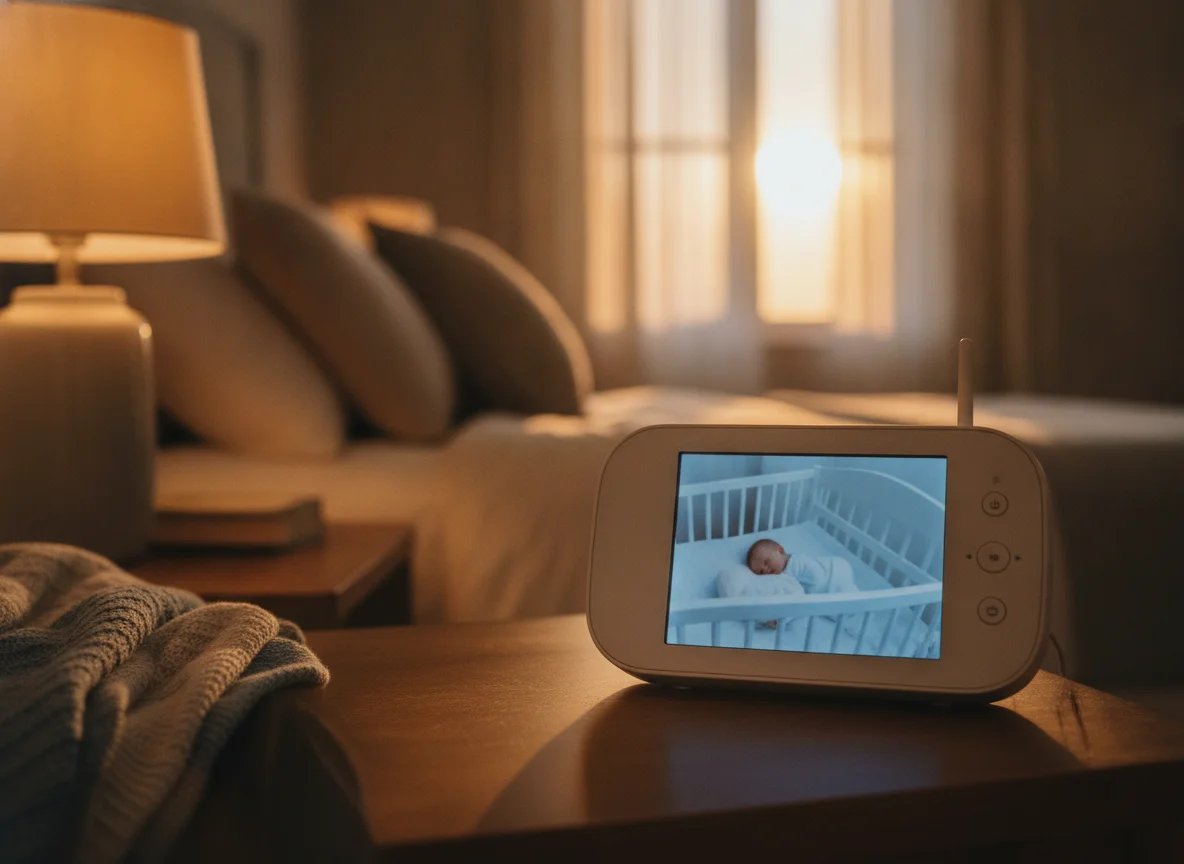
Real infrared night vision, no WiFi to drop, and a screen you can read at 2 AM. The one I'd buy if the tablet isn't cutting it in a pitch-dark room.
Check price on Amazon →You need it overnight, eight hours straight, no babysitting the babysitter. Dedicated monitors just turn on and stay on. Old tablets running an app can get killed by the OS to save memory, freeze, or stop reconnecting somewhere around hour six. That’s fine for naptime when you’ll check it anyway. It’s not fine when you’re asleep and assuming the monitor is doing its job.
You want zero reconnect moments. A tablet streaming over WiFi will occasionally blip – the router reboots for a firmware update, the ISP hiccups, the app on the camera side loses its handshake. Most apps reconnect within a minute. “Most” isn’t the word you want at 2 AM. Dedicated radio monitors have no app to crash and no internet hop to fail.
You don’t want a screen. This is the case for the VTech DM221 at $37. If what you actually want is to hear when the baby is awake and not stare at a screen all evening, the audio-only route is genuinely the right answer. It’s the option most thoughtful second-time parents pick. No subscription, no app, no ads, no doomscrolling-while-monitoring trap.
A note on the  Nanit Pro (~$250+): it’s the one Instagram won’t stop showing you. The breathing detection and sleep analytics are real features, and parents who care about that data love it. But it’s WiFi-based, the advanced analytics need a subscription, and any internet-dependent monitor lives with the same reconnect window the tablet does. If the dark-room and overnight-reliability arguments are what pushed you to a dedicated monitor, the Eufy solves them more cleanly.
The Tablet Route Works If…
The inverse conditions. If most of these are true, you probably don’t need to buy anything.
You’re checking on naps, not sleeping through the night yet. Most baby monitor use, especially for second or third kids, is daytime spot-checking. “Is she still asleep? Can I start dinner?” Glance at the tablet for ten seconds, confirm, move on. An old iPad in the nursery and the Cloud Baby Monitor app on your phone does this perfectly.
There’s a night light or hallway light on. The tablet camera’s main weakness is darkness. If your baby’s room has any ambient light – a star projector, a dim glow from the hall, a nightlight you have anyway because the bedtime routine needs it – the camera does fine.
Your WiFi reaches the nursery and your usual checking spot. That’s the real coverage question for a fixed camera and a parent unit that’s your phone – one room for the iPad, wherever you tend to sit for you. Most homes pass this without thinking.
You’re a second or third-time parent. You already know what you actually use a monitor for, and it’s less than you thought.
Most readers landing here have an older tablet they’re thinking about repurposing. If that’s you, the setup guide is here. Pick an app, prop the tablet up safely (cables routed away from the crib, always), plug it in, turn off auto-lock, and you’re done. The same tablet can also pull double duty as a kid-friendly device later, which a $200 dedicated monitor cannot.
The Decision Rubric
If you’re still on the fence, four questions.
- Is the room dark at night? Dark room → dedicated video monitor. Has a night light → tablet works.
- Will you be using it while you’re asleep? Overnight → dedicated. Naps and evenings only → tablet.
- Do you mind the occasional app reconnect? Yes → dedicated. No → tablet.
- Do you care about screen quality and pan/tilt, or just hearing the baby? Just audio → VTech DM221, $37. Want a screen but don’t want to spend $200 → tablet.
Three or four “tablet” answers and the iPad in the drawer is genuinely fine. Three or four “dedicated” answers and just buy the Eufy. Mixed? Try the tablet first – you’ve spent nothing if it doesn’t work and you can always buy the monitor in week two.
You Already Own One of the Answers
A dedicated monitor is a better baby monitor than a tablet. That’s true. It’s also true that a tablet is good enough for what most parents actually use a monitor for, which is naptime checks, evening glances, and the occasional middle-of-the-night “is she okay” reassurance.
The right tool depends on which of those you’re actually doing. If your nights involve a pitch-dark room and eight hours of trust in the device, spend the money. If they involve a hallway light and a 1 PM nap, you already own the answer. It’s the old iPad in the kitchen drawer that hasn’t been touched since the 4-year-old moved on to a newer one.
When the crib eventually comes down, that same tablet becomes a photo frame, a kitchen display, or a kids’ learning station. The Eufy becomes the thing you list on Facebook Marketplace for $40.