You Have an Old iPad. Now What?
It’s sitting in a drawer. Or on a shelf. Or in that box of cables and old chargers you keep meaning to sort through. An old iPad that’s too slow for modern apps, too outdated for the latest iOS, and too guilt-inducing to throw away.
Same goes for that old Galaxy Tab or Kindle Fire you got on sale three years ago. Maybe you just got a new iPad and the old one is gathering dust. Before you do anything, it helps to know exactly which iPad you have and what it can still do.
You have four options: sell it, donate it, recycle it, or repurpose it into something useful. Here’s what each one actually looks like – including what you’ll realistically get.
Option 1: Sell It or Trade It In
I’ll be honest: if your tablet is more than five or six years old, you’re not getting much. My iPad Air 2 would’ve fetched maybe $25 in Apple store credit. That’s a nice lunch, not a down payment on a new iPad.
But if yours is newer, it’s worth checking.
Trade-In Programs
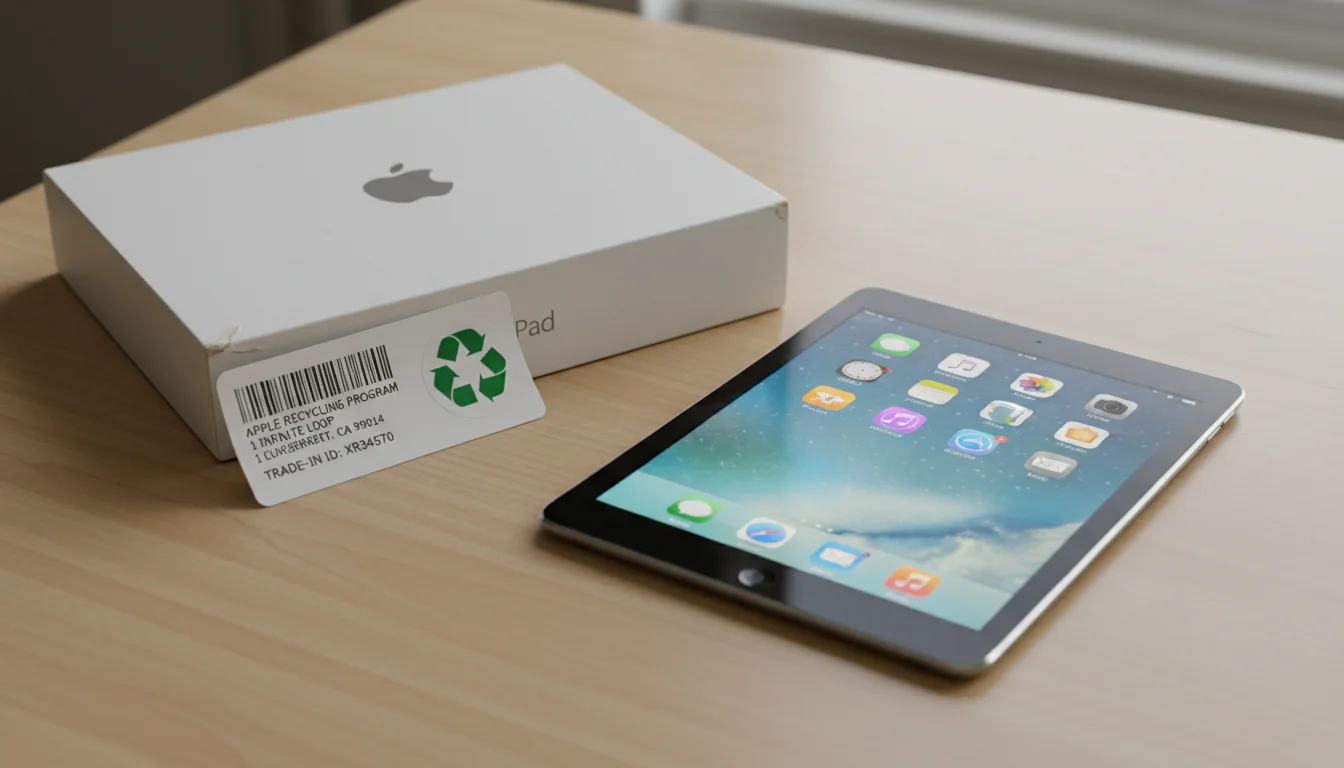
Apple Trade-In gives you store credit. You ship it to them in a prepaid box or drop it at an Apple Store. Quick and painless, but the offers are low. Check  apple.com/shop/trade-in for a current estimate.
Amazon Trade-In works the same way but pays in Amazon gift cards, which are more flexible. They also take Android tablets and Fire tablets. Go to amazon.com/tradein for a quote.
Samsung Trade-In offers credit toward a new Galaxy device. Check  samsung.com/us/trade-in if you’ve got a Galaxy Tab.
Selling Direct
You’ll get roughly double what trade-in programs offer if you sell directly. Here’s what I’ve seen in 2026:
| Model | Trade-In Value | Direct Sale Value |
|---|---|---|
| iPad Air 2 (2014) | $0-25 | $40-60 |
| iPad 5th gen (2017) | $25-40 | $60-90 |
| iPad 6th gen (2018) | $40-60 | $80-120 |
| iPad mini 4 (2015) | $0-20 | $30-50 |
| iPad Pro 1st gen (2015) | $30-50 | $80-130 |
| Galaxy Tab S4 (2018) | $10-25 | $40-70 |
| Galaxy Tab A (2019) | $5-15 | $25-45 |
 Swappa is my pick if you’ve never sold electronics online. No auction, no bidding wars. Just set a price and wait. They verify devices aren’t stolen, so buyers trust the platform.
 eBay reaches more people but takes 12-15% in fees. Facebook Marketplace is free and local, but for a $50 tablet, meeting a stranger in a parking lot doesn’t feel worth it.
For a deeper look at pricing, timing, and which platforms pay the most for each brand, see the full guide to selling your old tablet.
Before You Sell: Wipe It First
This part is non-negotiable. I don’t care if you’re selling to your neighbor. Wipe it.
iPad: Sign out of  iCloud first (Settings, then tap your name, then Sign Out). This removes activation lock. Then go to Settings > General > Transfer or Reset iPad > Erase All Content and Settings. Finally, go to account.apple.com and remove the device from your account.
Android: Remove your Google account (Settings > Accounts > Google > Remove Account), then factory reset (Settings > System > Reset options > Erase all data). Remove it from myaccount.google.com/device-activity too.
Skip the iCloud sign-out on an iPad and the buyer gets a locked brick. Then you get the angry message. Do it before you ship.
Option 2: Donate It
If selling feels like more effort than a $30 tablet is worth, donating is a good move. Someone gets a device they can actually use, and you get a tax deduction.
Where to Donate
Human-I-T (human-i-t.org) refurbishes tablets and gives them to families who can’t afford their own. They take iPads and Android tablets, and this is probably the most impactful place your old tablet could end up.
World Computer Exchange (worldcomputerexchange.org) ships devices to schools in developing countries. Goodwill accepts tablets at any location and either resells them or routes them to Dell Reconnect for recycling.
Your local schools and libraries are worth a phone call too. Some have specific minimum requirements, but others will happily take a tablet for a kids’ reading corner or a checkout kiosk. Same goes for domestic violence shelters and senior centers.
Tax Deduction
If you donate to a 501(c)(3) nonprofit, get a receipt. The deduction is based on fair market value – check eBay’s sold listings for your model to get a number.
Wipe It First
Same steps as selling – sign out of your accounts, erase everything, remove the device from your Apple or Google account. Every time, no exceptions.
Option 3: Recycle It
If the tablet is truly dead, broken, or too far gone for anyone to use, recycle it. Don’t just toss it in the trash. Lithium batteries in landfills can start fires, and the minerals inside your tablet’s screen and processor can actually be recovered.
The good news: it’s free and easy.
Apple takes any tablet (even Android ones) at any Apple Store or through their mail-in program at apple.com/reuse-recycle. Best Buy accepts drop-offs at any location. Staples does too. And most counties run periodic e-waste collection events – check your local government website.
Ten minutes, no cost. There’s really no reason to throw a tablet in the garbage.
Option 4: Repurpose It
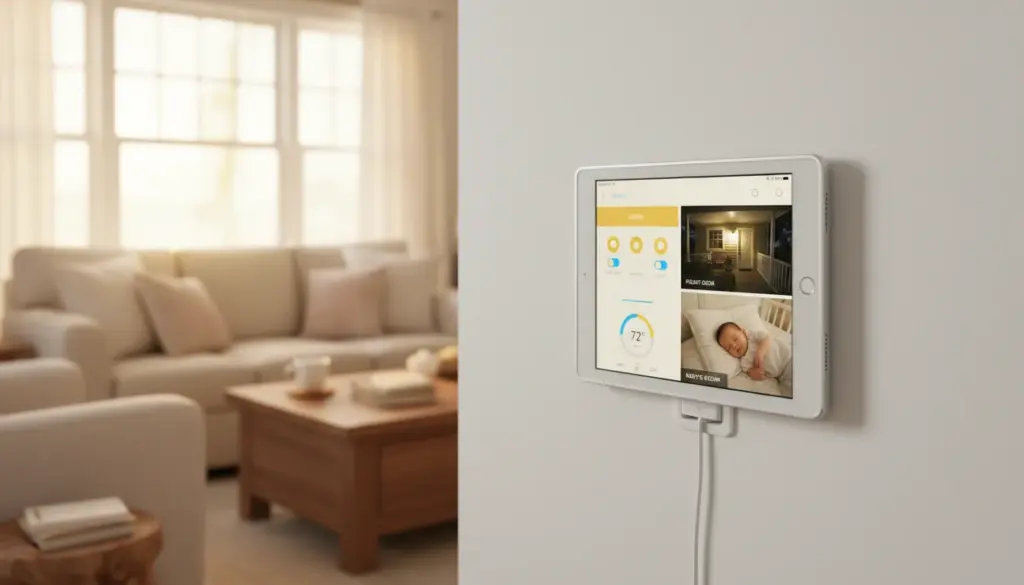
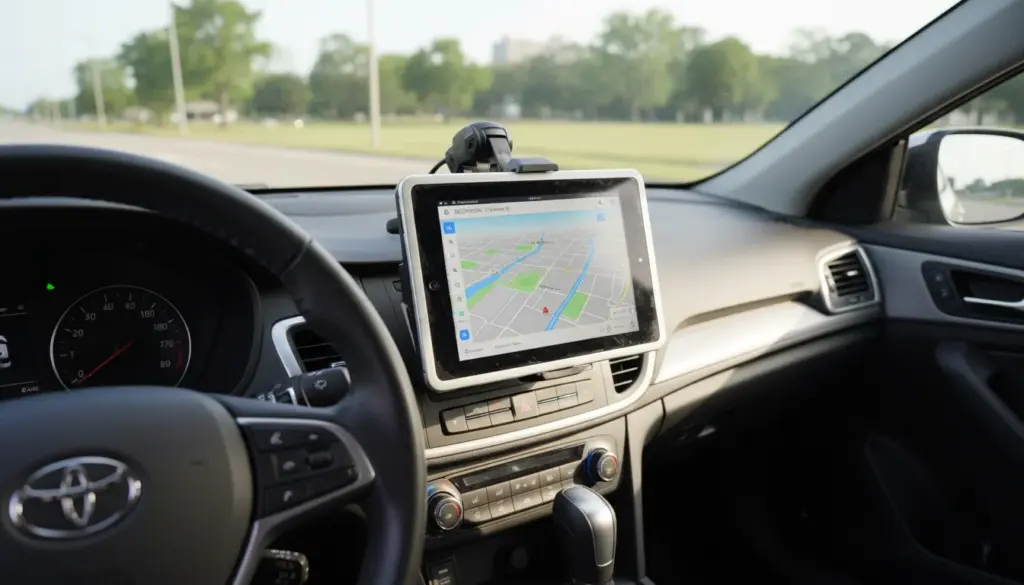
This is my favorite option. Before you sell, donate, or recycle that old tablet, consider whether it can still do something useful in your home.
An old iPad or Android tablet that’s “too slow” for games and apps is still perfectly fast enough to:
- Show your family calendar – always-on, always current, on the kitchen wall
- Display your photos – a better digital photo frame than anything you can buy
- Show the weather – forecasts, radar, and alerts at a glance
- Run a kitchen display – weather, calendar, recipes, and lists in one place
These aren’t theoretical. They take 10-30 minutes to set up, cost $0-15 (maybe a stand), and genuinely get used every day.
The Decision Tree
Here’s how to decide:
Is the tablet less than 6 years old and works well? → Sell it. You’ll get $50-120 direct.
Is it 6-10 years old and works but is slow? → Repurpose it. It’s worth more as a kitchen display or photo frame than the $20 you’d get selling it.
Does it work but you don’t need it? → Donate it. Someone can use it.
Is it broken or won’t turn on? → It might not be dead. Try a different cable, a wall charger, and a force restart before recycling it. If it’s truly gone, Apple or Best Buy will take it for free.
Is the battery swollen or the screen is cracked badly? → Recycle it carefully. Don’t put it in regular trash. Take it to an Apple Store or e-waste drop-off. Even a cracked or damaged tablet might still have some surprisingly useful second lives before you give up on it entirely.
One Last Thing
Whatever you do, wipe it first. Sign out of your accounts, erase all content, and remove it from your Apple or Google account. This takes 2 minutes and protects your data regardless of where the tablet ends up.
And if you’re on the fence about repurposing? Try the digital photo frame setup first. It takes 5 minutes, costs nothing, and you’ll know within a day whether this old tablet has earned its spot in the house. If it hasn’t, you can still sell or donate it tomorrow.