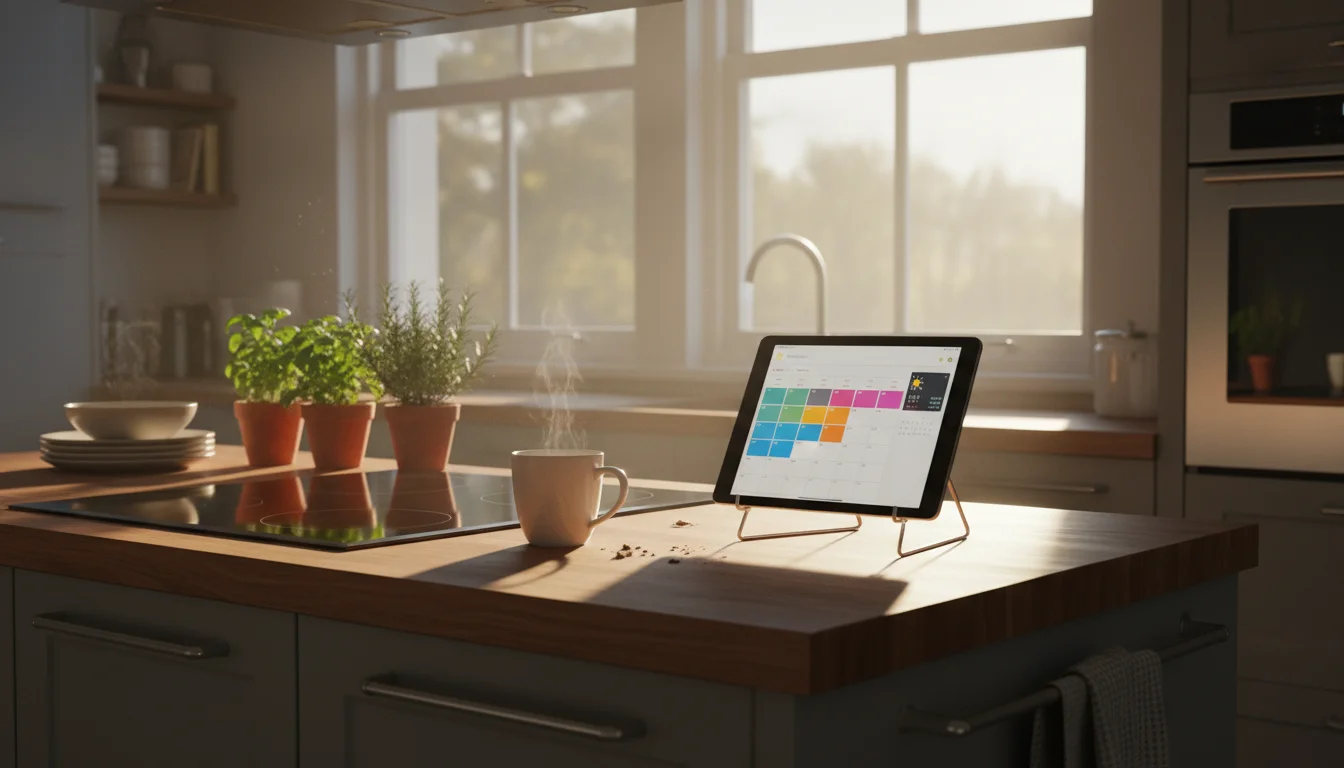
Your Old iPad Deserves Better Than a Drawer
Somewhere in your house, there’s an old iPad sitting in a drawer. Maybe the kids outgrew it. Maybe you upgraded and never got around to selling it. Maybe it’s too slow for anything useful.
But it still has a perfectly good screen. And that screen could be showing you tomorrow’s weather, tonight’s dinner recipe, and whether your kid has soccer practice – all without anyone pulling out a phone.
That’s what a kitchen display is. An old tablet, propped up or mounted on the wall, running a few simple apps that show the information your household actually checks twenty times a day.
No smart home system. No coding. No expensive hardware. Just an old device doing something useful again.
What We’ll Cover in This Guide
This is a four-part series that walks you through the whole process:
-
Why This Works (And What You Need) – What makes a kitchen display actually useful, which tablets work, and the few things you’ll need to get started.
-
Choosing and Setting Up the Apps – The best free and cheap apps for calendars, weather, recipes, and family lists – and how to set them up.
-
Mounting It and Making It Look Good – Stands, mounts, and cable management that won’t make your kitchen look like a tech lab.
-
Keeping It Running – Battery care, screen settings, troubleshooting, and the handful of things that might trip you up.
Each part takes about 10 minutes to read and another 10-15 to actually do. You could have a working kitchen display by the end of this afternoon.
Who This Guide Is For
You don’t need to be technical. If you can download an app and adjust a setting, you can do this.
If you want to see what a kitchen display actually looks like in daily family life before committing, read how ours became the one thing our family can’t live without. It’s the story, not the instructions.
This guide is the "I want it working by dinner" version. If you’d rather skip the full walkthrough, our kitchen assistant quick-start covers the best apps and setup in a single page. And if it’s specifically the "what’s for dinner?" question you’re trying to solve, our family meal planning setup was built for exactly that. Once you have the display running, you might also want to set it up as a dedicated music player – the kitchen is where ours gets the most use.