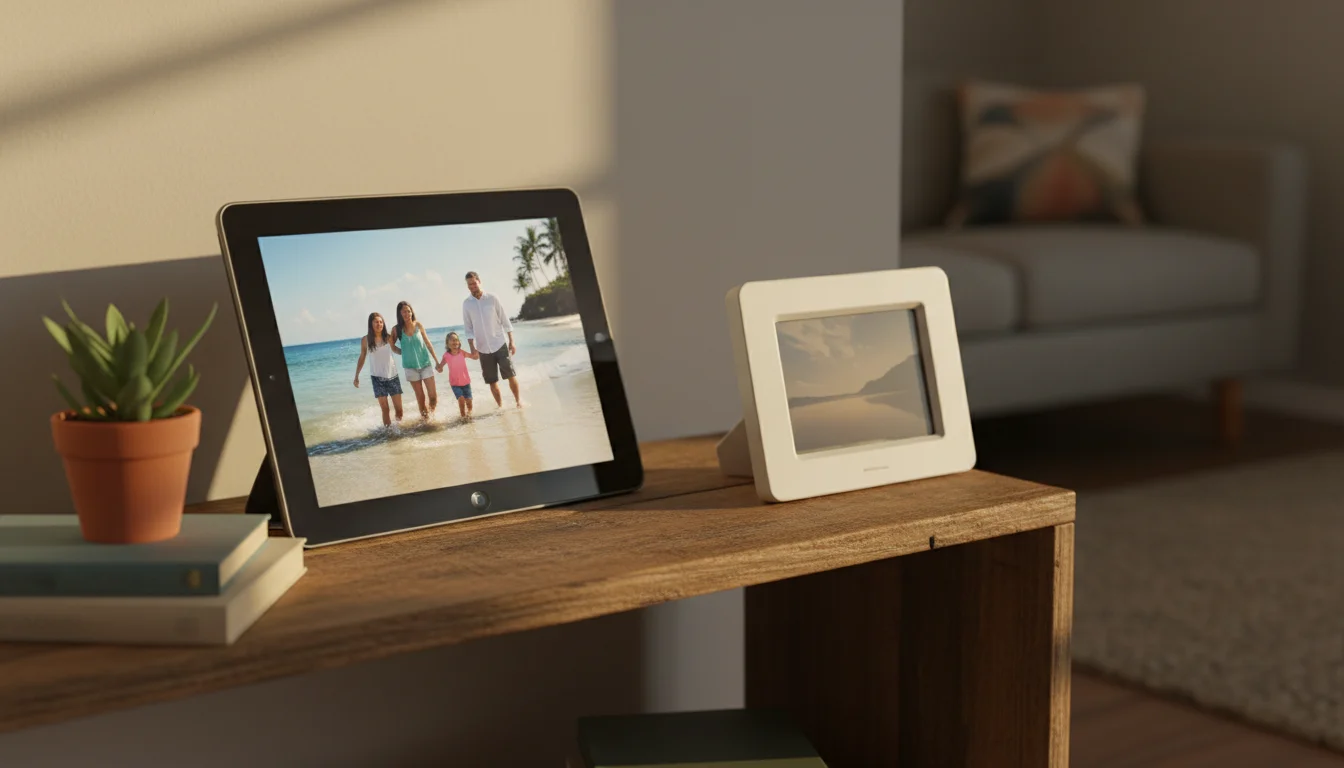
The $150 Question
Dedicated digital photo frames are everywhere – Aura, Nixplay, Skylight, Frameo. They look beautiful in the marketing photos. And they cost $100-200.
Here’s what that money gets you: a 10-inch screen at 1280×800 resolution, Wi-Fi, and a companion app. Some charge a monthly subscription on top.
Now look at the old iPad in your drawer. Even an iPad Air from 2013 has a 9.7-inch (25 cm) Retina display at 2048×1536. That’s roughly four times the pixels. Your family’s photos look dramatically sharper.
And the cost? Zero. You already own it.
Where the iPad Actually Wins
Screen quality. This is the big one. Photos are visual – resolution matters more here than in almost any other use. The iPad’s display shows detail that cheaper frames blur into mush. Skin tones look natural. Landscapes have depth. It’s the difference between a framed print and a photocopy.
Cloud sync. Dedicated frames need their own app, their own account, and their own upload process. Your iPad already knows about iCloud or  Google Photos. Set it to display a shared album and it updates automatically – new photos appear without anyone doing anything.
No subscriptions. Nixplay Plus runs $30/year for cloud storage and extra features. Skylight Plus is $39/year. Those aren’t huge amounts, but they add up, and they never stop. Your iPad uses Google Photos (free for most people) or iCloud (which you’re already paying for if you have an iPhone).
No ecosystem lock-in. If Nixplay shuts down, your $180 frame becomes a paperweight. Your iPad keeps working regardless of what any company does.
Flexibility. Today it’s a photo frame. Tomorrow you might want it to show the weather, or play music, or be a video call screen for grandma. A dedicated frame only does one thing.
Where Dedicated Frames Win (Honestly)
I’m not going to pretend it’s all one-sided.
Gifting. If you’re buying this for someone who doesn’t have an old tablet lying around, a Skylight or Aura is a complete package that just works. No setup decisions, no account juggling.
The companion app. Aura and Skylight have genuinely good apps that let anyone in the family send photos directly to the frame. It’s simple and purpose-built. On an iPad, you set up a shared album and explain to people how it works – slightly more friction.
Physical design. Dedicated frames look like picture frames because they are. An iPad on a stand looks like… a tablet on a stand. (We’ll fix that in Part 4 with cases and mounts.)
Always-on simplicity. Dedicated frames are designed to run 24/7 out of the box. An iPad needs a few settings changed and maybe an app installed. Not hard, but not zero-effort either.
Which Tablets Work?
Pretty much any tablet you have is fine for this. You need:
- A working screen. Cracked screens are distracting for a photo display. Everything else is negotiable.
- Wi-Fi. For pulling photos from cloud albums.
- iOS 12+ or Android 8+. Older than that and the photo apps might not install.
Specific models that work great:
| iPad Model | Screen | Notes |
|---|---|---|
| iPad Air (2013) | 9.7″ Retina | Still gorgeous. The gold standard. |
| iPad Air 2 | 9.7″ Retina | Slightly thinner, same great screen. |
| iPad mini 2/3/4 | 7.9″ Retina | Perfect for a shelf or nightstand. |
| iPad 5th-7th gen | 9.7-10.2″ | More than enough for photo display. |
For Android, any Samsung Galaxy Tab, Lenovo Tab, or Amazon Fire tablet with an 8-inch (20 cm) or larger screen works. Fire tablets are limited to the Amazon App Store, so Google Photos isn’t available unless you sideload Google Play Services (doable but not quick). Amazon Photos comes built in and works fine for this.
The Battery Question
“Won’t keeping it plugged in 24/7 kill the battery?”
Probably, eventually. Lithium batteries don’t love being at 100% all the time. After a year or two, the battery might swell slightly or hold less charge.
But you’re not using this as a portable device anymore. If the battery eventually degrades, the iPad still works plugged in. And at that point, it’s been a free photo frame for two years. I’d call that a win.
If it bothers you, some newer iPads support “optimized charging” that stops at 80%. And Android tablets often have a similar setting. But honestly? Don’t overthink this. The battery was already past its best days – that’s why the iPad ended up in the drawer.
The Math
| Feature | Old iPad | Aura Frame | Nixplay | Skylight |
|---|---|---|---|---|
| Cost | $0 | $134-499 | $190-350 | $160 |
| Screen resolution | 2048×1536 | 1280×800* | 1280×800 | 1280×800 |
| Annual fees | None | None | $20-30/yr | $39/yr |
| Cloud sync | Yes | Yes | Yes | Yes |
| Works if company dies | Yes | No | No | No |
| Other uses | Many | None | None | None |
*The Aura Carver ($134) runs at 1280×800. The highest resolution in Aura’s current lineup is 1600×1200 (Aspen/Walden, $199-269) – still well below the iPad’s 2048×1536.
For people who already have an old iPad, this isn’t even a close comparison. Want the full side-by-side breakdown? See our iPad vs dedicated digital photo frame comparison.
This page is part of our Digital Photo Frame guide. Next up: the apps that make this actually work →