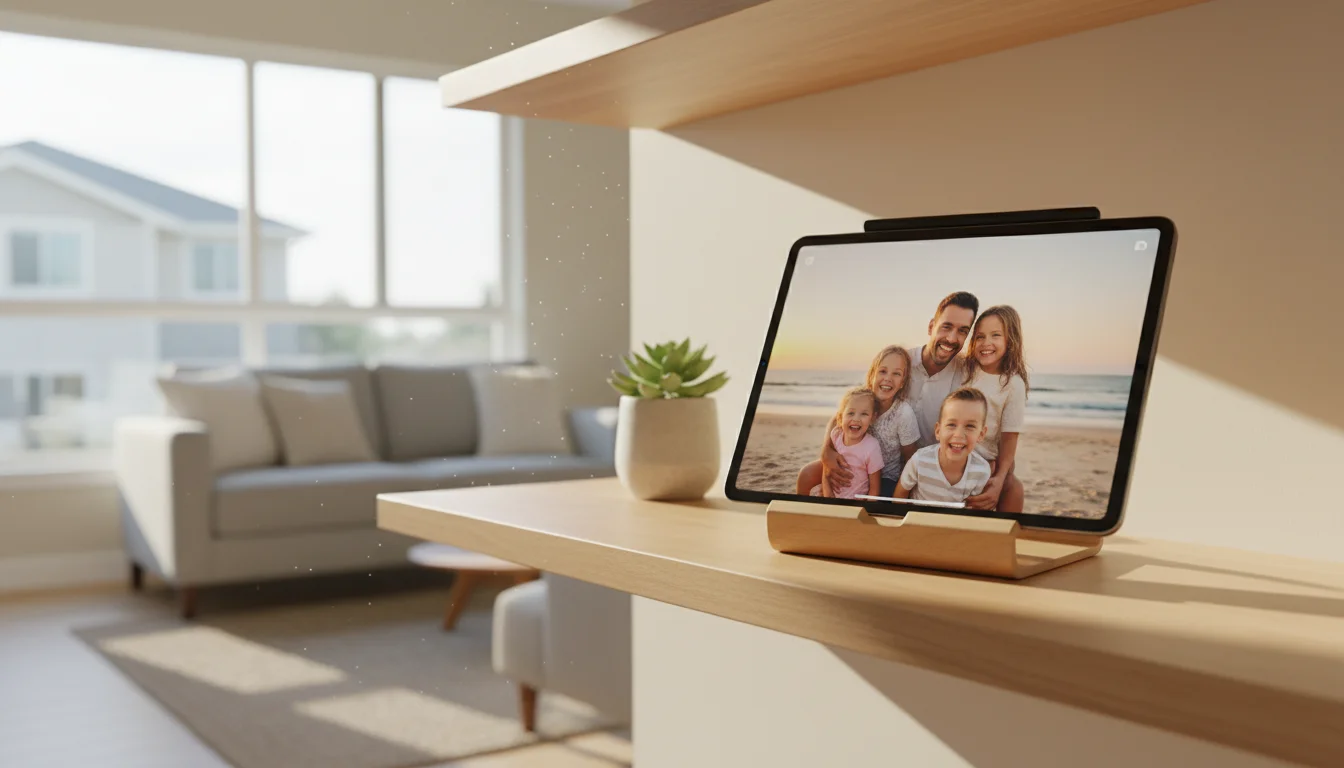
Half the Apps Won’t Even Install
You decided to turn that old iPad into a photo frame. Good idea. You searched the App Store for “digital photo frame,” found something promising, tapped Get, and got the message: Requires iOS 16 or later.
So you tried another one. Same thing. And another. iOS 17. iPadOS 15.0 minimum.
It’s the most frustrating part of repurposing old tablets. The device works fine as a display, the screen is gorgeous, but the apps have moved on without it. Android tablets have the same problem, just less visibly – apps install but crash on launch because they expect hardware your 2016 Galaxy Tab doesn’t have.
I went through every photo frame app I could find and tested which ones actually install and run on older devices. Here’s what still works.
What to Look For in a Photo Frame App
Before the list: the features that matter on an old tablet aren’t the same ones that matter on new hardware.
Cloud sync is important because you don’t want to manually transfer photos. An app that pulls from Google Photos or iCloud means new pictures appear automatically.
Always-on support matters because most tablets will sleep after a few minutes. A good photo frame app either prevents sleep or works as a screen saver.
Low resource use is critical. Your old tablet has 1-2 GB of RAM. Apps that load dozens of full-resolution photos into memory will crash. The best photo frame apps load one image at a time and keep memory usage flat.
Transition effects are a nice bonus, but keep it simple. A clean dissolve looks better than flashy 3D animations that stutter on old hardware.
Best Photo Frame Apps for iPad (iOS 12+)
Digital Photo Frame Slideshow – Best Overall for iPad
- Price: Free (Premium: $2.99/week, $12.99/year, or $69.99 lifetime)
- Requires: iOS 12.0 or later
- Cloud sources: iCloud, Google Photos, Flickr, Unsplash
This is the best dedicated photo frame app that still runs on older iPads. It pulls photos from your iCloud library or Google Photos, runs a full-screen slideshow with transitions, and overlays the time and weather if you want.
The free version does enough. You get slideshows from your camera roll, adjustable timing from 3 seconds to 24 hours between photos, and multiple transition styles. The blur-background mode is nice for portrait photos on a landscape tablet – instead of black bars, you get a soft blurred version of the photo filling the edges.
The premium subscription adds Google Photos and Flickr integration, video playback in slideshows, and removes ads. The yearly price ($12.99) is reasonable if you want cloud sync. The $69.99 lifetime option only makes sense if you’re setting up multiple tablets.
The catch: The subscription pricing is aggressive for an app this simple. The free version with local photos is perfectly fine if everyone in the family adds photos to a shared album on the iPad itself.
 Download from the App Store
LiveFrame – Best for Really Old iPads
- Price: Free (Ad-free: $4.99 one-time)
- Requires: iOS 9.3.5 or later
- Cloud sources: Facebook, Flickr, Instagram, Google Photos, Dropbox, iCloud
If your iPad is stuck on iOS 10 or 11 and nothing else will install, LiveFrame is your answer. It supports devices all the way back to iOS 9.3.5, which covers iPads from 2012 onward.
The feature list is solid for such a lightweight app. It connects to more cloud services than most competitors, including Instagram and Facebook albums. Sleep and wake scheduling lets you dim the display at night and brighten it in the morning. The time, date, and weather overlay keeps it useful even when you’re not looking at the photos.
The $4.99 ad-free version is worth it. The ads in the free version appear between photo transitions, which breaks the ambiance of a photo frame sitting on your shelf.
Synced Photo Frame by Re-Frame – Best for Privacy
- Price: Free (Pro: $9.99 lifetime)
- Requires: iOS 12.0 or later
- Cloud sources: iCloud only (by design)
If you don’t want your family photos on some third-party server, Re-Frame is the pick. It connects only to your iCloud library or local albums. The developer explicitly states that photos never leave the device or get sent to external servers.
The app does two things well. First, it auto-updates when you add new photos to the selected album, so everyone contributing to an iCloud Shared Album sees their photos appear on the frame without touching the tablet. Second, the passepartout mode adds a clean white border around photos, making your tablet look more like an actual framed picture and less like a screen.
In landscape mode, it displays two portrait photos side by side, which is a nice touch nobody else does.
The $9.99 pro version adds battery management features and screen scheduling. If the tablet is permanently plugged in and you don’t care about scheduling, the free version is enough.
Apple Photos Slideshow – Already on Your iPad
- Price: Free (built-in)
- Requires: Any iOS version
- Cloud sources: iCloud Photos
Don’t overlook what’s already there. Open the Photos app, pick an album, tap the three-dot menu, hit Slideshow, and you have a photo frame. No download required.
The limitation is real, though. Apple’s slideshow stops after it cycles through the album once. On some iOS versions it loops, on others it doesn’t. You’ll probably need to restart it once a day. For a bedside table where you tap the screen each morning anyway, that’s fine. For a hallway wall mount, it’s annoying.
Set Auto-Lock to Never (Settings > Display & Brightness > Auto-Lock) so the screen stays on.
Best Photo Frame Apps for Android Tablets
Fotoo – Best Overall for Android
- Price: Free (Premium: $5 one-time)
- Requires: Android 5.0 or later
- Cloud sources: Google Photos, Dropbox, OneDrive, Google Drive, local storage, SMB/network shares
Fotoo is the default recommendation for Android tablets and for good reason. It connects to everything, the slideshow is smooth even on older hardware, and the motion detection feature is genuinely useful. The screen dims when nobody’s nearby and brightens when someone walks past. On a wall-mounted tablet, this saves power and looks like the display is paying attention.
The $5 premium is a one-time purchase. It removes the small Fotoo logo, adds scheduled on/off times, and unlocks a few extra transition effects. Compared to iOS apps charging $30/year for similar features, this is a bargain.
One nice detail: Fotoo supports network shares (SMB). If you have a NAS or shared folder on your network, you can point Fotoo at it directly. No cloud account needed.
Works on: Most Android tablets from 2015 onward. If your tablet runs Android 5.0 (Lollipop) or later, Fotoo will install. Tested and running smoothly on devices with 1 GB RAM.
 Download from Google Play
PhotoCloud Frame Slideshow – Best Free Option for Android
- Price: Free (paid unlock removes promotional images)
- Requires: Android 4.4 or later
- Cloud sources: Dropbox, Google Drive, local storage, SMB/NFS network shares
PhotoCloud is open-source and works on tablets going back to Android 4.4 (KitKat). That covers essentially every Android tablet made since 2013. If your device is too old for Fotoo, PhotoCloud probably still runs.
The free version works fine but shows “please purchase” images occasionally during the slideshow. The paid unlock (a couple dollars) removes those. There’s also a separate Daydream/Screen Saver unlock that integrates with Android’s built-in screen saver feature.
It’s not as polished as Fotoo. The interface looks dated and the transition effects are basic. But it’s lightweight, reliable, and runs on hardware that makes other apps crash.
Android Screen Saver (Built-in) – Zero Setup
- Price: Free (built-in)
- Requires: Android 4.2 or later
- Cloud sources: Google Photos
Most Android tablets have this and most people never find it. Go to Settings > Display > Screen saver (called “Daydream” on older versions). Select Photos or Photo Frame, choose which Google Photos albums to display, and set it to activate while charging.
Now plug in the tablet. When the screen would normally turn off, it launches a full-screen slideshow instead. New photos from your Google Photos library appear automatically.
This is the cleanest Android option because there’s nothing to install, nothing to configure beyond those few taps, and it pulls from the same Google Photos library your phone backs up to. The downside: you can’t customize transitions or add overlays. It just shows photos. For most people, that’s enough.
Cross-Platform Options
DAKboard – Works on Any Tablet With a Browser
- Price: Free tier / $6 per month for premium
- Requires: Any web browser
If you want photos plus weather, calendar, and a clock on one screen, DAKboard runs in the browser. No app to install means no compatibility issues. If your tablet has Chrome or Safari, DAKboard works.
The free tier shows one screen with your photos, local weather, and a calendar. Connect it to Google Photos or a Dropbox folder, and your images rotate in the background while useful info stays visible.
Pair it with  Fully Kiosk Browser ($6 one-time, Android only) to lock the tablet to the DAKboard page and prevent accidental navigation. That combination turns any old Android tablet into a smart display that rivals a Nest Hub.
We cover DAKboard setup in detail in our smart display guide.
Quick Comparison
| App | Platform | Min OS | Price | Cloud Sync | Always-On |
|---|---|---|---|---|---|
| Digital Photo Frame Slideshow | iPad | iOS 12 | Free / $12.99/yr | Yes (premium) | Yes |
| LiveFrame | iPad | iOS 9.3.5 | Free / $4.99 | Yes | Yes |
| Re-Frame | iPad | iOS 12 | Free / $9.99 | iCloud only | Yes |
| Apple Photos | iPad | Any | Free | iCloud | No (stops after loop) |
| Fotoo | Android | 5.0 | Free / $5 | Yes | Yes |
| PhotoCloud | Android | 4.4 | Free | Dropbox/local | Yes |
| Android Screen Saver | Android | 4.2 | Free | Google Photos | While charging |
| DAKboard | Any | Any browser | Free / $6/mo | Yes | With Fully Kiosk |
Which One Should You Pick?
If you have an iPad on iOS 12 or later, start with Digital Photo Frame Slideshow. The free version with local photos works well, and the cloud sync premium is worth it if you want new photos appearing automatically.
If your iPad is stuck on iOS 10 or 11, LiveFrame is your only real option, and it’s a good one. The $4.99 ad-free upgrade is worth the money.
If you have an Android tablet, install Fotoo. The $5 premium pays for itself in the first week when you realize the scheduled on/off means you never have to touch the tablet again.
If your tablet is so old nothing else installs, try the built-in options first. Apple Photos slideshow on iPad, or the Android Screen Saver, both work without downloading anything.
And if you want more than just photos – weather, calendar, the time – skip the dedicated apps and use DAKboard in the browser. It works on anything.
For the full setup walkthrough including mounting, power management, and shared albums, see our complete photo frame guide or the Android-specific version.