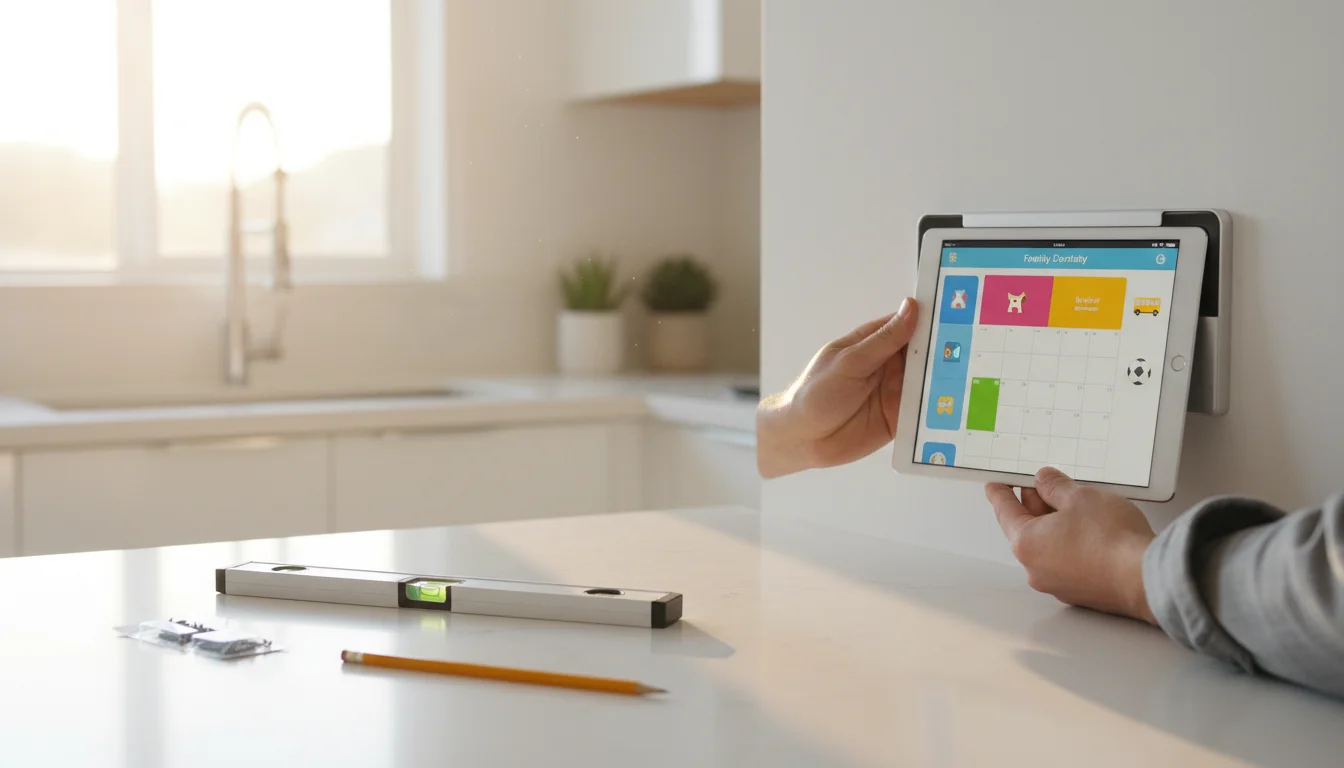
The Weekend Project
You have an old tablet. You want it mounted on a wall, running a useful app, looking like it was meant to be there. This guide gets you there in a single afternoon.
Most people skip straight to the "fun part" – picking an app and slapping the tablet on the wall. Then they spend the next week dealing with random lockouts, notification banners covering their display, software update popups, and a charging cable that looks like an afterthought.
This guide does it in the right order. One afternoon of setup, and you won’t have to think about this tablet again for months.
What This Guide Covers
Part 1: Preparing Your Tablet → Factory reset (or not), software updates, the right accounts, and stripping out everything you don’t need. The goal: a clean, fast device ready for one job.
Part 2: Settings for Always-On Use → The deep dive into every setting that matters – screen timeout, notifications, Guided Access, Do Not Disturb, battery management. This is the part that separates "tablet on a wall" from "reliable display."
Part 3: Mounting, Power, and Long-Term Care → Choosing a spot, mounting options, cable routing, battery health, monthly maintenance, and troubleshooting the common issues.
What You’ll Need
The basics (you probably have all of this):
- An old iPad (iOS 12+) or Android tablet (Android 8+) with a working screen
- A charging cable (Lightning or USB-C for iPads, USB-C or micro-USB for Android)
- Wi-Fi network name and password
- About 2-3 hours for the full setup
The extras (for a wall-mounted install):
- A mount or stand ($5-30) – see our mounts and stands guide for recommendations
- Cable clips or a right-angle cable for clean routing ($5-8)
- A power adapter and extension cord if the outlet isn’t nearby
Which Tablets Work?
iPads: iPad Air 1 or newer (2013+). Must run iOS 12 at minimum. The Air 2 is the sweet spot – thin, Retina display, runs iOS 15. Anything newer is even better.
Android: Any tablet running Android 8 (Oreo) or newer with 2+ GB of RAM. Samsung Galaxy Tab A series, Amazon Fire HD tablets (2019+), and Lenovo Tabs all work well.
Too old: iPad 2, iPad 3, iPad mini 1, or any Android tablet on Android 7 or below. The app compatibility is too limited. These are recycling candidates – we have a guide for that too.
For a full comparison of iPad vs Android for this project, see our platform comparison guide.
Ready? Start with Part 1: Preparing Your Tablet →