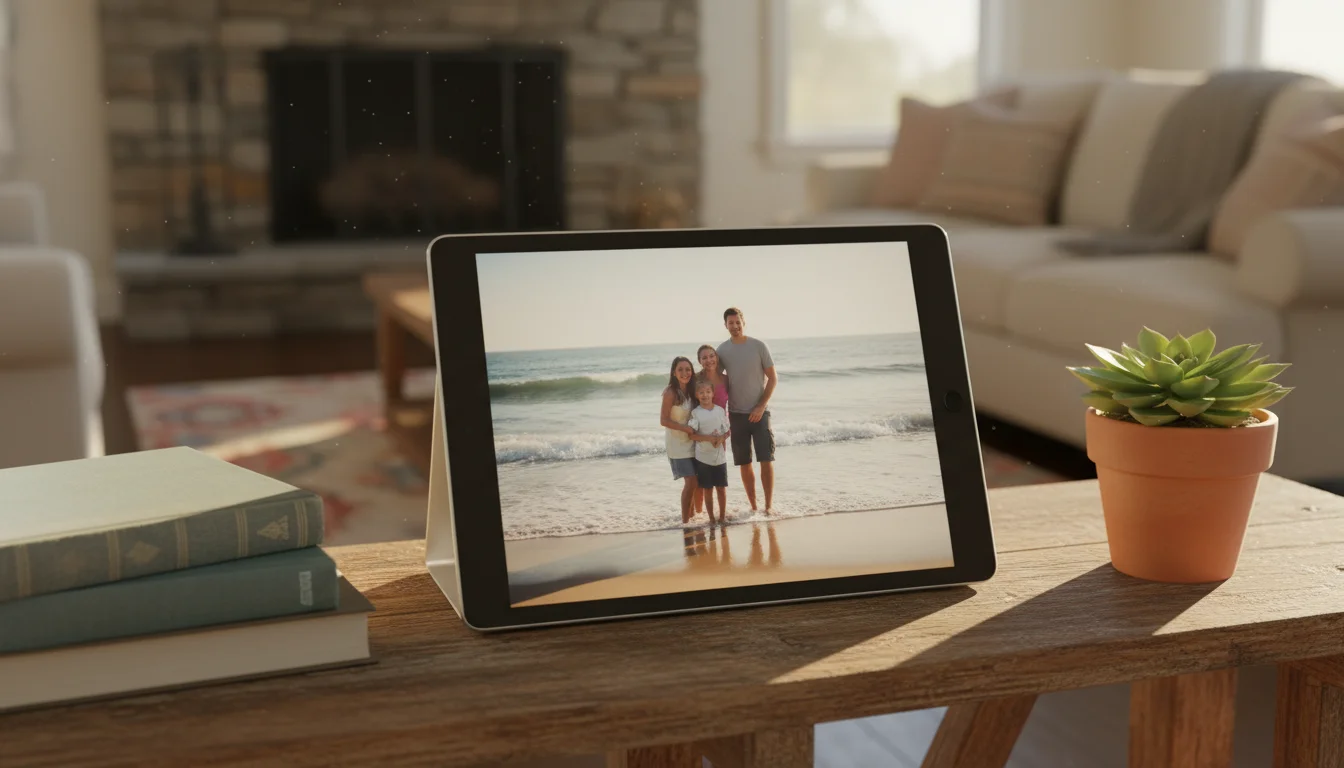
Your Old iPad Is a Better Photo Frame Than Anything You Can Buy
Somewhere in a drawer, your old iPad is gathering dust. Meanwhile, companies are selling dedicated digital photo frames for $100-200 with screens half as sharp as what you already own.
Here’s the math: a typical dedicated frame gives you a 10-inch (25 cm) screen at 1024×600 resolution. An iPad Air from 2013 has a 9.7-inch (25 cm) Retina display at 2048×1536 – four times the pixels. Even a first-gen iPad Mini has a sharper screen than most frames on the market today. Your photos look genuinely better on the old tablet.
And unlike a basic photo frame reading from an SD card, your iPad connects to Wi-Fi. Point it at an iCloud shared album or a Google Photos library, and new photos show up automatically – no transfers, no SD cards, no asking grandma to figure out a companion app.
Using an Android tablet instead? We have a dedicated Android photo frame guide that covers Galaxy Tabs, Google Photos integration, and always-on display settings.
Old Tablet vs Dedicated Frame: Quick Cost Comparison
| Old Tablet | Budget Frame | Premium Frame | |
|---|---|---|---|
| Cost | $0 (you own it) | $80-120 | $180-300 |
| Screen resolution | 2048×1536 (Retina) | 1024×600 | 1920×1200 |
| Cloud sync | Free (iCloud/Google Photos) | Often subscription | Often subscription |
| Monthly fees | None | $0-5/mo | $0-10/mo |
| Shared albums | Yes, unlimited | Varies | Yes |
| Gets software updates | Already has them | Vendor-dependent | Vendor-dependent |
The only real advantage of a dedicated frame is form factor – they’re thinner and come with a built-in frame. But for $0 and 10 minutes of setup, your old tablet does everything else better. We dig into the full tradeoffs in our iPad vs dedicated digital photo frame comparison.
What This Guide Covers
This is a four-part series that walks you through everything – from choosing the right approach to setting up shared albums so the whole family’s photos appear automatically.
-
Why Your iPad Beats a Dedicated Frame – Screen quality, cost, and the cloud advantage. Plus which tablets are old enough to be free and new enough to be useful.
-
Best Photo Frame Apps and Services – The apps worth installing, from dead-simple to full-featured. Free and paid, iPad and Android. For a quick look at which apps still install on older tablets, see the photo frame app compatibility list.
-
Shared Family Albums: The Real Magic – How to set up iCloud or Google Photos so everyone’s pictures appear on the frame automatically. Including the grandparent setup. For a step-by-step walkthrough of multi-platform sharing, see our shared family photo frame guide.
-
Mounting and Display Tips – Making it look like furniture, not a gadget. Stands, cases, wall mounts, and the settings that matter.
What You’ll Need
- An old iPad (any model running iOS 12+) or Android tablet (Android 8+)
- A charging cable
- Wi-Fi
- 10 minutes
That’s the full list. No special hardware. No subscriptions. No apps to buy (though a couple of good ones cost $5).
Quick-Start Checklist
Just want the short version? Here’s the 10-minute setup:
- Charge the old tablet and connect to Wi-Fi
- Set Auto-Lock to Never (Settings → Display & Brightness)
- Turn off notifications (you don’t want text banners over sunset photos)
- Set up a shared photo album – iCloud if your family uses iPhones, Google Photos if it’s a mix
- Open a slideshow app or the built-in photo slideshow
- Prop it on a stand ($5-15) or lean it against the wall
- Done
For the detailed version with app recommendations and family album setup, start with Part 1 above – or jump straight to our quick setup article if you want everything on one page.
Who This Is Actually For
The grandparent with a kitchen counter and no interest in learning new apps. The family that wants the school photos showing up at home without anyone emailing them around. The parent who noticed that $200 Skylight frame uses the same screen as the iPad their kid outgrew two years ago.
If you have an old tablet in a drawer and photos worth looking at, you’re ten minutes away from the most-looked-at screen in your house.