You’re About to Spend $200 on Something You Already Own
Someone recommended a Skylight frame for the kitchen. Or maybe you saw an Aura ad on Instagram. The idea is good: a screen on the counter that cycles through family photos. Very Pinterest. You started shopping and noticed: these things cost $150 on the cheap end, $300 for the nice ones. Some charge yearly subscriptions on top.
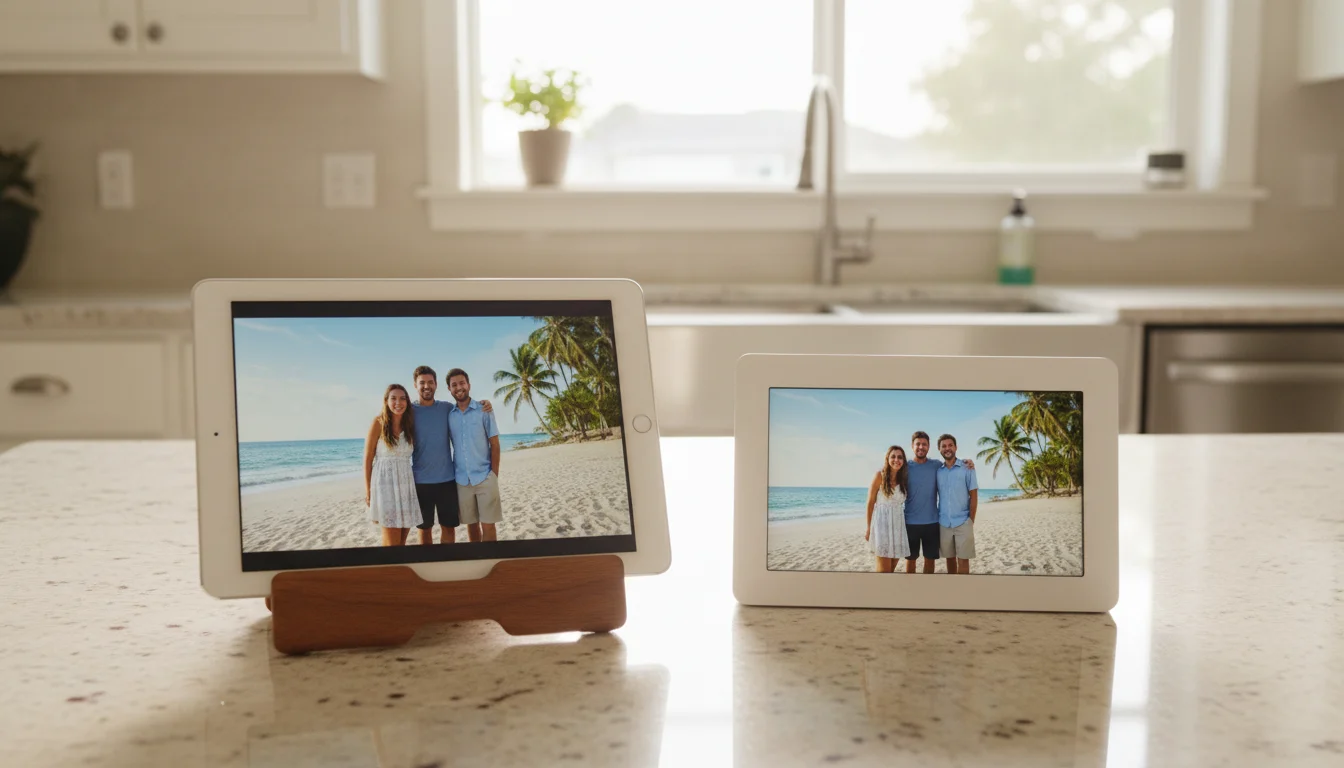
Then you remembered the old iPad in the junk drawer. The one that’s too slow for anything useful. Still has a gorgeous screen, though.
So the question isn’t really "which photo frame should I buy?" It’s "do I need to buy one at all?"
The Screen Comparison Isn’t Even Close
This is where old tablets embarrass dedicated frames. A 10-inch Skylight has a 1280×800 display. The Nixplay 10.1-inch has the same. Even Aura’s nicest 10-inch frame tops out at 2048×1536.
An iPad Air from 2013 – over a decade old – has a 2048×1536 Retina display. An iPad 6th gen from 2018 hits 2160×1620. Most old Android tablets from 2016 onward have at least 1920×1200.
Your photos will look sharper on the old tablet. There’s no way around this. Dedicated frames at the $150 price point simply can’t match the display quality of tablets that originally cost $300-500.
Color accuracy is close. The premium frames (Aura especially) have good color calibration. But resolution matters more for photo display, and the tablet wins by a wide margin.
What Dedicated Frames Do Better
Being fair here. Dedicated frames have real advantages that no app on an old tablet can fully replicate.
They look like frames. An Aura or Skylight on a shelf looks like a piece of decor. An iPad on a stand looks like a tablet on a stand. You can buy frame-style cases for tablets ($15-25 on Amazon), but they still have that visible home button or camera notch that breaks the illusion.
They’re simpler for non-tech people. Send photos to a Skylight by emailing them to an address. That’s the whole interface. Grandma doesn’t need to know about iCloud or Google Photos. For gifting to older family members, that simplicity matters.
They’re purpose-built. A dedicated frame boots up showing photos and that’s it. No notifications, no software updates asking for attention, no accidentally opening Safari when you brush the screen. They handle brightness, sleep schedules, and photo rotation without configuration.
Aura doesn’t charge a subscription. Among dedicated frames, Aura stands out: one purchase, unlimited cloud storage, no annual fee. At $150-200, it’s genuinely competitive if you don’t have an old tablet to use.
What Your Old Tablet Does Better
You already own it. The biggest advantage is the price: $0. It’s sitting in a drawer doing nothing. Even if you spend $15 on a stand and $5 on a photo frame app, you’re at $20 total. A Skylight costs eight times that.
The screen is better. Covered this above, but it’s worth repeating. Your 8-year-old iPad has more pixels than a brand-new $200 photo frame.
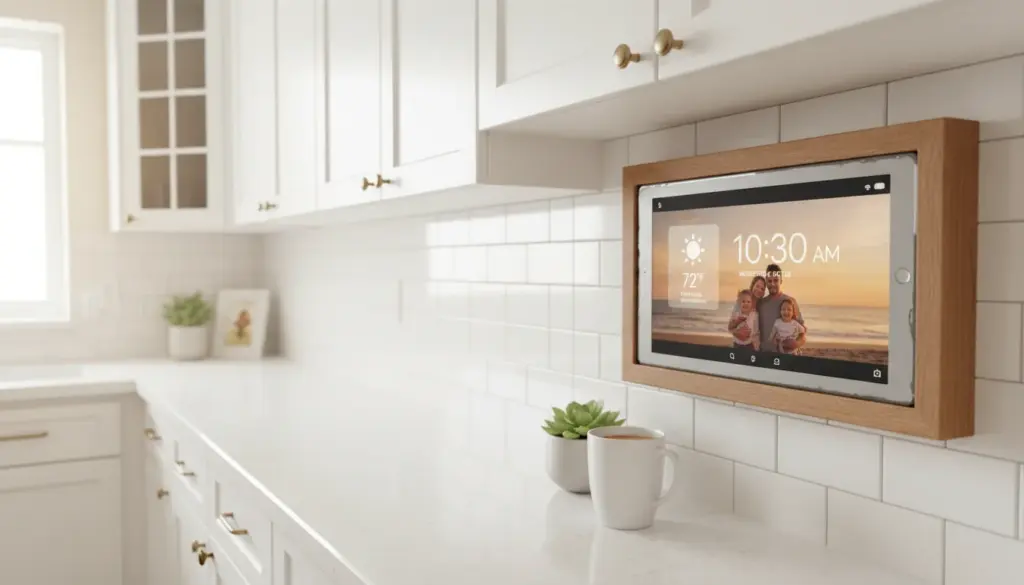
It does more than photos. An old tablet showing photos can also show the weather, a family calendar, the time, or a recipe when you’re cooking. Dedicated frames just show photos. With DAKboard or a similar web dashboard, your tablet becomes a useful information display that happens to show beautiful photos too.
No ecosystem lock-in. If Skylight or Nixplay goes out of business, your frame becomes a paperweight. Their photo storage, their app, their cloud. Your iPad works with iCloud, Google Photos, Dropbox, and local storage. If one service disappears, you switch to another.
It runs any photo source. Dedicated frames lock you into their app and their sharing method. An iPad can pull from iCloud Shared Albums, Google Photos, Instagram, Facebook, Dropbox, or a folder on your network. Our photo frame app roundup covers the options.
The Subscription Problem
This is where some dedicated frames cross a line. Skylight charges $39/year for features like video playback, cloud storage, and photo captions. Nixplay charges $20-30/year depending on the tier. Without subscriptions, Skylight can’t play videos. Nixplay limits you to 100MB of storage, which fills up in a week.
Do the math over five years:
| Option | Year 1 | Year 5 | What You Get |
|---|---|---|---|
| Old iPad + stand | $15 | $15 | Better screen, more features, no lock-in |
| Old iPad + Fotoo premium | $20 | $20 | Best Android photo frame setup |
| Aura Carver | $180 | $180 | No subscription, unlimited storage |
| Skylight + subscription | $198 | $354 | Need subscription for video and cloud |
| Nixplay + subscription | $190 | $310 | Need subscription for decent storage |
The iPad with a stand costs $15 total, forever. The Skylight costs $354 over five years and stops working properly if you cancel the subscription.
When to Buy a Dedicated Frame Anyway
Despite everything above, there are real situations where a dedicated frame is the right call.
As a gift for grandparents or older relatives. If the recipient doesn’t have an old tablet and wouldn’t be comfortable setting up Google Photos or iCloud sharing, a Skylight is the right answer. Email a photo, it shows up. That’s it. Worth the money for the simplicity.
If you want it to look like furniture. The Aura frames genuinely look nice. The display fills edge to edge, the bezels are thin, and from across the room it could pass for a real framed photograph. If aesthetics matter more than cost, Aura earns its price.
If you don’t have an old tablet. Obvious, but worth stating. If there’s no iPad in the drawer and no Android tablet in the closet, a $150 frame is cheaper than buying a new tablet just for photos.
When to Use Your Old Tablet
Almost every other situation. If you have an old iPad or Android tablet, start there. The screen is better, the features are more flexible, and the cost is essentially zero.
Set up takes about 10 minutes. Install a photo frame app, connect it to your photo library, prop it on a stand, and you’re done. Our complete setup guide walks through every step, and we have an Android-specific version too.
If you want shared family photos appearing automatically, our shared family photo frame guide covers how to set that up with Google Photos, iCloud, or Amazon Photos.
The Honest Verdict
Dedicated photo frames exist because they solve a real problem: most people don’t know their old tablet can do this. Now you know. Unless you’re buying a gift for someone who doesn’t have a tablet, or you specifically want the furniture-grade look of an Aura, the old iPad wins on screen quality, features, flexibility, and cost.
The $150-300 you’d spend on a dedicated frame? Put it toward something the tablet can’t do.