The Problem a Kitchen Display Solves
Here’s what mornings used to look like: everyone pulling out their phones to check the weather, looking up what’s on the calendar, arguing about who has practice tonight. Phones getting sticky while cooking. Phones running out of battery. The 8-year-old borrowing my phone to "check one thing" and somehow ending up on YouTube.
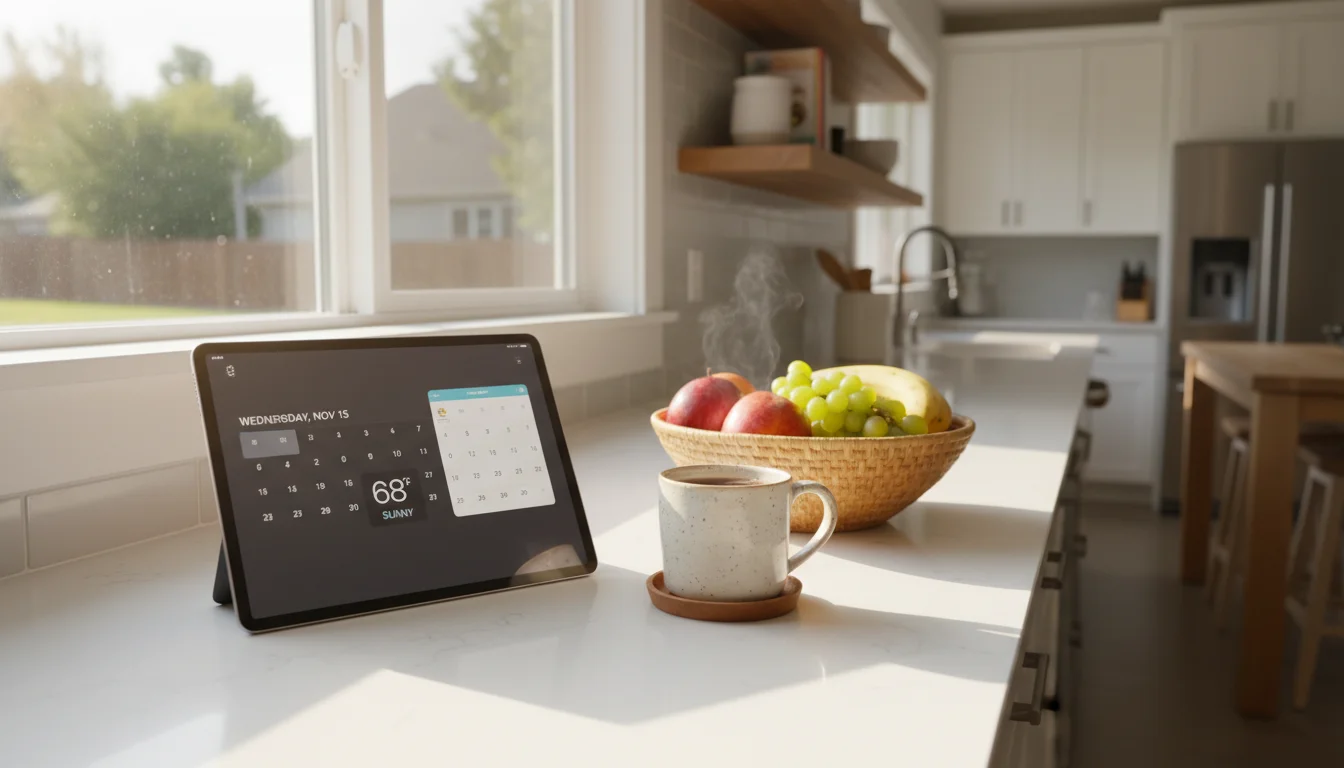
Now there’s a tablet on the kitchen counter that just shows all of it. Weather. Calendar. Grocery list. After-school schedule. Nobody has to unlock anything, open an app, or ask me.
It’s not a gadget. It’s furniture.
Why an Old Tablet Is Perfect for This
You might think you need to buy a purpose-built smart display – something like a Skylight or an Echo Show. Those are fine products. But an old iPad or Android tablet does this job just as well, and you already own one.
Here’s why old tablets are actually better for this than you’d expect:
The screen is the whole point. Even an iPad from 2014 has a good enough display to show a calendar from across the kitchen. Screen quality hasn’t changed that dramatically.
You don’t need speed. A kitchen display shows mostly static information – text, simple graphics, maybe a weather icon. Your old tablet isn’t fast enough for modern games, but it’s more than fast enough for this.
It’s always plugged in. The battery situation doesn’t matter. This thing lives on a stand or mounted on a wall, permanently connected to power. That old battery you’ve been worrying about? Irrelevant.
It’s already paid for. A Skylight costs $160. An Echo Show 15 is $300. Your old iPad cost you $0 because it’s already in the drawer.
Which Tablets Actually Work
Not every old tablet is a good candidate. Here’s what you need:
iPads
Any iPad that can run iOS 12 or later works well. That includes:
- iPad Air (1st gen, 2013) and newer
- iPad mini 2 (2013) and newer
- iPad 5th gen (2017) and newer
If your iPad is on iOS 11 or earlier, some of the apps we’ll recommend won’t install. It might still work with a web-based dashboard, but the experience won’t be as smooth.
Android Tablets
Any Android tablet running Android 8.0 (Oreo) or later should work. This covers most Samsung Galaxy Tabs from 2018 onward, plus various Amazon Fire tablets (though Fire tablets need a bit more setup – we’ll cover that).
What About Phones?
You can use an old phone, but the screen is usually too small to glance at from across the room. A tablet’s larger display is what makes this work as "kitchen furniture" rather than "tiny screen on the counter."
What You’ll Need
The shopping list is short:
Required (you probably have all of this):
- An old iPad or Android tablet (see above)
- A charging cable that works with it
- Wi-Fi access in your kitchen
- About an hour for initial setup
Optional but recommended ($10-25):
- A tablet stand or wall mount (we cover options in Part 3)
- A right-angle charging cable (keeps things tidy)
That’s it. No server, no subscription, no smart home hub. Just a tablet, some free apps, and a spot on your counter or wall.
What About Screen Burn-In?
This is the first thing people ask, so let’s get it out of the way: modern LCD screens (which is what your old iPad or Samsung tablet has) are highly resistant to burn-in. It’s theoretically possible if you display the exact same static image for months, but in practice? The apps we’ll recommend rotate content and adjust brightness, and you’re probably not staring at it at 3 AM anyway.
And honestly – even if it happens eventually, so what? This is a repurposed device. It was doing nothing. If the screen gets a little shadow after two years of daily use, that’s a pretty good run for a device that was destined for a landfill.
What About the Battery?
Being plugged in 24/7 does degrade the battery over time. Modern batteries have charge management that helps, but yes, eventually the battery capacity will drop.
The thing is: you don’t care. The tablet is permanently plugged in. If the battery degrades to the point where it can’t hold a charge… it’s still plugged in. It still works. The battery was already useless for portable use anyway – that’s why the iPad was in the drawer.
If the battery swells (extremely rare but possible with very old devices), you’d notice the screen bulging. In that case, stop using it and recycle it properly. But this is unlikely with any tablet made after 2015.
What Your Kitchen Display Will Look Like
When we’re done, your old tablet will sit on your counter or hang on your wall, always on, showing a clean screen with:
- Today’s weather – temperature, forecast, rain warnings
- Family calendar – who has what, when
- Grocery or to-do list – shared, so anyone can add to it
- Time and date – obvious, but it replaces the kitchen clock too
Some people add recipes, school menus, a family photo slideshow, or even a bus/transit schedule. We’ll cover all the app options in the next part of this kitchen display guide.
The point is: it shows what your family actually needs to see, at a glance, without anyone touching it.