Why Bother With a Weekly Family Check-In
I used to spend Sunday nights with a low-grade anxiety about the week ahead. Not because anything was wrong, but because I didn’t know what was coming. Soccer practice? Probably. A school event? Maybe. Dentist? I think that’s next week. My husband would ask “what’s the plan this week?” and I’d realize the plan was entirely inside my head, unfinished, with gaps I’d discover at the worst possible moment.
This is the problem nobody talks about when they set up a shared calendar or a meal planning system. The tools work. The information is there. But nobody sits down together and actually looks at it. The calendar fills up, the meal plan gets made, the morning routine runs on the tablet – and one person is still carrying the mental load of knowing how all of it connects.
A weekly family check-in fixes this. Not a formal family meeting with an agenda printed on card stock. Just 15 minutes on Sunday where you stand in the kitchen, pull up the tablet, and walk through the week together. Who’s going where, what’s for dinner, anything that needs adjusting. Fifteen to 20 minutes is the sweet spot for families with young kids. Longer than that and you lose the little ones, and honestly, the adults too.
What You Need (Hint: You Probably Already Have It)
If you’ve been following along with this series, you already have most of the system running. The weekly check-in is the habit that ties it together.
Here’s what ours looks like on Sunday evenings:
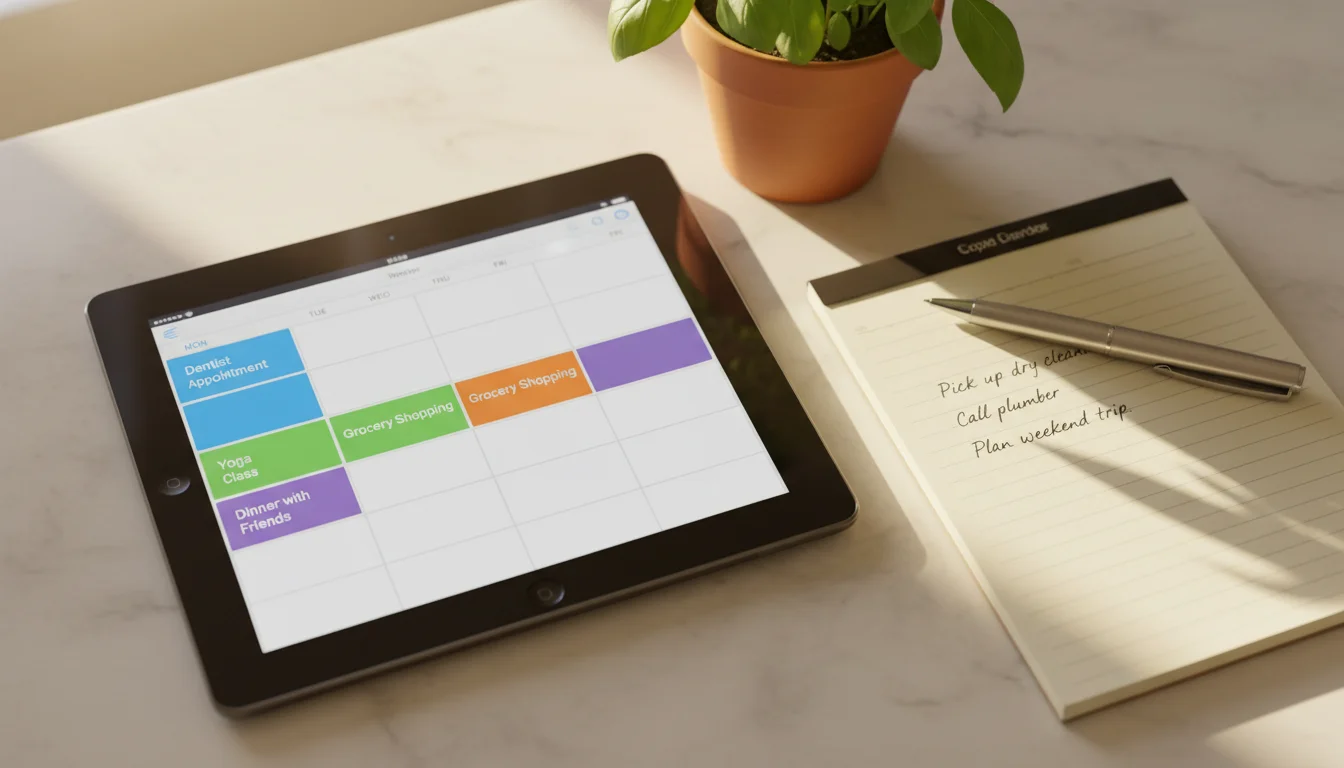
- The calendar. A shared family calendar open on the tablet, showing the week view. If you’re using
 Google Calendar in Safari or Apple Calendar, either one works. This is where you review what’s coming up.
 - The meal plan. Whatever meal planning system you’re using – a shared note, Paprika, a whiteboard on the fridge. You’re checking whether this week’s dinners make sense given the schedule. Tuesday is soccer until 6:30? That’s not a from-scratch dinner night.
- The routine boards. If you have a morning routine board or an after-school board running, you’re checking whether anything needs updating. Summer break starts Friday? The morning checklist changes. New after-school activity? Add it.
You don’t need all four of these running. Even if you only have the calendar on the tablet, the weekly check-in works. The point is looking at the week together, not having a perfect system. Start with whatever you’ve got.
If you don’t have any of this set up yet, the shared family calendar is the place to start. That one article covers picking a calendar service, sharing it, and getting it on the tablet in about 30 minutes.
The 15-Minute Sunday Check-In
Here’s exactly how ours runs. We do it Sunday evenings after dinner, standing around the kitchen counter where the iPad is propped up. The whole thing takes 10 to 15 minutes. Sometimes less.
Step 1: The Week Ahead (5 minutes)
Pull up the calendar on the tablet. Scroll through Monday to Friday. Say it out loud: “Monday is normal. Tuesday the kids have dentist at 3:30 so I need to pick them up early. Wednesday Mark has a late meeting so I’m doing dinner and bedtime solo. Thursday nothing. Friday is the school assembly at 9.”
That’s it. No discussion unless something conflicts. The goal is shared awareness, not problem solving. If there’s a conflict – two kids need to be in different places at the same time, or a work trip overlaps with a school event – flag it now. “We need to figure out Thursday pickup” is enough. You don’t have to solve it this minute, but you both know it needs solving.

Step 2: Meals (3 minutes)
Switch to your meal plan. If you’re doing a Sunday batch plan, this is when you finalize it. If you’re running a rolling plan, just confirm the first few days. “Monday is pasta. Tuesday is leftovers because of the dentist. Wednesday I’ll do slow cooker chili since I’m on my own.”
The person who doesn’t usually cook hears the plan. The person who does the cooking says it out loud instead of keeping it in their head. That alone is worth the three minutes.
Step 3: Routines and Adjustments (3 minutes)
Glance at the routine boards. Anything changing this week? Picture day on Wednesday means the 8-year-old needs to wear something specific. The 5-year-old’s reading log is due Friday so homework time shifts. The 3-year-old has a playdate Thursday so afternoon nap moves earlier.
Most weeks, nothing changes. That’s fine. The check takes 30 seconds. But when something does shift, catching it on Sunday means you’re not scrambling at 7 AM on Wednesday trying to find the picture-day outfit.
Step 4: Anything Else (2 minutes)
Birthday party on Saturday that needs a gift. The permission slip that’s due. The dishwasher making a weird noise. Quick items only. If it needs more than a sentence, it’s a text for later, not a 15-minute tangent.
Then you’re done. The kids don’t need to sit through all of it. Our 8-year-old listens in for the parts about his schedule and wanders off. The 5-year-old is usually coloring nearby. The 3-year-old is doing whatever 3-year-olds do, which is mostly ignoring us while eating a banana.

Adjusting for Your Family
If your kids are too young to sit through it: They don’t have to. The weekly check-in is really a conversation between the adults, with kids present in the room. A 3-year-old is not going to contribute agenda items. But they absorb more than you think.
If your kids are old enough to participate: Let them. Our 8-year-old now tells us about school events we’d otherwise miss. He also lobbies hard for pizza on Fridays, which, fair enough. Kids 5 and up can handle “anything happening at school this week?” Teenagers can run the calendar review themselves.
If your partner isn’t interested: Don’t call it a family meeting. Just pull up the calendar on Sunday evening and start talking through the week. “Hey, looks like a busy one. Tuesday’s dentist, Wednesday you’re late…” Most resistance comes from the word “meeting.” This is a conversation, not a boardroom exercise.
If you’re a single parent: The check-in still works. Ten minutes on Sunday where you look at the week instead of hoping you’ll remember everything. If your kids are old enough, walking through it together means they know what’s coming without you being the constant announcer all week.
When You Skip a Week
You will skip a week. You’ll be exhausted on Sunday. You’ll be out of town. You’ll just forget. This is not a failure.
The difference between a system and a New Year’s resolution is what happens when you fall off. A resolution dies. A system restarts.
If you skip a week, do a 5-minute version on Monday morning. Pull up the calendar, skim the week, mention anything important. That’s enough. If you skip two weeks, same thing. There’s no catching up required because there’s nothing to catch up on. You’re not reviewing past weeks. You’re just looking at the one ahead.
The biggest risk isn’t skipping once. It’s deciding the whole system is broken because you skipped once, and abandoning it. It’s not broken. It’s Sunday. Pull up the tablet and spend 5 minutes. You’re back.
What This Replaces
The market thinks you need a dedicated display for this.
| Option | Upfront cost | Ongoing cost |
|---|---|---|
| Skylight | $299.99 | $79/year for extras |
| Hearth Display | $699 | $9/month |
| Old tablet | $0 | $0 |
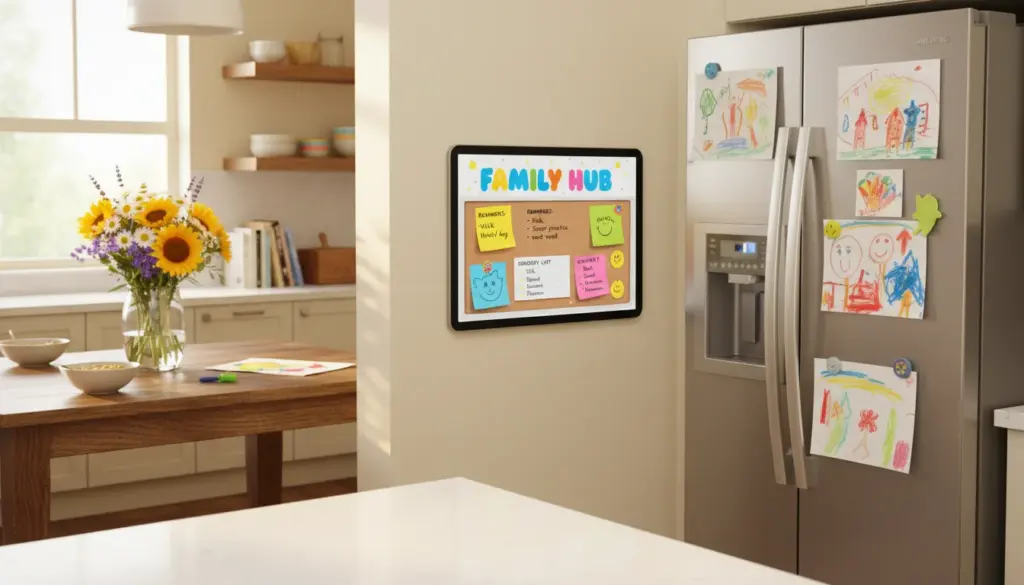
There’s a whole category of $300 to $700 smart calendars designed to sit on your kitchen wall and show your family schedule. They look good. And they do roughly the same thing as the old iPad in your drawer that cost you $0 today.
The tablet on the counter running your calendar app is the check-in hub. You don’t need a purpose-built product for a 15-minute Sunday conversation. You need a screen, a calendar, and the habit.
If you’re worried about the kids grabbing the tablet or switching apps during the week, our kid-proofing guide covers Guided Access on iPads and  Fully Kiosk Browser on Android. Both lock the tablet to a single app so it stays on the calendar view.
And for the days between check-ins, a tablet message board handles the quick notes that come up mid-week. “Grabbed milk.” “Soccer canceled Thursday.” “Permission slip is in the blue folder.” Not everything needs to wait until Sunday.
Frequently Asked Questions
How often should you have family meetings?
Weekly is the sweet spot. Going longer than a week and things pile up. More often than weekly and it becomes a chore. Sunday evening works for most families because you’re looking ahead at a clean week. Some prefer Sunday morning or Saturday afternoon. The specific day matters less than doing it at the same time each week.
What age should you start family meetings?
You can start as soon as kids are school-age, around 5 or 6. They won’t contribute much at first, but they’ll hear the plan for the week and start understanding how the household runs. Younger kids can be in the room without being expected to participate. By 8 or 9, most kids can report on their own school events and activities.
What should be discussed at a family meeting?
Keep it forward-looking: the upcoming week’s schedule, meal plans, routine changes, and anything that affects more than one person. This isn’t a time for discipline, lectures, or rehashing last week’s problems. If someone has an issue, acknowledge it quickly and make a plan to talk about it separately. The weekly check-in works because it’s short and practical, not because it covers everything.