Why Apple HomeView Is Suddenly in Every Kitchen Conversation
Apple announced HomeView on October 13, and by that weekend two friends had texted me the same question: “Do I need this, or can I just use the old iPad?” That’s the question behind most searches for an Apple HomeView alternative, so I went and read everything I could find.
Up front: HomeView hasn’t shipped yet. It goes on sale November 13, and nobody outside the press has lived with one. What follows is a read of the launch coverage and Apple’s own announcement, set against the iPad that’s probably sitting in your drawer. I’ll update this page once the full reviews come in.
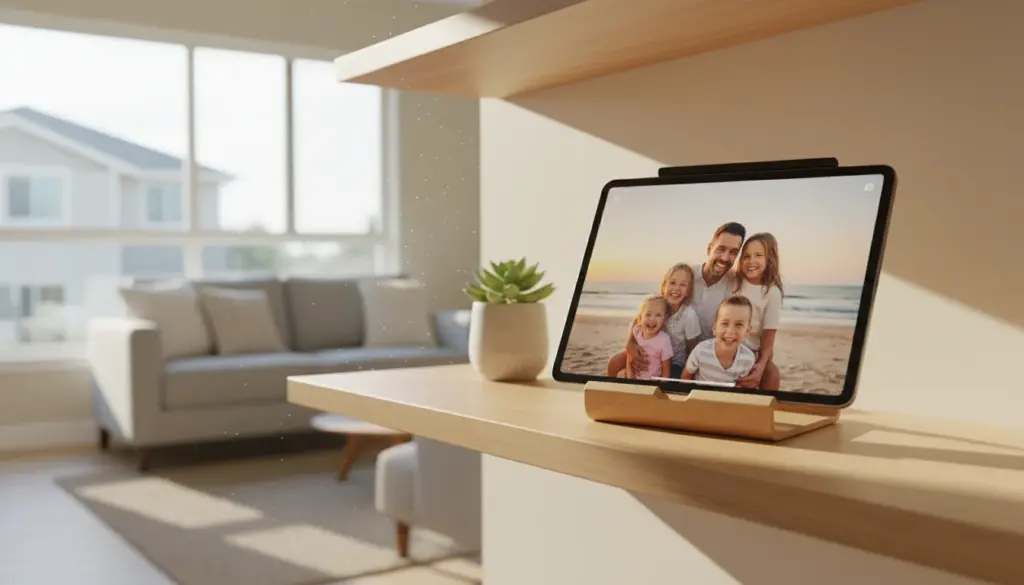
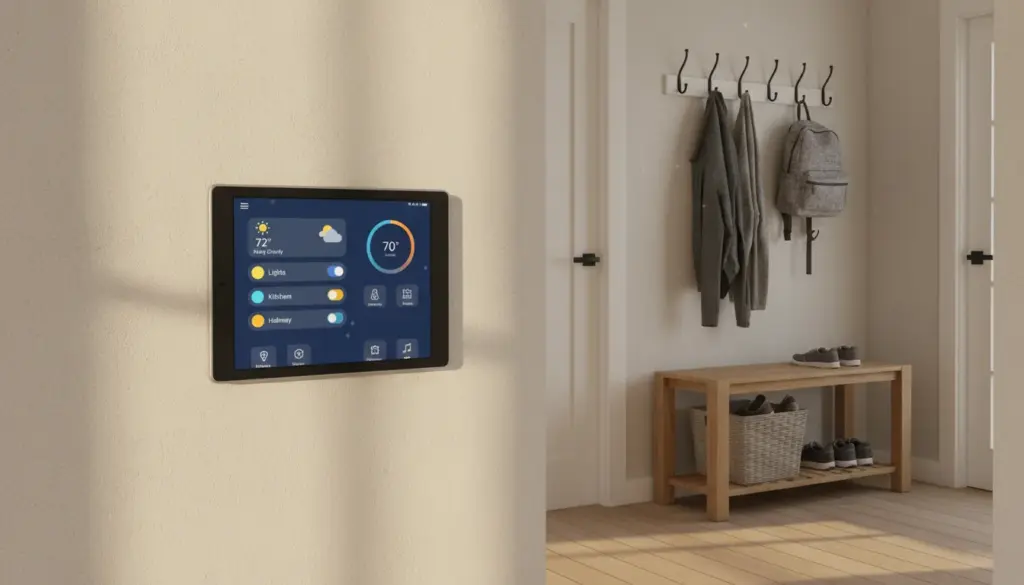
The pitch is easy to like. A small square screen on your kitchen counter (or on the wall) that knows who’s standing in front of it, shows that person’s calendar and messages, controls the lights, plays music, and runs the smart home in the background. It’s aimed at families who already live in Apple’s world.
Apple HomeView, in Plain English
There are two models. Both cost $299 in the US. The  Apple Newsroom announcement and
  iClarified’s spec comparison give the details.
| HomeView (tabletop) | HomeView (wall-mounted) | |
|---|---|---|
| Price | $299 | $299, plus a mount ($59.95 to $129.95) |
| Screen | 7-inch square, 1088 x 1088 | Same |
| Chip | A18 | A18 |
| Speakers | Two drivers, a woofer, two passive radiators | Two drivers, no woofer |
| Power | Wired, no battery | Wired through the mount |
| Camera | 12MP front, Center Stage | Same |
| Profiles | Face recognition for up to 6 people | Same |
The wall-mounted model is the one people will want, and it’s also the one where the price creeps. Apple’s mounts come from Schneider Home: a USB-C wall connector at $59.95, an AC wired mount at $79.95, and a Power over Ethernet mount at $129.95 that isn’t out until early 2027. So a HomeView on the wall really costs $359 to $429.
A few other things that matter for families:
- It needs an iPhone or iPad on iOS or iPadOS 27.2 to set up. The new Siri features need a device that supports Apple Intelligence.
- There’s no App Store. You get Apple’s apps (Home, Calendar, Reminders, Messages, FaceTime, Music, Podcasts, Safari, Find My) and some third-party audio and video apps. Some apps only work while a paired iPhone is nearby.
- It isn’t sold in the EU at launch. Apple says that’s because Siri AI isn’t available there yet.
- Personal stuff is gated. Your calendar and messages appear only when HomeView recognizes your face and your paired iPhone or iPad is nearby and was recently unlocked. A family member without a compatible Apple device gets the shared features only.
What the Launch Coverage Says So Far
The early takes split in a way that’s useful to know about.
The people who handled it at the event mostly liked it.  Macworld’s Michael Simon called it “the cutest smart home hub we’ve ever seen,” though he noted it’s a bit thick and has to live near an outlet.
  Gizmodo’s Raymond Wong was surprised by how good the tabletop speaker sounded.
The skeptics are mostly arguing about value.  Marques Brownlee said “I think it’s a skip for most people.” He thought the face-recognition switching was “actually pretty clever,” but he pointed to the price, the missing woofer and extra mount on the wall model, the lack of third-party apps, and no battery. Adam Engst at
  TidBITS put it more bluntly: “the HomeView is currently a peripheral, not a platform.”
On Reddit, the top comment on the r/ipad thread about it was the one I’d have written: why do you need a separate device for this when your phone or tablet already does it? The best answer in that thread came from someone with lights that only work through Apple Home. When the babysitter or a house-sitter is there, they need a way to turn the lights on that isn’t your phone. That’s a real use case, and it’s a shared-device one.
The Two Things HomeView Does That an iPad Can’t
I came into this expecting to tell you to use the iPad. On two points, I can’t.
It can be your home hub. No iPad can, anymore. On February 10, 2026, Apple finished moving every home to its new Home architecture. Under that system, only an Apple TV 4K or a HomePod can act as the home hub, and now HomeView too. The hub is what runs your automations, lets you control things when you’re away, and lets you share the home with family. An iPad used to be able to do that job. It can’t now, whatever the model.
If you already have an Apple TV 4K or a HomePod, you have a hub, and this point doesn’t apply to you. If you don’t, HomeView covers a job no iPad can.
It knows who’s looking at it. Up to six people each get their own home screen, and it switches when someone new walks up. An iPad has one user. If the screen is meant for the whole family, including kids with no phone and a grandparent who visits, that’s a real difference.
Where to Buy It
Apple HomeView – $299 at Apple
Pre-orders are open in the US, UK, Canada, Australia, New Zealand and India. Some tabletop colors were already quoting late November to early December delivery by mid-October,  per MacRumors, so order early if you want it for the holidays. The wall model needs its mount ordered separately.
HomeView vs iPad: Will the One in Your Drawer Do the Job?
Most HomeView vs iPad comparisons set it against a new $449 iPad. That’s not the choice most of us are making. The real question is whether the iPad you already own can be the kitchen screen. The answer depends on one number.
The Home app needs iPadOS 16.2 or later. Since the February cutover, any device on an older version loses access to the home entirely. My husband found this out the hard way. Our iPad Air 2 had been happily showing the kitchen lights for years. In February it stopped.
Here’s roughly where the line falls. Check which iPad you have if you’re not sure.
| iPad | Can it run Apple Home now? |
|---|---|
| iPad 5th gen (2017) or later | Yes |
| iPad Air 3rd gen (2019) or later | Yes |
| iPad mini 5th gen (2019) or later | Yes |
| Any iPad Pro | Yes |
| iPad Air 2, iPad mini 4, and anything older | No, stuck below iPadOS 16.2 |
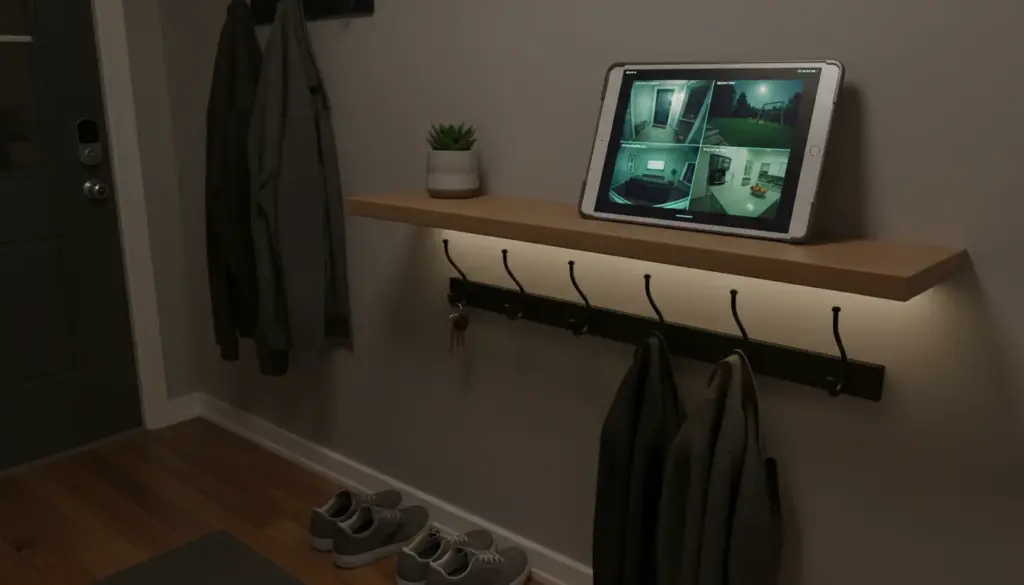
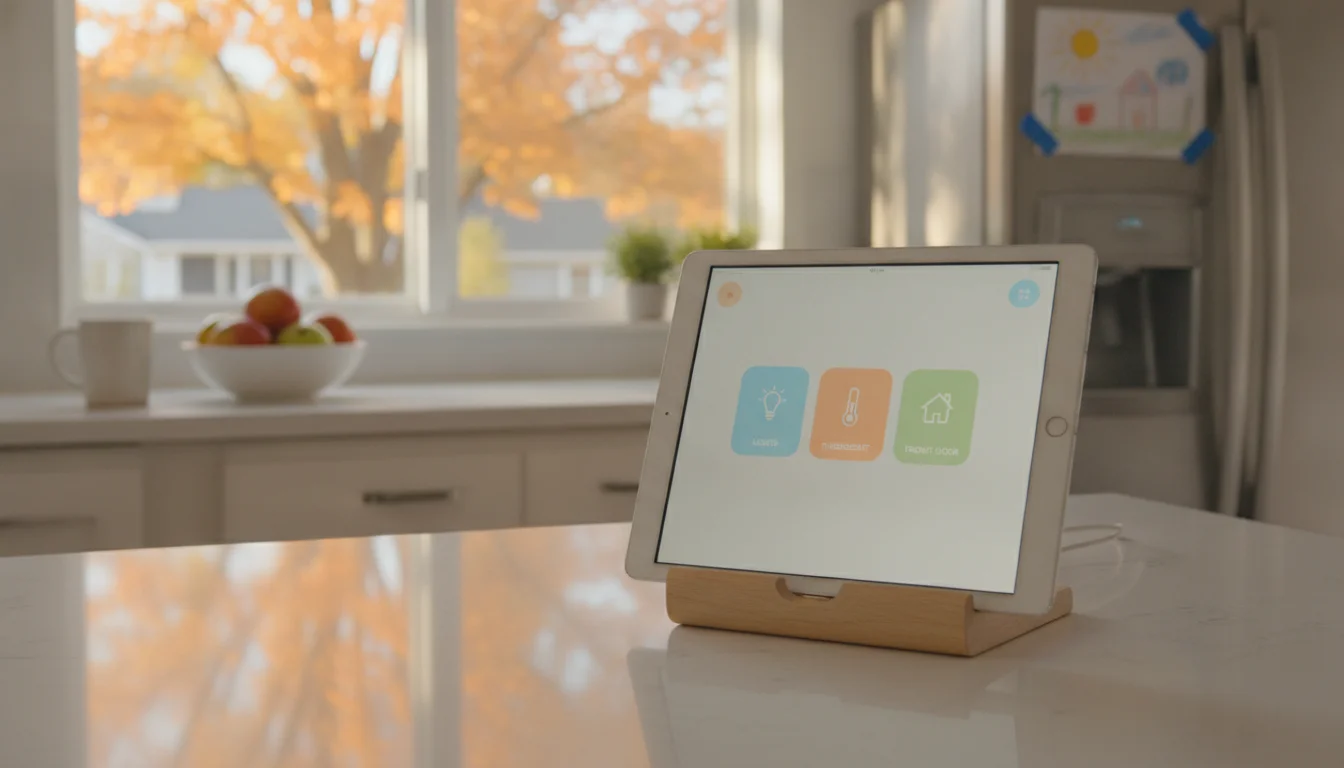
If your iPad is on the “yes” side, it makes a good Apple Home dashboard for nothing but a stand. Open the Home app, set Auto-Lock to Never, plug it in, and use  Guided Access if the kids keep wandering off into YouTube. Our Home app control panel setup covers which iPads still qualify. You get a bigger, sharper screen than HomeView’s, the full App Store, and a battery that rides out a power cut. A simple stand or mount runs $20 to $40.
What you don’t get: the face-switching profiles, the hub role, a proper speaker, and hands-free Siri that works from across the room. An always-on old iPad also needs a bit of care, mainly watching the battery for swelling. Our mounting and power guide covers that.
One more catch. An old iPad can’t be the “owner” device that turns on HomeView’s new Siri. That needs an iPhone or iPad that supports Apple Intelligence. For most families that’s a recent iPhone anyway.
If Your iPad Is Too Old for the Home App
An iPad Air 2 can’t be an Apple Home screen anymore, and I don’t want to pretend otherwise. It isn’t useless, though. It still makes a good kitchen clock, a family calendar or a photo frame. And if your smart home runs through something other than Apple, a browser-based panel still works on old Safari. Our Home Assistant dashboard guide covers that route. More ideas for an iPad that’s too old to update are in that guide.
Who Should Pick Which
Use the iPad you already own if it’s on iPadOS 16.2 or later and you already have an Apple TV 4K or HomePod. You have a hub. The iPad covers the dashboard. HomeView would be a nicer-looking version of something you’ve already got.
Buy HomeView if you have no home hub and you want a shared screen. It does two jobs at once, and an iPad can only do one of them. A HomePod mini is the cheaper way to get just the hub, but then you still need a screen.
Buy HomeView if the screen is for everyone, not just you. Kids without phones, a babysitter, grandparents. Face profiles and a no-App-Store setup mean nobody ends up in someone else’s messages or on YouTube.
Skip HomeView if your household isn’t all-iPhone, or you’re in the EU. Family members without a paired Apple device get the shared features only, and it isn’t sold in the EU. The Echo Show breakdown and our old tablet vs smart display comparison cover the other options.
Frequently asked questions
Can Apple HomeView show a shared family calendar?
Calendar is built in, and HomeView shows each recognized person their own calendar. How shared family calendars appear to everyone at once is something the full reviews after November 13 should settle. An iPad on the counter shows a shared iCloud or Google calendar today.
Does HomeView need an iPhone?
Setup needs an iPhone or iPad on iOS or iPadOS 27.2, and the new Siri features need an Apple Intelligence-capable device. In practice, plan on an iPhone.
Can an iPad still be a HomeKit home hub?
No. Since February 10, 2026, only Apple TV 4K, HomePod and now HomeView can be the hub.
Is Apple HomeView available in Europe?
Not in the EU at launch. It is sold in the UK.
Start With the iPad in the Drawer
If you’re on the fence, find the old iPad, check its iPadOS version in Settings > General > About, and give it a week on the counter running the Home app. If nobody misses the face switching and the speaker, you’ve saved $299. If everyone keeps asking it to play music, HomeView will still be there in December. And if the drawer turns up a second, older iPad, there are plenty of other jobs it can still do.