I Almost Bought a Skylight Calendar
It started with an Instagram ad. Skylight Calendar, $160, beautiful design, syncs with Google Calendar, shows the whole family’s schedule on one screen. I tapped through. Then I looked at the subscription: $40 a year to keep the calendar features working. Then I looked at the kitchen counter, where an old iPad had been sitting in a drawer for two years.
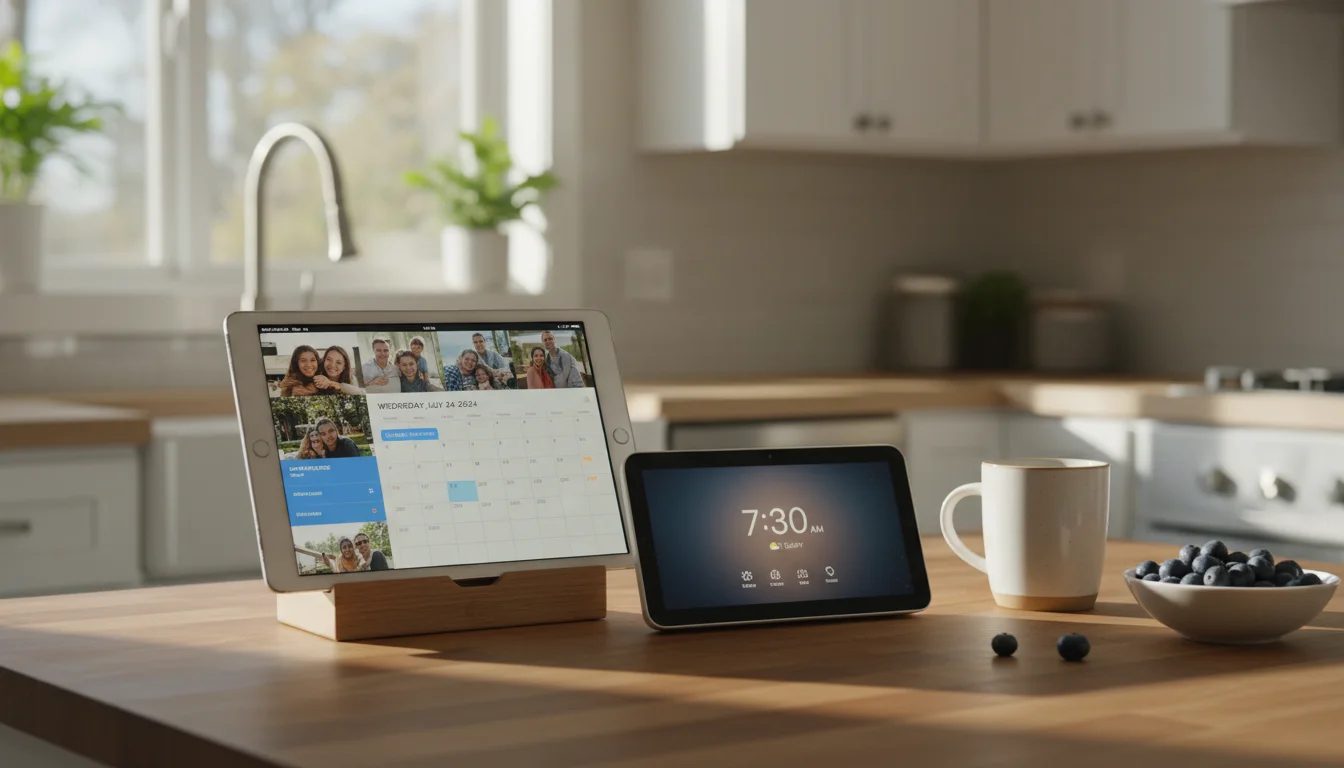
The iPad has a better screen. It already syncs with Google Calendar. It cost me nothing because I already own it.
I didn’t buy the Skylight. But I did spend a few weeks genuinely comparing the options, because the answer isn’t as obvious as “just use the old tablet.” Smart displays do some things better. Here’s where each one actually wins.
Three Things You’re Choosing Between
This isn’t a simple A-vs-B comparison. There are really three categories:
Smart displays like the  Amazon Echo Show ($90-250) and
  Google Nest Hub ($100). These are always-on screens with built-in voice assistants, designed to sit on a counter and show you weather, timers, photos, and smart home controls.
Smart calendars like the Skylight Calendar ($160 + $40/year) and Mango Display ($60/year, runs on your own tablet). These are purpose-built for one job: showing the family schedule at a glance.
Repurposed old tablets. An iPad or Android tablet you already own, set up as an always-on display running whatever apps you want. Free if you have one. Maybe $30-50 at a garage sale if you don’t.
Each one makes trade-offs. The question is which trade-offs matter to your household.
Cost, and It’s Not Close
| Old tablet | Google Nest Hub | Echo Show 8 | Skylight Calendar | |
|---|---|---|---|---|
| Upfront | $0 (you own it) | $100 | $130 | $160 |
| Annual subscription | $0 | $0 | $0 | $40/year |
| Optional software |  DAKboard $5-8/mo, DAKboard $5-8/mo,  Fully Kiosk ~$8 one-time Fully Kiosk ~$8 one-time |
None | None | None |
| 3-year total | $0-300 | $100 | $130 | $280 |
The old tablet wins on cost by a wide margin, especially if you already have one. Even if you buy DAKboard’s paid plan to get a polished dashboard, you’re spending less than a Nest Hub over three years. And you can get a perfectly functional setup with free apps and zero ongoing cost.
The Skylight is the most expensive option long-term because of its subscription. If the subscription lapses, you lose calendar syncing and just have a $160 photo frame.
Screen Size and Display Quality
Most old tablets have 9-10 inch screens. The Nest Hub has a 7-inch screen. The Echo Show 8 has an 8-inch screen. The Skylight Calendar comes in 10-inch and 15-inch versions.
Your old iPad probably has a sharper display than any of these. Even an iPad Air 2 from 2014 has a 2048×1536 retina display. The Nest Hub’s resolution is 1024×600. That’s not a subtle difference.
Where smart displays win is ambient design. The Nest Hub’s screen adjusts its color temperature and brightness to match the room’s lighting so it looks like a physical object on the counter, not a glowing rectangle. An old tablet can do brightness scheduling (and Fully Kiosk Browser handles this well on Android), but it won’t match ambient light as gracefully.
What Each One Can Actually Do
This is where the old tablet pulls ahead significantly.
A Nest Hub shows you weather, a clock, your calendar, photos, YouTube, Spotify, and your smart home controls. That’s mostly it. You get the interface Google designed. You can’t install other apps, rearrange the layout, or use it for anything it wasn’t built for.
An Echo Show does the same, with Alexa instead of Google Assistant and a slightly different set of skills. Same limitation: Amazon decides what it can do.
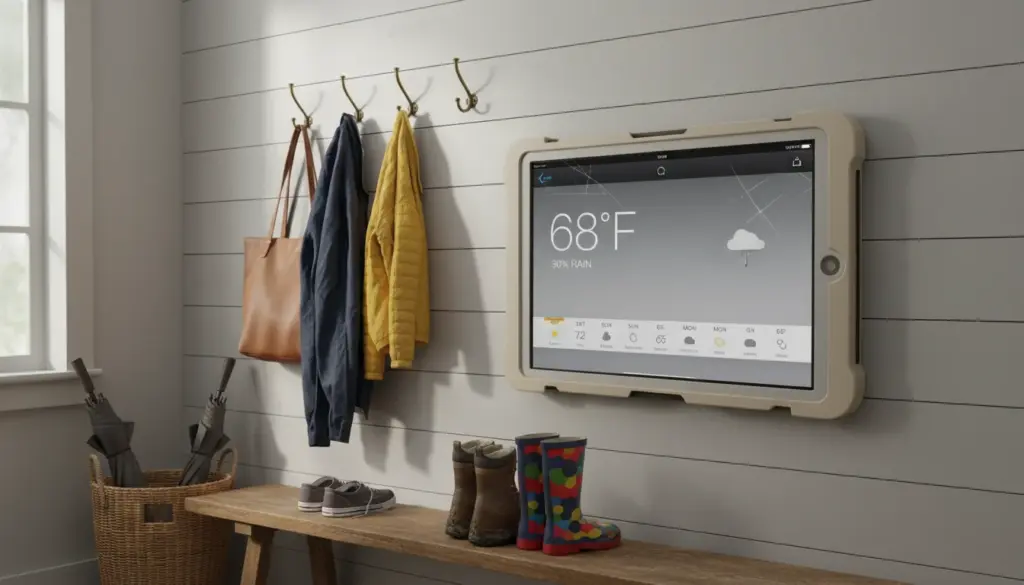
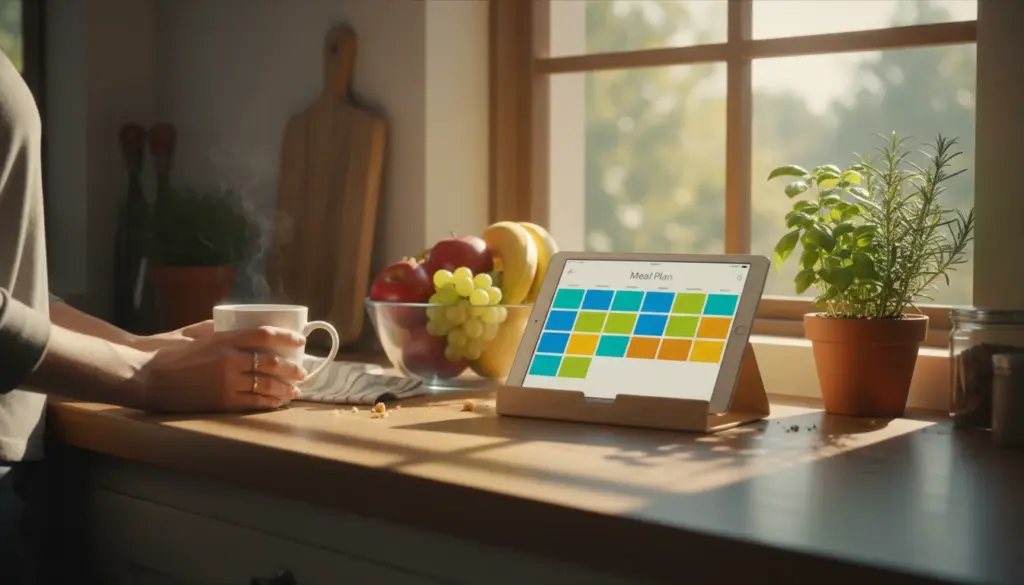
An old tablet runs a full operating system. You can set it up as a family calendar display, a weather station, a digital photo frame, a recipe viewer, a baby monitor, or all of those across different apps. You pick the dashboard. You pick the apps. You pick the layout. If something better comes along next year, you install it.
The Skylight Calendar does one thing well: it shows schedules clearly. If all you need is a wall calendar that syncs, it’s beautifully focused. But it only does that one thing.
Voice Control: Where Smart Displays Win
I’ll be honest. If voice control matters to you, a Nest Hub or Echo Show is genuinely better.
“Hey Google, set a timer for 12 minutes” while your hands are covered in flour. “Alexa, what’s the weather tomorrow?” while you’re packing lunches. The voice integration on dedicated smart displays is polished, responsive, and hands-free by default.
You can add voice control to a tablet. Google Assistant works on Android tablets, and Siri works on iPads. But it’s not the same experience. The far-field microphones on a Nest Hub pick up your voice from across the kitchen. A tablet mic is designed for holding the device near your face.
That said, this gap is narrowing. Home Assistant users are running browser-based voice assistants on wall-mounted tablets that work surprisingly well. For most families, though, the smart display’s voice is still easier out of the box.
If you mostly tap and glance rather than talk, this doesn’t matter much. In my house, the iPad is on the counter for looking at, not talking to. I use my phone for voice commands when I need them.
Privacy: What’s Listening in Your Kitchen
An Echo Show has a microphone that’s always listening for its wake word. So does a Nest Hub. Amazon and Google have both faced questions about what happens to those audio recordings, who has access, and how long they’re stored.
You can mute the mic on both devices. But if you mute it, you lose the voice control that’s their main advantage.
An old tablet doesn’t listen unless you open a voice app. There’s no always-on microphone waiting for a wake word. For parents who care about what’s recording in the room where their kids eat breakfast, that’s a real difference.
This isn’t paranoia. It’s just a trade-off worth knowing about. If voice control is your priority, you accept the mic. If privacy matters more, the tablet gives you that by default.
Setup and Maintenance
Smart display: Plug it in, connect to WiFi, sign into your Google or Amazon account. Done. Five minutes. No decisions to make about which apps to install or how to arrange the screen. It just works.
Old tablet: Maybe 15-20 minutes. You pick a dashboard app or set up widgets, disable auto-lock, turn on Do Not Disturb, and find a mount or stand. Not hard, but not zero effort.
The smart display wins here for people who want something working immediately with no choices to make. The tablet wins for people who want control over what it shows and how.
One maintenance note for tablets: if yours is plugged in 24/7, keep an eye on battery health. Older tablets weren’t designed for permanent charging. Most handle it fine, but it’s worth checking periodically.
Sustainability: The Argument Nobody Makes
You already own the tablet. Using it means one less device manufactured, shipped, and eventually thrown away. A Nest Hub or Echo Show is a new piece of electronics that will itself become e-waste in a few years when the next version comes out and software support ends.
Smart displays have a particularly bad track record here. Google discontinued the original Nest Hub’s software updates faster than most people expected. Amazon has done the same with older Echo Show models. When the software stops updating, the device becomes a paperweight, because you can’t install alternative software on it.
An old tablet running Android can keep working with web-based dashboards indefinitely. An old iPad running iOS 12 still runs Safari and shows DAKboard just fine. The software ecosystem is wider and more resilient than a locked-down smart display.
If you care about not adding another device to the pile, the tablet is the clear choice.
So Which One Should You Get?
Use your old tablet if:
- You already have one (obviously)
- You want flexibility to change apps and layouts over time
- Privacy matters and you don’t want an always-on mic
- You like the idea of not buying another device
- Your household mostly glances and taps rather than using voice commands
Buy a smart display if:
- Voice control is essential to your kitchen routine
- You want zero setup and zero maintenance
- You’re deep in the Google or Alexa ecosystem and want tight integration
- Nobody in the household wants to be responsible for configuring anything
Buy a Skylight if:
- You literally just want a family calendar on the wall and nothing else
- You’re okay with the subscription
- The aesthetic of the Skylight specifically appeals to you
For most families with an old tablet in a drawer, try the tablet first. It takes 15 minutes to set up as a smart display, and if you don’t like it, you’ve lost nothing. If you find yourself wishing for better voice control three months in, that’s when a dedicated smart display makes sense. But give the free option a shot before spending $100-160 on a device that does less.