Every Remote in the House, on One Screen
TV remotes disappear into couch cushions. Voice commands get misheard (“Alexa, play – no, not that”). Your phone is charging in the other room. Meanwhile, the old iPad or Android tablet sitting on the coffee table could be handling all of it.
The real use here isn’t watching  Netflix on a smaller screen. It’s having a touchscreen remote for the TV, a music browser for your speakers, and something to look up “wait, who is that actor?” while you’re watching a movie.
As a Smart TV Remote
Apple TV Remote (iPad, Free)
If you have an Apple TV, the built-in Remote app on iPad is better than the physical remote. Full touchpad navigation, keyboard for searching (no more hunting for letters with a tiny remote), and Siri button.
Setup: The Remote app auto-discovers Apple TVs on the same Wi-Fi network. Just open it and select your Apple TV.
Google TV / Chromecast Remote (iPad & Android, Free)
The Google Home app controls any Chromecast or Google TV device. Cast content from your tablet to the TV, pause/play, adjust volume. The touch interface is much faster than the Google TV remote for searching. Works great on older Android tablets. On iPad, Google Home now requires iOS 17, so if your iPad can’t update that far, you can still cast from Chrome or YouTube directly.
Roku Remote (iPad & Android, Free)
The Roku app turns your tablet into a Roku remote with touch navigation, voice search, and a keyboard for typing. Also supports private listening – audio from the TV streams to headphones connected to the tablet. Perfect for late-night watching without waking anyone up.
Samsung SmartThings / LG ThinQ (iPad & Android, Free)
If you have a Samsung or LG smart TV, the SmartThings and LG ThinQ apps work as touchscreen remotes. Samsung’s app even mirrors the TV’s remote layout. Both work on Android and iPad.
Fire TV Remote (Android & iPad, Free)
Amazon’s Fire TV app turns any tablet into a Fire Stick remote. Especially handy on an old Fire tablet – it pairs naturally with the Fire TV ecosystem and you probably have one collecting dust.
As a Music Controller
Spotify Connect
Open Spotify on the old tablet and use it to control what plays on your speakers, TV, or another device. Spotify Connect lets you browse and queue songs on the tablet while the audio plays from your Sonos, Echo, or Bluetooth speaker.
Leave Spotify open on the iPad or Android tablet on the coffee table. Browse, queue, skip – nobody needs to pull out their phone. If you want to go further and turn the tablet into a dedicated music player with offline playlists, that’s a solid setup too.
Sonos Controller (Free)
If you have Sonos speakers, a dedicated tablet running the Sonos app is genuinely better than using your phone. The bigger screen shows your full music library, room groups, and queue all at once. Leave it on the living room table. Works on Android and iPads running iPadOS 17 or later. Older iPads can still control Sonos speakers through Spotify Connect (above) or AirPlay.
Apple Music + AirPlay
Control Apple Music on the iPad and AirPlay to an Apple TV, HomePod, or AirPlay-compatible speaker. The bigger screen makes browsing albums and playlists much more pleasant than on a phone.
As a Plex Media Server Client
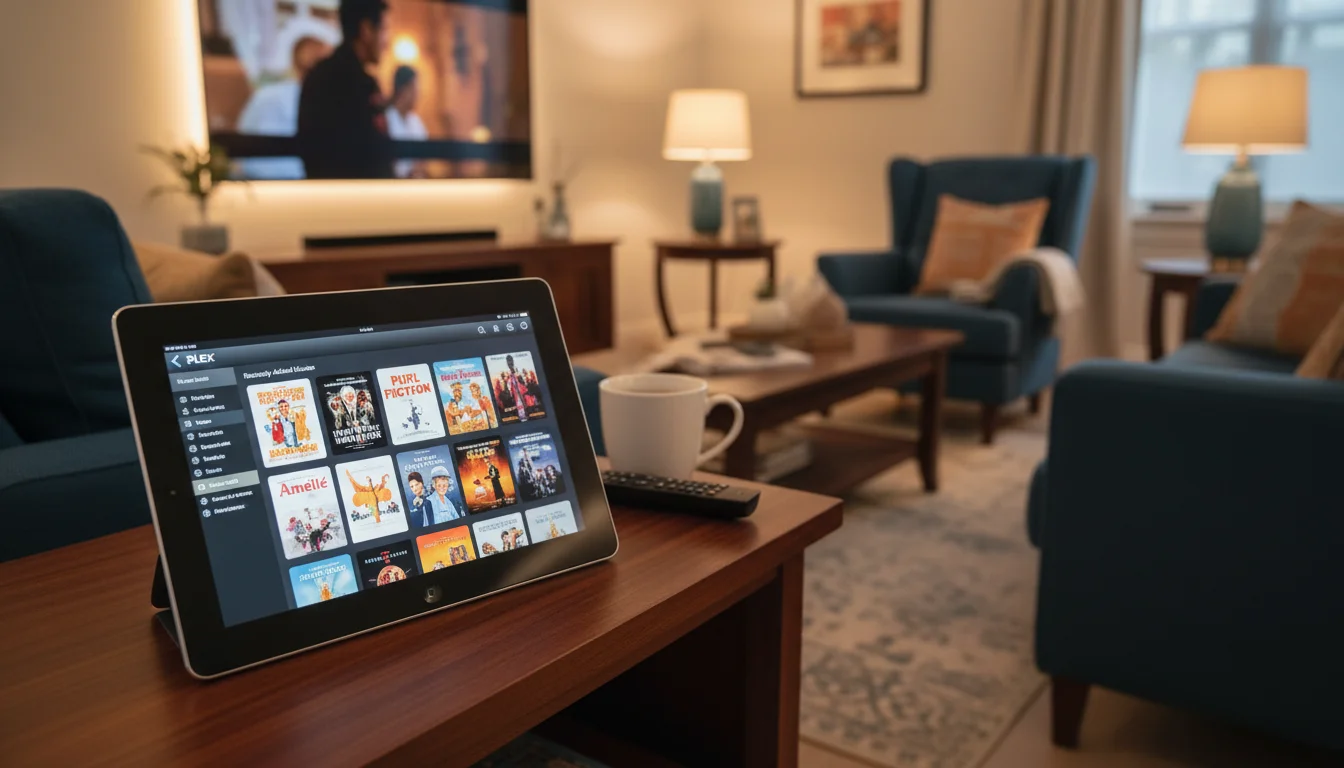
If you run a Plex server (a computer or NAS with your movie and music collection), the Plex app on an old tablet lets you browse everything and cast it to the TV – or just watch on the tablet screen in bed.
Plex on old devices: Plex requires iOS 16+ on iPad and Android 7.0+ on Android tablets. If your iPad is stuck on iOS 15 or earlier, the web interface at app.plex.tv works in Safari as a solid fallback. Direct playback of standard formats (MP4, H.264) works fine on any tablet. Transcoding for unusual formats may stutter on very old devices. We have a full walkthrough on setting up a dedicated Plex player if you want the room-by-room details.
 Jellyfin (Free Alternative): If you don’t want Plex’s subscription model, Jellyfin is a completely free, open-source media server with apps for both iPad and Android. The interface is less polished, but the functionality is there and there’s no premium tier to worry about.
As a Second Screen
While the TV is streaming a movie, the tablet on the coffee table can show:
- IMDB – look up actors, check ratings, read trivia (“Wait, who is that actor?”)
- Wikipedia – down the rabbit hole during a documentary
- Sports scores – keep track of other games while watching one
- Group chat – discuss the show with friends in real time
It sounds like nothing, but this is how the tablet actually ends up getting used most. It’s the modern version of flipping through a magazine during commercials – except now you’re checking IMDB because you know you’ve seen that actor before.
Streaming Direct on the Tablet
For rooms without a TV – kitchen, bedroom, home office – the old tablet becomes the TV:
- Netflix, Disney+, Hulu, Max – work on most Android tablets, but on iPad they now require iOS 16+ (Disney+ needs iOS 16.5, Netflix’s latest needs iOS 18). If apps won’t install, most of these work in Safari too.
- YouTube – works in any browser even if the app drops support
- Prime Video – Amazon’s app supports most older devices on both platforms
Tip: Download shows for offline viewing when on Wi-Fi. Streaming uses bandwidth, but downloaded content plays smoothly regardless of connection quality. Great for older tablets with weaker Wi-Fi radios.
Setting It Up as a Coffee Table Remote
- Install the remote app for your TV (Apple TV Remote, Google Home, Roku, Fire TV, etc.)
- Install Spotify or your music service
- Install Plex or Jellyfin if you have a media server
- Set Auto-Lock to 5 minutes (not Never – you don’t need it always on)
- Turn off notifications for everything
- Leave it on the coffee table with a charging cable nearby
One less remote to lose. One less reason to dig your phone out of the couch cushions.
A media remote is just the beginning. Our old iPad ideas hub covers every other way to give that tablet a permanent job around the house.