Your old tablet still has a job to do
Your Old Tablet Has 41 New Uses Waiting
Practical guides for the iPad or Android tablet you already own.
Somewhere in your house – in a drawer, on a shelf, behind the couch cushions – there’s an old iPad. Maybe the kids outgrew it. Maybe you upgraded and never got around to selling it. Maybe it’s so slow that opening Safari feels like an act of patience.
Here’s what nobody tells you: that old iPad is more useful as a dedicated single-purpose device than it ever was trying to be a general-purpose tablet. A device that’s too slow to run five apps at once is perfectly fast enough to do one thing really well.
And the screen? Even an iPad from 2013 has a Retina display. That screen is better than most dedicated smart home displays, digital photo frames, and dashboard devices you can buy today.
So before you recycle it or let it die in that drawer, take 10 minutes and turn it into something your household actually uses.
For the Family
These are the ideas that make a visible difference in daily life – the ones where, when the screen goes black, someone in your family notices.
-
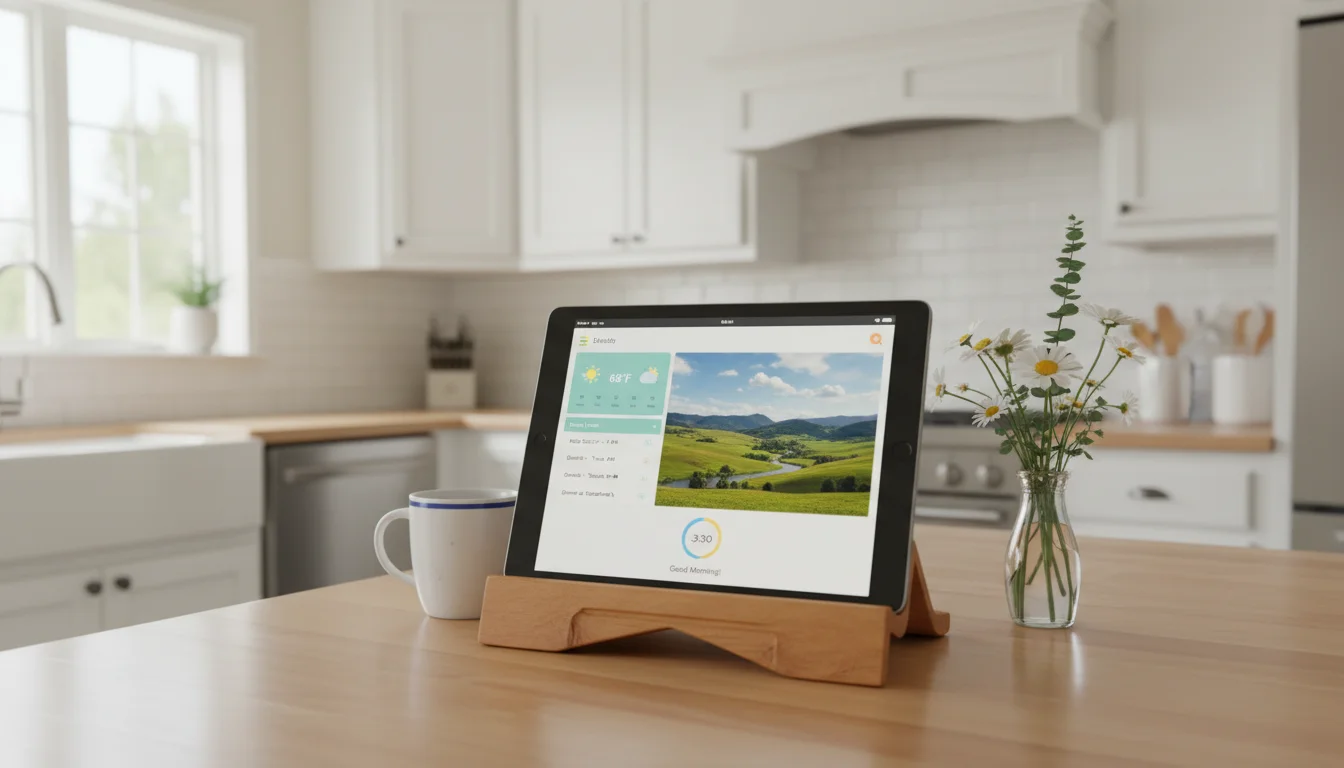
How to Turn an Old iPad Into a Household Dashboard (No Smart Home Skills Required)
Read More: How to Turn an Old iPad Into a Household Dashboard (No Smart Home Skills Required)Set up your old iPad as a wall dashboard showing weather, calendar, and photos. Three approaches from quick widgets to polished DAKboard – no Home Assistant needed.
-
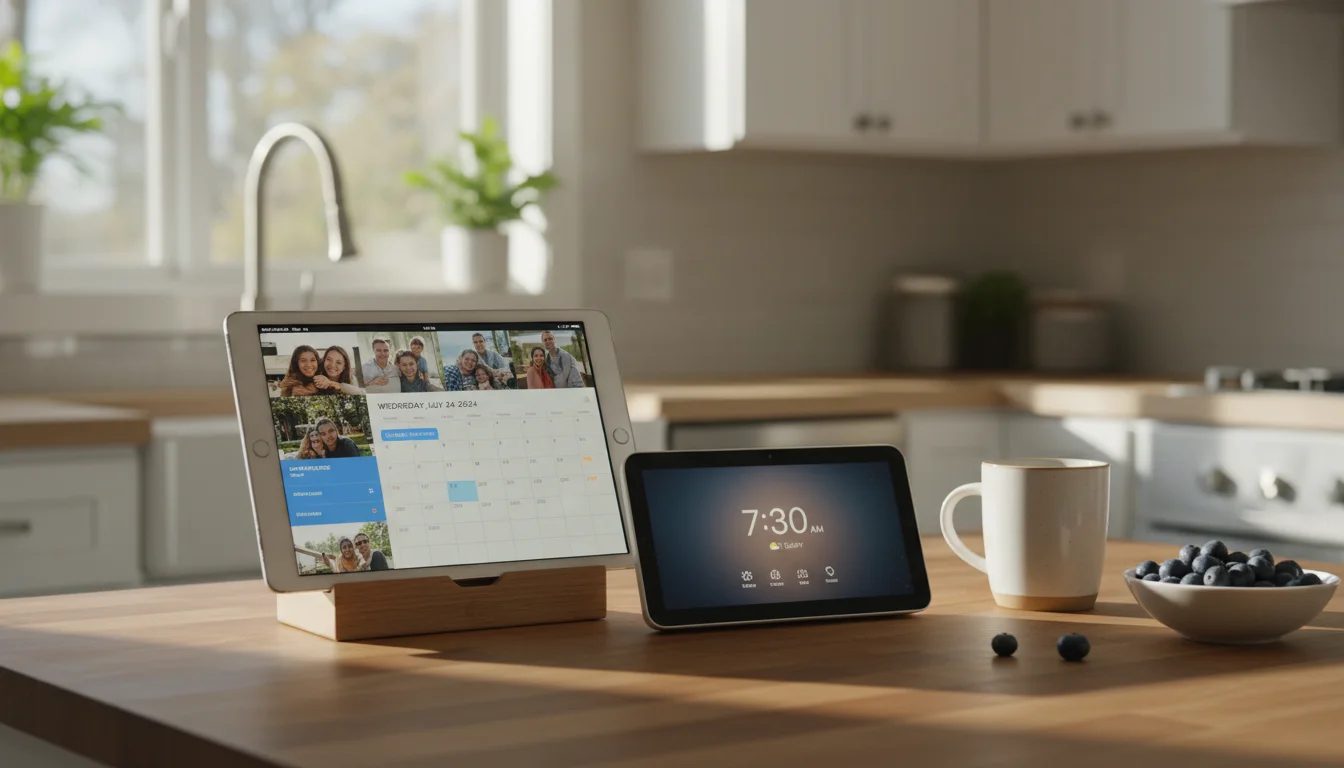
Old Tablet vs Smart Display: An Honest Side-by-Side for Families
Read More: Old Tablet vs Smart Display: An Honest Side-by-Side for FamiliesShould you buy an Echo Show or use the old iPad in your drawer? We compare cost, features, privacy, and flexibility so you can actually decide.
-
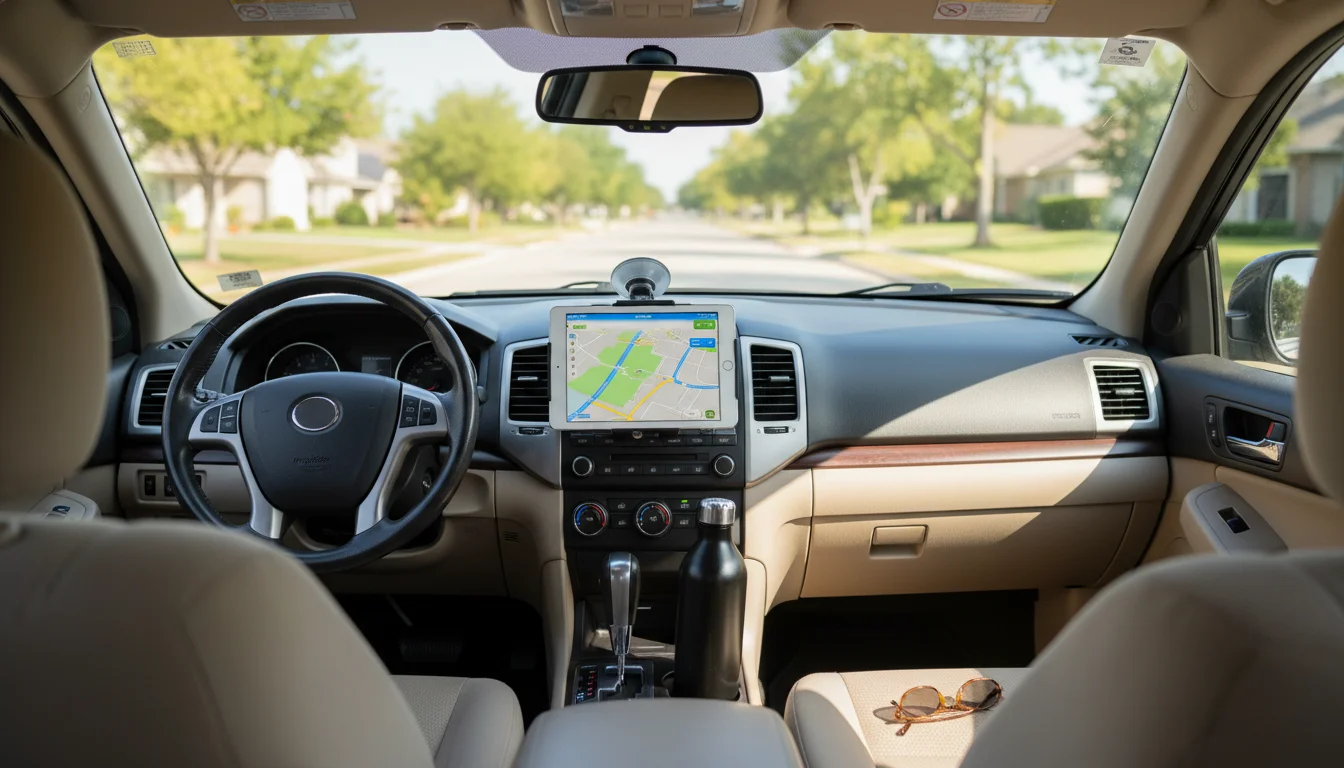
Can You Use an Old iPad as a CarPlay Display?
Read More: Can You Use an Old iPad as a CarPlay Display?iPads don’t support CarPlay, but your old iPad is still useful in the car. Navigation, music, kids’ entertainment, and what actually works on older iOS.
For the Kids
Old tablets and kids go together perfectly. The device is already too old to worry about, and a cracked screen or juice spill doesn’t ruin your day.
-
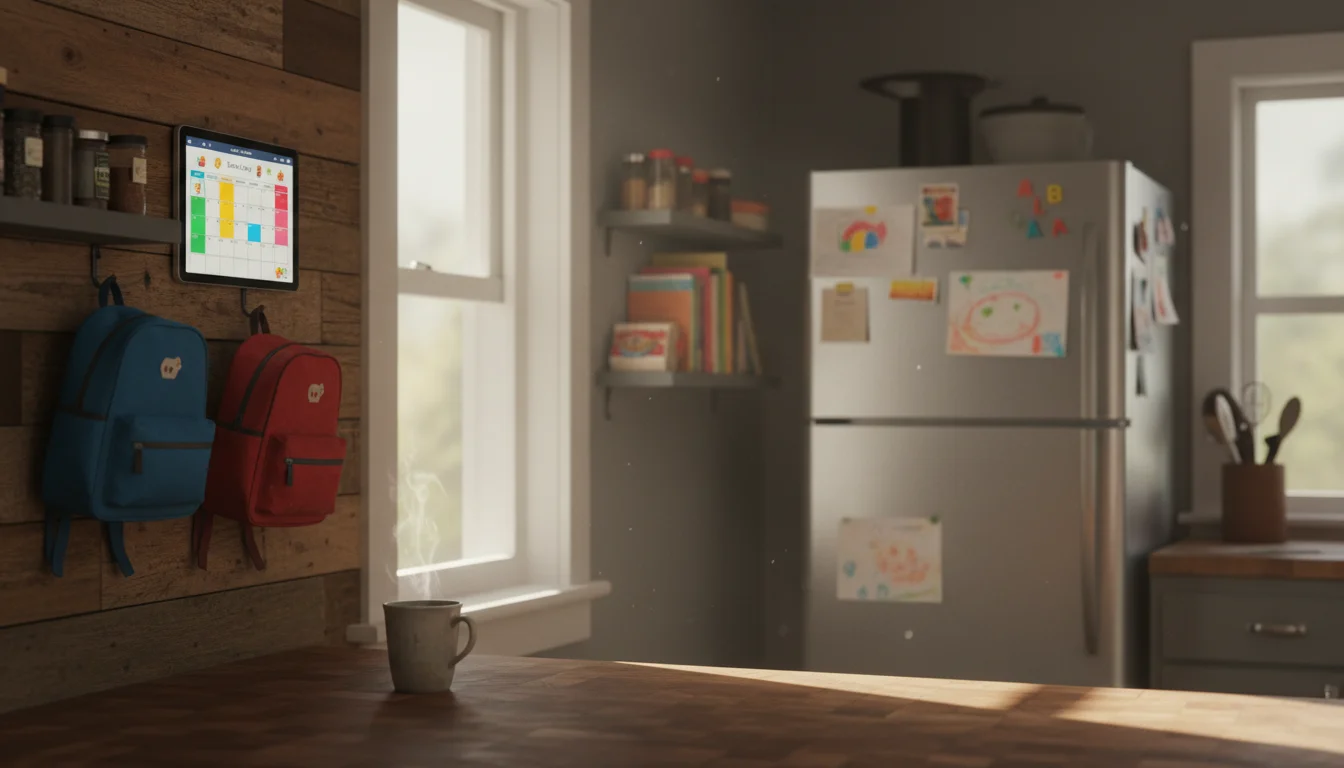
7 Ways Your Old Tablet Can Work for the Whole Family
Read More: 7 Ways Your Old Tablet Can Work for the Whole FamilyThat old tablet in the drawer isn’t just a kids’ YouTube machine. It can run your morning routine, track after-school activities, and keep the whole family organized.
-
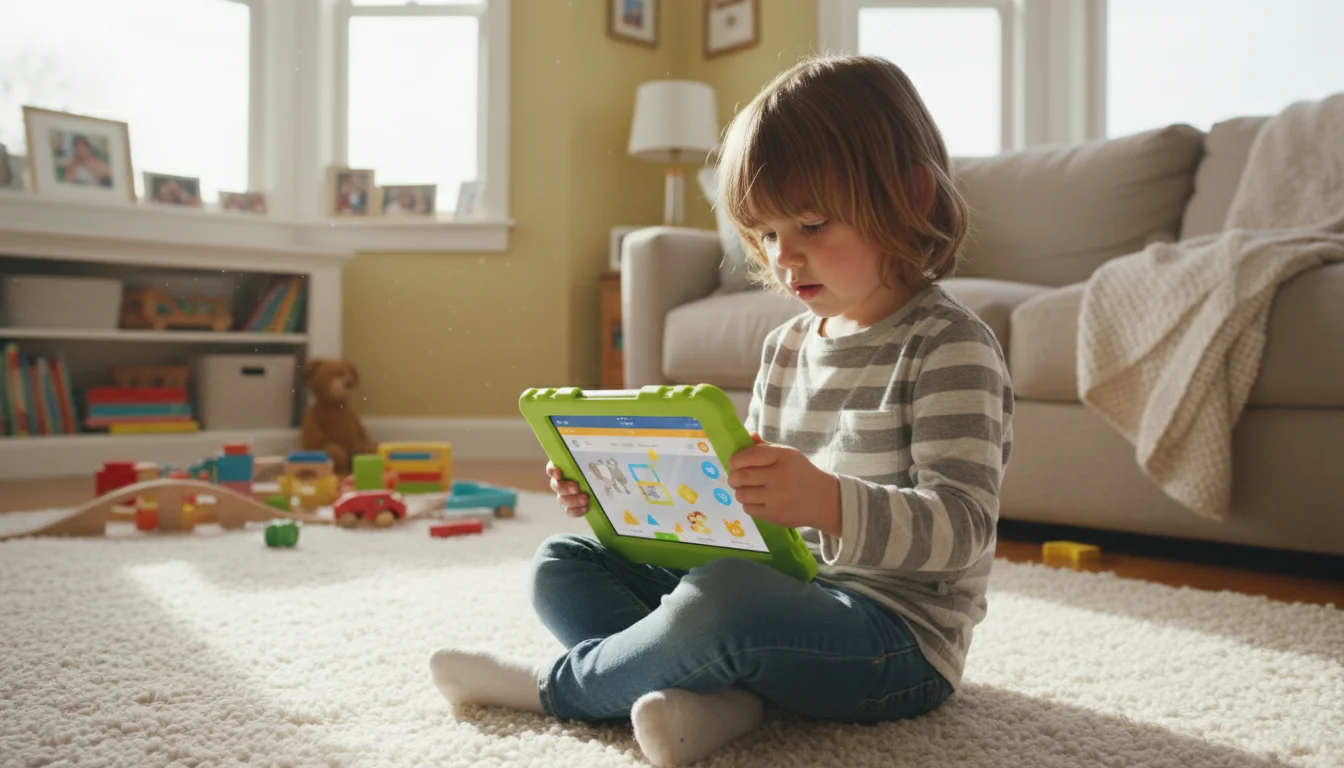
How to Kid-Proof an Old Tablet (So You Don’t Regret Handing It Over)
Read More: How to Kid-Proof an Old Tablet (So You Don’t Regret Handing It Over)Kid-proof an old iPad or Android tablet with parental controls, screen time limits, and a good case. Practical setup guide for parents who’ve seen what happens without guardrails.
-
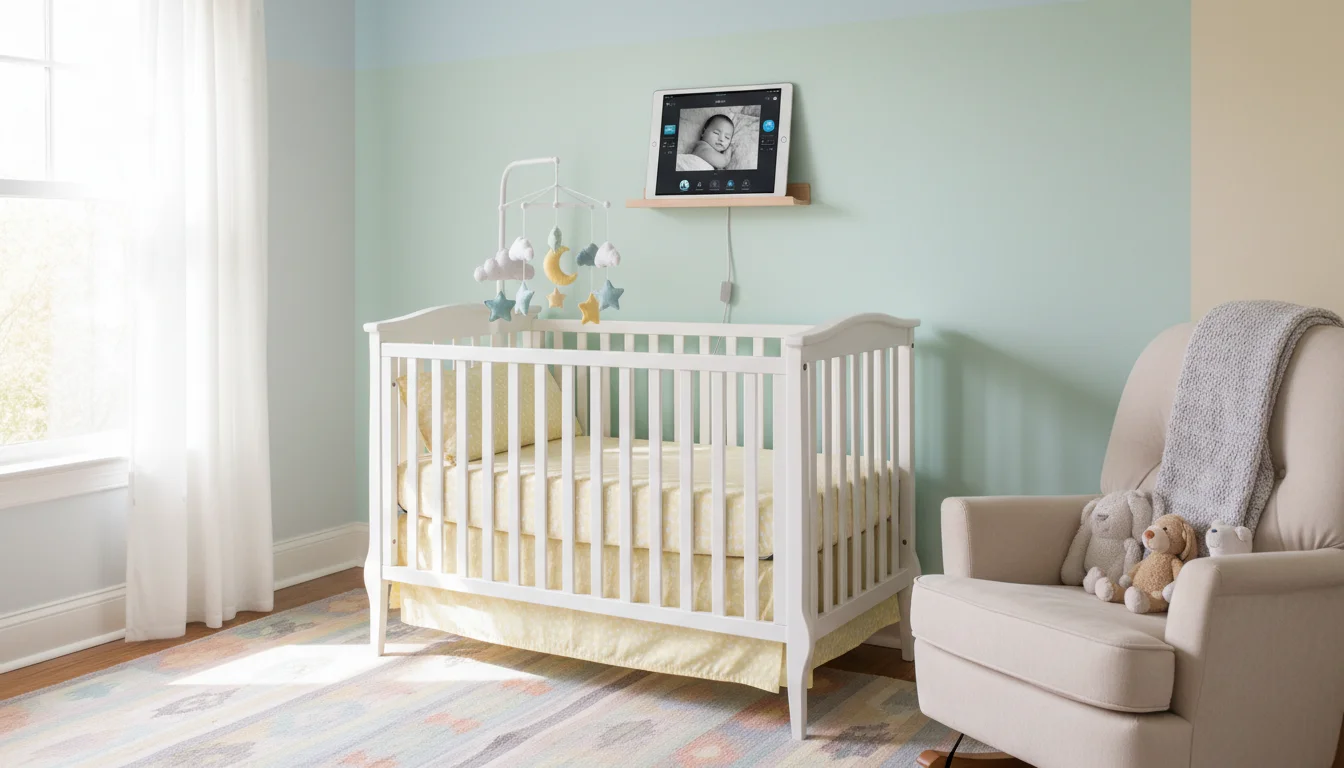
How to Use an Old Tablet as a Baby Monitor (and When You Shouldn’t)
Read More: How to Use an Old Tablet as a Baby Monitor (and When You Shouldn’t)Turn an old iPad or Android tablet into a baby monitor with the right app and setup. Honest advice on what works, what doesn’t, and when to buy a real one instead.
Around the House
These turn your tablet into a dedicated appliance – something that does one job and does it all the time.
-
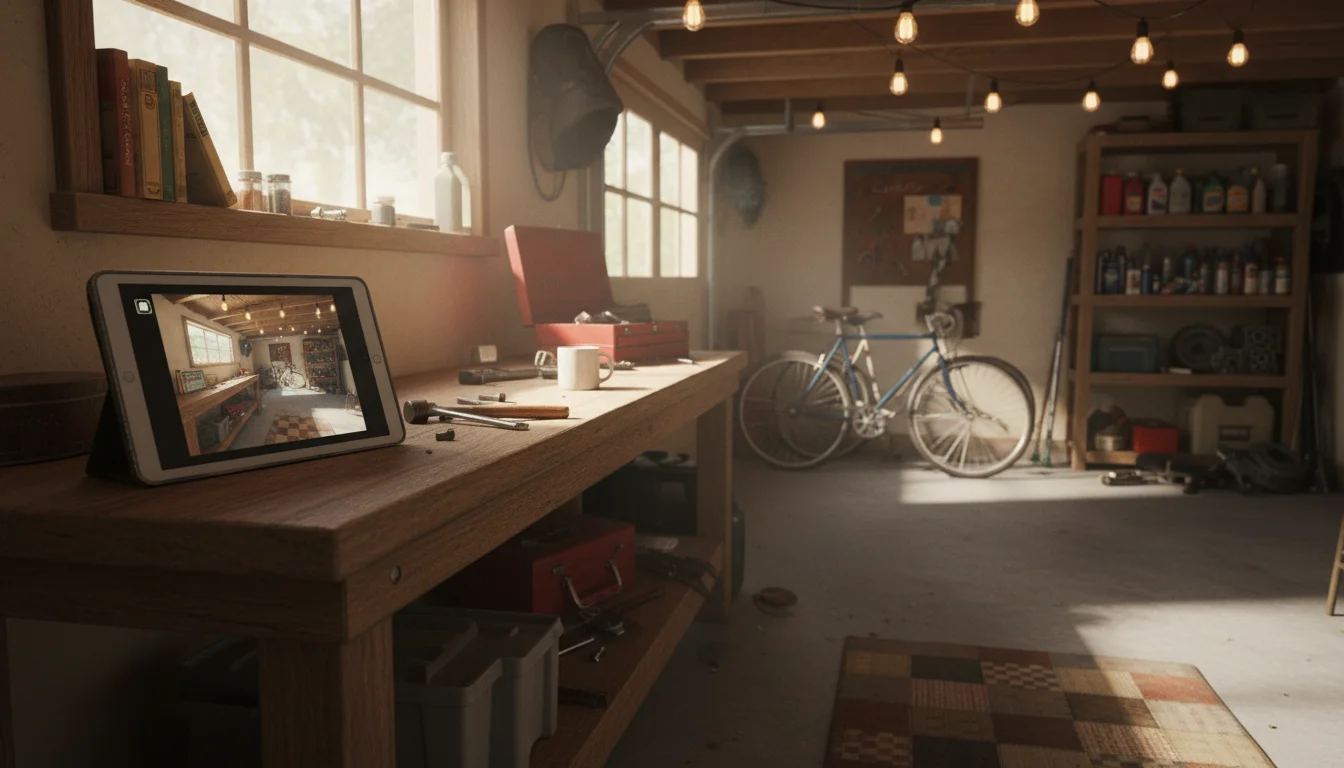
How to Use an Old Tablet as a Security Camera (and When You Shouldn’t)
Read More: How to Use an Old Tablet as a Security Camera (and When You Shouldn’t)Turn your old iPad or Android tablet into a free security camera with motion alerts. Honest guide on what works, what doesn’t, and when a $30 camera is smarter.
-
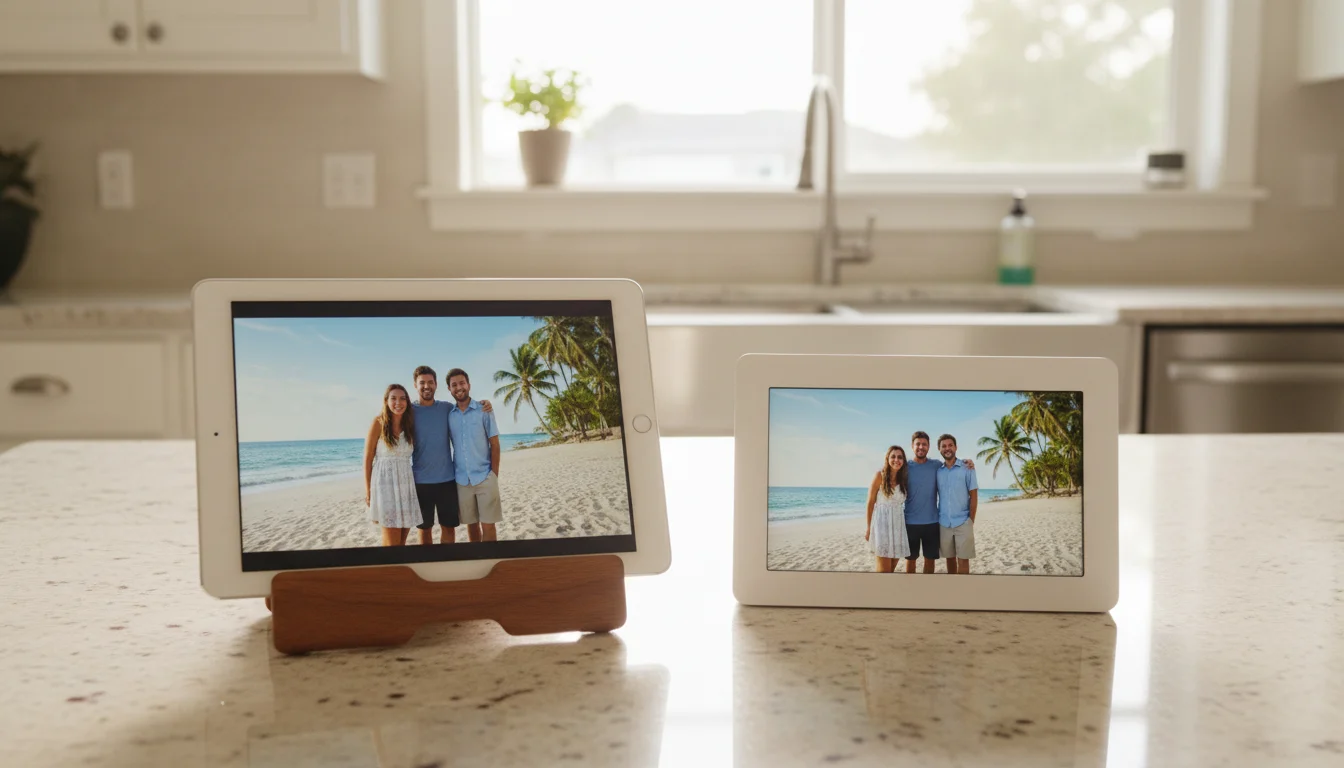
Old iPad vs Dedicated Digital Photo Frame: Do You Actually Need to Buy One?
Read More: Old iPad vs Dedicated Digital Photo Frame: Do You Actually Need to Buy One?Dedicated photo frames cost $150-300 and some charge subscriptions. Your old iPad has a better screen and it’s already in the drawer. Here’s when each makes sense.
-
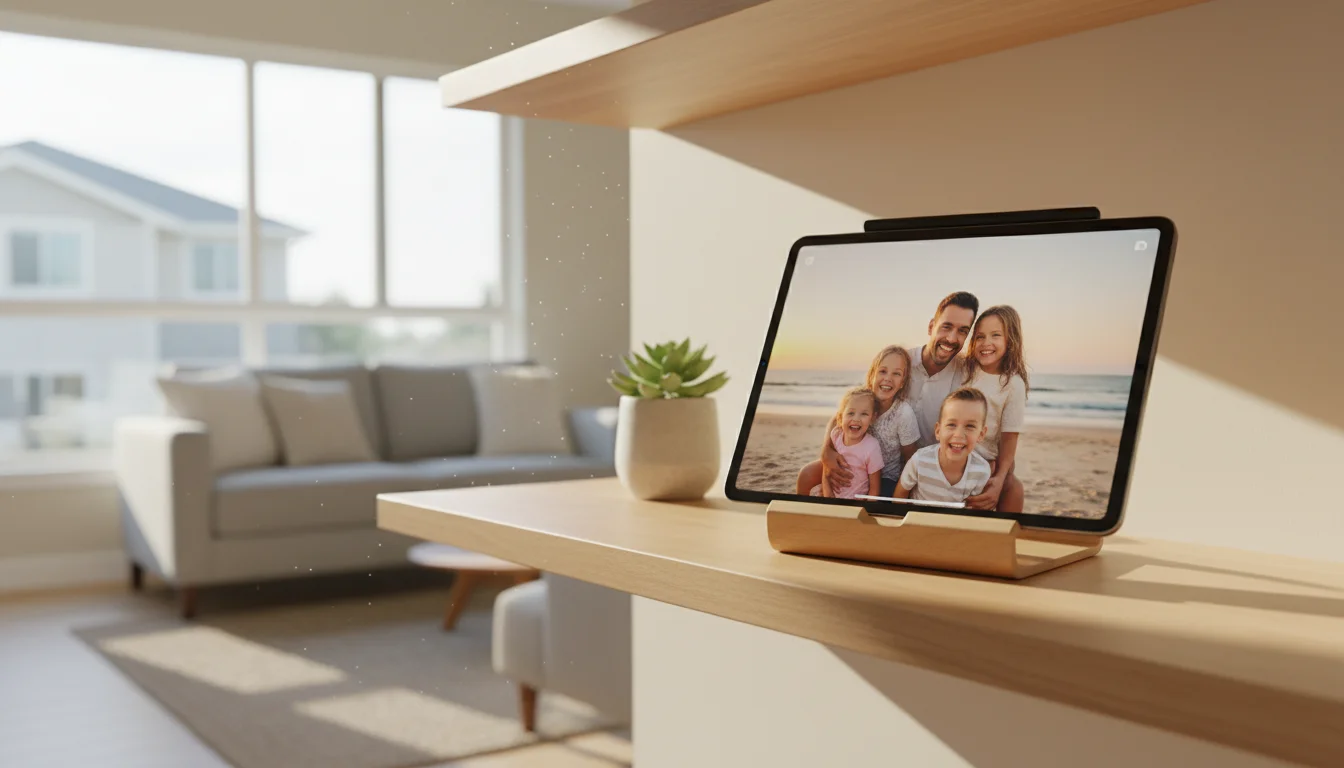
Best Photo Frame Apps for Old iPads and Tablets (That Actually Still Install)
Read More: Best Photo Frame Apps for Old iPads and Tablets (That Actually Still Install)Fotoo, Google Photos, DAKboard, and more – tested on iOS 12 and Android 8 tablets. No “Requires iOS 16” surprises, just photos on your screen.
For the Tinkerers
These require a bit more setup but are deeply satisfying if you enjoy a weekend project.
-
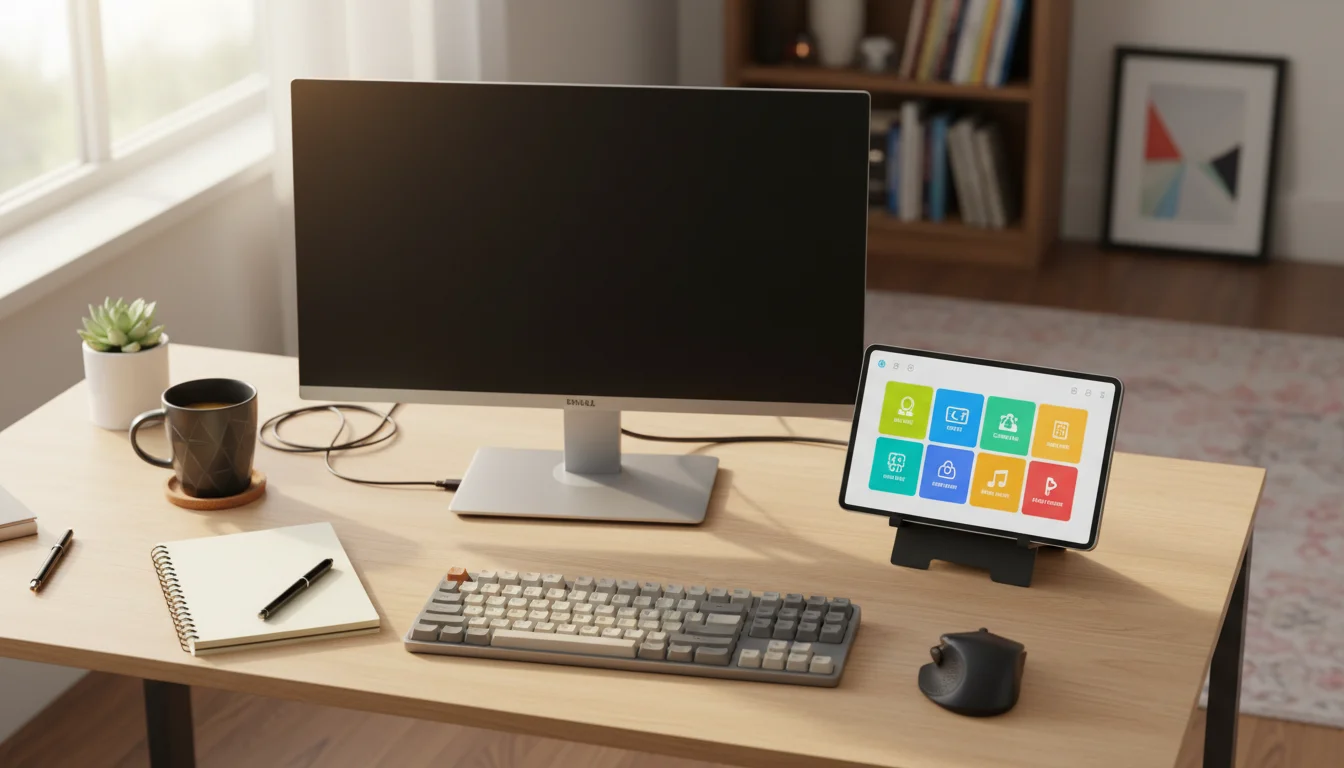
Turn Your Old Tablet Into a Stream Deck (Free Elgato Alternative)
Read More: Turn Your Old Tablet Into a Stream Deck (Free Elgato Alternative)Turn your old iPad or Android tablet into a free Stream Deck alternative. App comparison, setup steps, and practical uses beyond streaming.
-
Can You Use an Old iPad as a CarPlay Display?
Read More: Can You Use an Old iPad as a CarPlay Display?iPads don’t support CarPlay, but your old iPad is still useful in the car. Navigation, music, kids’ entertainment, and what actually works on older iOS.
-
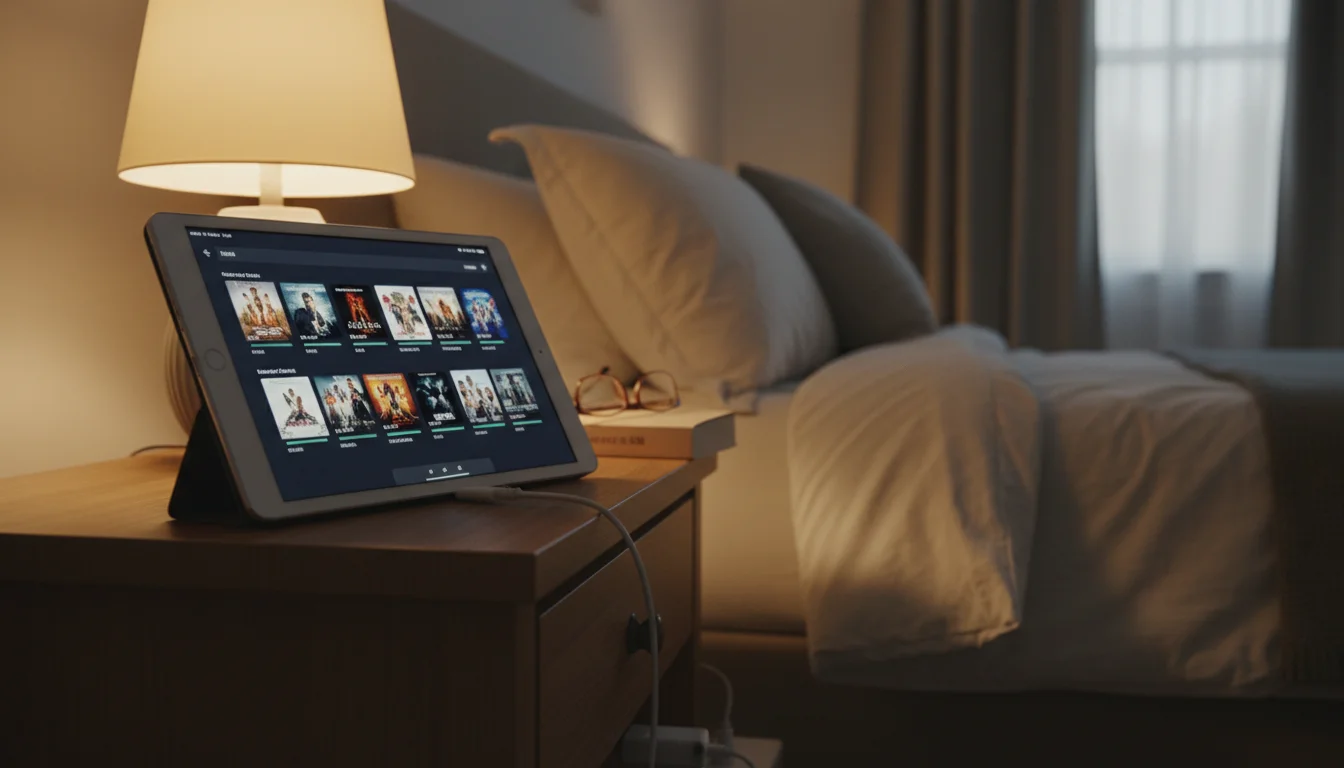
Use Your Old Tablet as a Dedicated Plex Player
Read More: Use Your Old Tablet as a Dedicated Plex PlayerYour old iPad or Android tablet makes a solid Plex client for the bedroom, kitchen, or kids’ room. Here’s how to set it up, what works, and what doesn’t.
What If It’s Really, Truly Dead?
If the screen is cracked, the battery swells, or it won’t turn on at all, it’s time to let go. But don’t throw it in the trash.
How to recycle your old iPad responsibly →
The Common Objections
“Won’t keeping it plugged in 24/7 kill the battery?”
Probably, eventually. But you’re not using it as a portable device anymore. If the battery swells in two years, the iPad will have been a free kitchen display for two years. That’s a win.
“It’s too old to run anything.”
It doesn’t need to run five apps at once. It needs to run one app reliably. Even an iPad Air from 2013 can handle a photo slideshow, a calendar, or a weather display.
“I should just buy a dedicated device.”
Dedicated smart displays cost $80-200. An old iPad with a $12 stand does the same job with a better screen. Why buy what you already have?
Start With One
Pick one idea from this list. The one that solves a real annoyance in your daily life – checking the weather, managing the family calendar, keeping the kids entertained on road trips.
Set it up this weekend. If it sticks, great. If it doesn’t, the iPad goes back in the drawer and you’ve lost nothing.
Most people find that once one tablet gets repurposed, they start looking for more old devices to set up. It’s a small thing, but it’s satisfying – taking something forgotten and making it useful again.