Before You Call It Dead
That old tablet in the drawer might feel hopeless. Screen won’t turn on. Apps won’t load. It takes four minutes to open the browser and then crashes halfway through loading a page.
But “doesn’t work” covers a wide range of problems, and some of them are easier to fix than you’d expect. Before you decide what to do with it, it’s worth spending ten minutes figuring out which kind of broken you’re dealing with.
Figure Out What “Doesn’t Work” Means
The fix (or the right way to get rid of it) depends on what’s actually wrong.
It won’t turn on at all
This is usually a dead battery, not a dead tablet. Old devices that have sat unused for months drain below the point where they can even show a charging indicator. Plug it into a wall charger (not a laptop USB port), leave it for an hour, and try again.
If it still won’t power on after a full charge, try a force restart: hold the power button and volume down (or power and home button on older models) for 15 seconds. This forces a hardware reboot that often brings back tablets that seem completely dead.
If it powers on but gets stuck on the Apple logo and keeps rebooting, that’s a boot loop – a software problem, not a dead battery.
We have detailed guides for both platforms:
It turns on but it’s painfully slow
An old tablet that takes forever to do anything isn’t broken. It’s just running a modern operating system on old hardware. The RAM is maxed out, the processor can’t keep up, and every tap has a two-second delay.
This is actually the most fixable problem. Disabling background apps, reducing animations, and installing a lightweight launcher can make a noticeable difference. A factory reset makes an even bigger one.
It runs but apps don’t work
If your tablet turns on and feels reasonably fast, but the apps you want keep crashing or won’t install, the problem is almost always that your iPad is too old to update to the latest iOS or Android version. App developers drop support for older OS versions, and eventually the apps you need simply won’t run on your hardware.
The good news: you’re not completely stuck. On iPad, the App Store sometimes offers to install the last compatible version of an app automatically. On Android, you can  sideload older versions that still support your OS. And web-based alternatives (
 Google Calendar in a browser, for example) often work when native apps won’t. We have a full walkthrough for getting apps onto an iPad that won’t download them and a guide to apps that still work on older devices.
There’s a different flavor of “doesn’t work” too: apps install fine but keep crashing after running for a while. If you’re using Safari as a web dashboard and it reloads or goes blank every few hours, that’s a memory issue, not a compatibility issue. Our Safari crashes guide covers the auto-refresh workarounds that keep dashboards running overnight.
It won’t connect to WiFi
Sometimes the tablet turns on fine but can’t get online, so nothing loads. This is one of the most common “doesn’t work” complaints, and the tablet usually isn’t the problem. Newer routers default to WPA3 security or 5 GHz-only bands that older tablets can’t see. A quick settings change on the router side fixes it.
The screen is cracked or unresponsive
A cracked screen doesn’t necessarily mean the tablet is useless. If the touchscreen still responds, you can keep using it normally. Cracks are cosmetic until they’re not.
If the touchscreen is partially or fully unresponsive, try the touch screen troubleshooting steps first. A surprising number of unresponsive screens come down to software glitches or a worn-out screen protector. If it’s genuinely a hardware problem, you have two options:
- Connect a Bluetooth mouse or keyboard to navigate without touch
- Get the screen replaced ($50-150 depending on the model, usually at a local phone repair shop)
Screen replacement makes sense for higher-end tablets (iPad Air, Galaxy Tab S series). For budget tablets, it usually costs more than the device is worth.
The battery is swollen
This is the one situation where you should stop using the tablet immediately. A swollen battery is a fire risk. Signs include: the back of the tablet is bulging, the screen is lifting away from the frame, or the device is noticeably thicker than it used to be.
Don’t try to charge it. Don’t try to use it. Don’t put it in the trash.
Read our tablet battery safety guide for what to do. The short version: take it to a battery recycling drop-off (Best Buy, Staples, and most electronics stores accept them for free).
If It’s Truly Done: Your Options
If you’ve tried the fixes above and the tablet genuinely can’t be used as-is, here’s what to do with it. You might also be surprised at what you can still do with a broken tablet even if the screen is cracked or the battery is shot.
Trade it in (even broken ones have value)
Apple and Samsung both accept broken devices for trade-in credit, though the value for very old tablets is minimal. Apple gives you a prepaid shipping label and a gift card. Samsung offers similar through their trade-in program.
Amazon also accepts old electronics through their trade-in program. You won’t get much for an old tablet, but you’ll get a small Amazon gift card and they’ll recycle it properly.
Gazelle and ecoATM (kiosks in most malls) buy used electronics directly, including devices with cracked screens or battery issues. Expect $5-20 for a genuinely old, damaged tablet, but that’s better than nothing and it keeps the device out of a landfill.
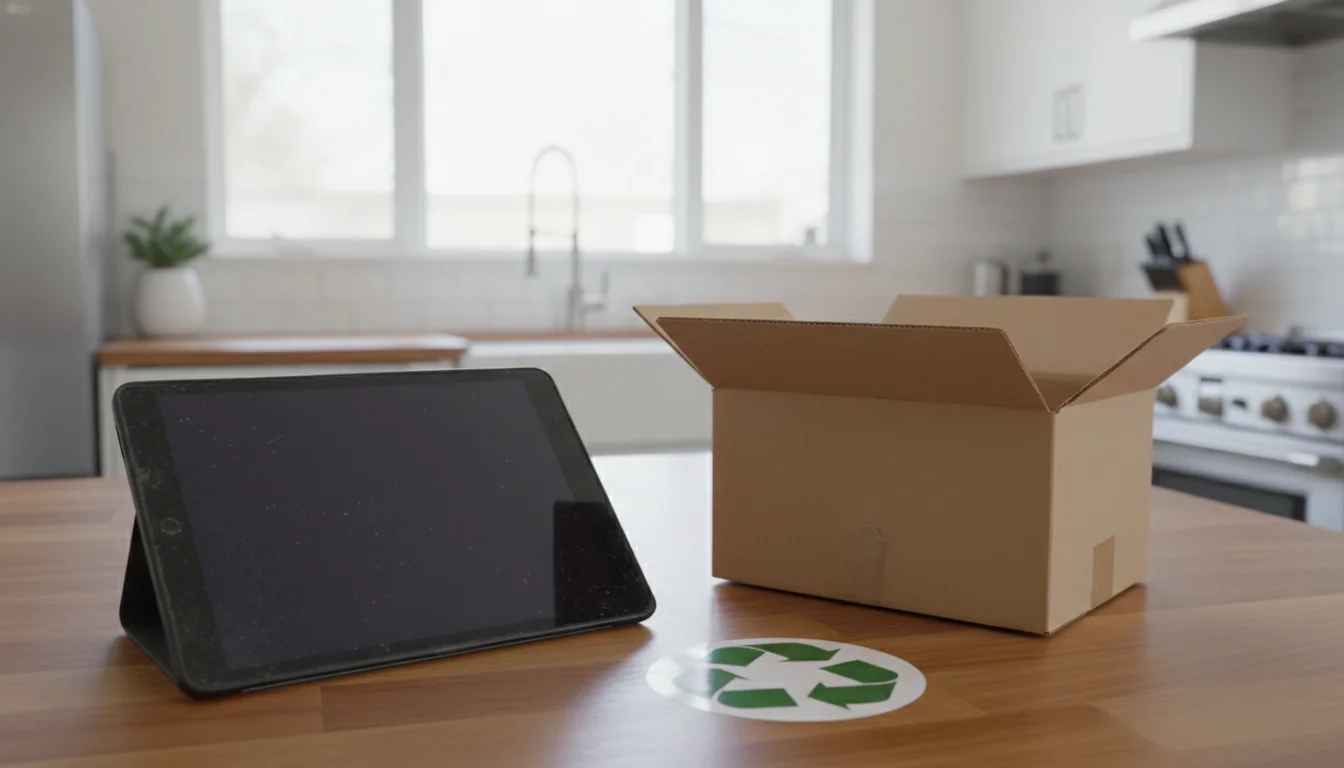
Recycle it properly
Electronics don’t belong in the regular trash. They contain lithium batteries, heavy metals, and other materials that are harmful in landfills.
Free recycling options:
- Best Buy accepts tablets and other electronics at any store, regardless of where you bought them
- Staples takes old tablets for free recycling
- Apple stores accept any Apple device for recycling
- Your local municipality likely has an e-waste collection program or drop-off location
Search “e-waste recycling near me” for local options. Most counties and cities have dedicated drop-off sites.
Donate it (if it works at all)
If the tablet still functions but is just too old for your needs, someone else might find it useful. Organizations that accept older devices:
- Local schools and libraries often accept donated tablets for kids who don’t have devices at home
- Goodwill and Salvation Army accept working electronics
- PCs for People refurbishes and distributes devices to people who need them
- Local senior centers sometimes set up tablet lending programs
Even a tablet that’s too slow for you could be someone else’s first device. A factory reset and a fresh start can make an old tablet perfectly usable for basic tasks like reading, video calls, and web browsing.
The Middle Ground: Repurpose It
If your tablet still turns on and can run at least one app reliably, don’t write it off just because it’s slow or limited. A device that can’t handle five apps at once can still do one thing really well.
Old tablets make great:
- Kitchen displays showing calendar, weather, and grocery lists
- Digital photo frames rotating family photos
- Kids’ entertainment devices loaded with downloaded shows for car rides
The bar for “works” is different when the tablet only needs to do one job. A device that’s miserable as a general-purpose tablet might be perfectly fine as a dedicated weather display.
Check out our full lists of repurposing ideas:
There’s a good chance your “broken” tablet still has a useful second life in it.