The App Store Is Working Against You
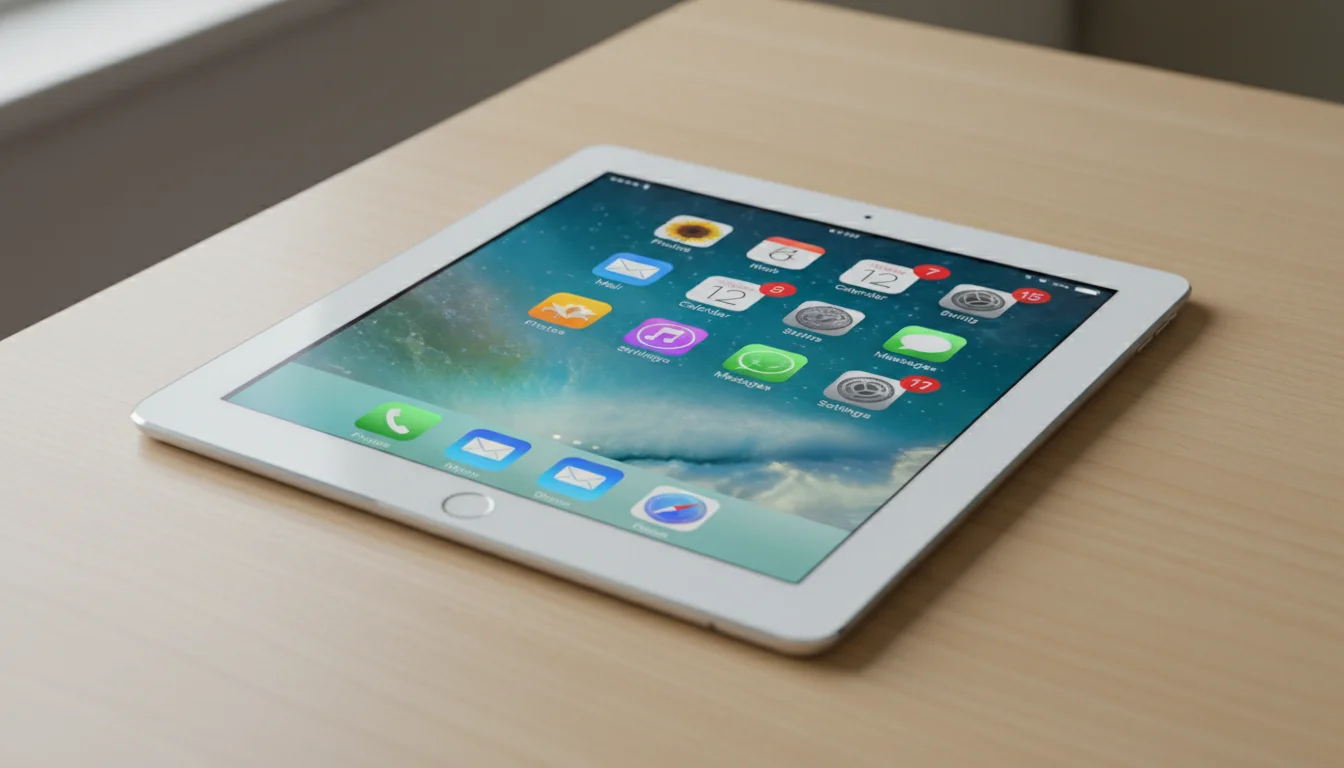
You pull out your old iPad, open the App Store, search for an app you want – and it’s not there. Or it’s there, but when you tap “Get,” you see “This app requires iOS 16 or later.”
This is the single most frustrating part of repurposing an old tablet. The device works fine. The screen is great. But developers drop support for older operating systems and suddenly half the App Store disappears. (If you’re having trouble installing specific apps, our download troubleshooting guide covers the workarounds.)
The good news: plenty of apps still work – but the landscape has shifted fast. My husband went through our list last week and flagged how many iOS requirements had jumped since we first published this. The short version: built-in Apple apps and browser-based tools are now the most reliable options for old iPads. Android tablets are more forgiving. Here’s the current state of things.
What iOS Version Does Your iPad Run?
Before looking at apps, check what you’re working with: Settings, General, About, and look at the Software Version line.
| iPad Model | Max iOS Version |
|---|---|
| iPad 2, iPad mini 1 | iOS 9.3.6 |
| iPad 3, iPad 4 | iOS 10.3.4 |
| iPad Air 1, iPad mini 2/3 | iOS 12.5.8 |
| iPad Air 2, iPad mini 4 | iOS 15.8 |
| iPad 5th gen (2017) | iOS 16.7 |
| iPad 6th gen (2018)+ | iOS 17+ |
For Android: Settings, About Tablet, Android Version. Anything running Android 8 (Oreo) or newer is workable. Below that, you’ll struggle to install most current apps.
The practical cutoff: iOS 12 and Android 8 are the minimum for most useful apps today. Below that, your options shrink to basic web apps in the browser.
Photo Frame Apps
This is the most forgiving category. Slideshows don’t need much processing power, so even very old tablets handle them fine.
Apple Photos (built-in) – Works on every iPad ever made. The built-in slideshow feature cycles through any album. Limited compared to dedicated apps (no auto-update from shared albums, stops after one cycle), but it’s there and it’s free.
 Google Photos (iOS 18+, Android 8+) – Free. Used to be the go-to recommendation here, but Google bumped the requirement to iOS 18 in late 2025. That excludes every iPad older than the 10th generation (2022). If you’re on an older iPad, use Apple Photos or iCloud Shared Albums instead. Android tablets still run Google Photos fine. Full details in our photo frame guide.
 Fotoo (Android 8+) – $20 one-time for premium. The best dedicated photo frame app for Android. Motion detection, clock overlay, weather widget, cloud album sync. Fotoo was built for this exact use case. Android only – there is no iPad version.
 DAKboard (any browser) – Free tier available. Not an app – it’s a web page you open in Safari or Chrome. Shows photos alongside calendar, weather, and custom widgets. Works on anything with a browser, which makes it a good option for tablets too old for App Store apps.
Kitchen and Recipe Apps
Paprika (iOS 12+, Android 8+) – $5 one-time. Paste a recipe URL and it strips out the ads and life story, leaving just ingredients and steps. Scales portions, builds grocery lists, does meal planning. The best $5 you’ll spend on a kitchen tablet.
Mela (iOS 15+) – Free with premium. If Paprika feels a bit dated to you, Mela does the same core job with a cleaner look. The recipe import is just as good, and the meal planner is easier to scan at a glance. Needs iOS 15, so iPad Air 1 and mini 2/3 are out, but Air 2 and newer are fine.
Any recipe website in Safari/Chrome – Works everywhere. Honestly, just keeping Safari open to a recipe site with Auto-Lock set to Never works. The screen stays on, the recipe stays visible. Not elegant, but it works on any tablet.
Calendar and Scheduling
Apple Calendar (built-in) – Works on every iPad. If your family uses  iCloud calendars, this is the zero-setup option. The month view is readable from across a room on a 9.7-inch (25 cm) screen. You can also add Google Calendar accounts in Settings so everything appears in one place.
Google Calendar (iOS 17+, Android 8+) – Free. Still the best calendar on Android, but the iOS app now requires iOS 17 – that’s iPad 6th gen (2018) or newer. For older iPads, use Apple Calendar with your Google account added, or open calendar.google.com in Safari. Our calendar apps compatibility guide has the full breakdown of what still installs.
Fantastical (iOS 17.6+) – Free with premium. Genuinely the nicest-looking calendar on iPad – color-coded events, natural language input (“Soccer practice every Tuesday at 4”), and a week view that actually makes sense. But it now requires iOS 17.6, which means you need the same newer iPads that run Google Calendar. For older ones, Apple Calendar or DAKboard.
DAKboard (any browser) – Shows calendar alongside photos and weather. If you want a dashboard that does multiple things, DAKboard on a full-screen browser is the way. Works on everything.
Weather
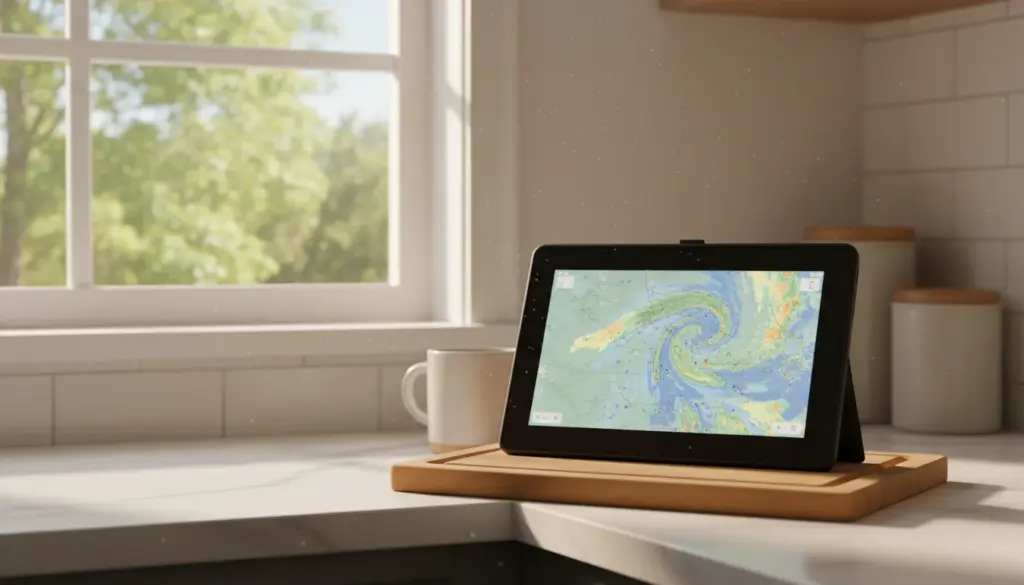
Weather.gov (any browser) – Free. Not an app – just open weather.gov in a full-screen browser. Shows radar, forecasts, and alerts for your location. Works on any tablet with a browser. For a dedicated weather display, bookmark it and leave the browser open.
Weather Underground (iOS 14+, Android 8+) – Free. This one pulls data from personal weather stations in your neighborhood, so the forecast is weirdly accurate for your specific street. The animated radar is great for “will the soccer game get rained out” decisions. Needs iOS 14 – iPad Air 1 and mini 2/3 are out, but Air 2 runs it fine.
Apple Weather (built-in, iPadOS 16+) – Apple finally brought Weather to iPad with iPadOS 16. It looks gorgeous and the animated backgrounds are surprisingly nice on a wall display. You need iPad 5th gen (2017) or newer though. For older iPads, weather.gov in Safari does the job.
Smart Home Control
Apple Home (built-in, iOS 12+) – If you have HomeKit devices, the Home app on an old iPad works as a dedicated control panel. Bonus: set the iPad as a Home Hub and it can run automations even when your phone is away.
Google Home (iOS 17+, Android 8+) – Now requires iOS 17, so you need iPad 6th gen (2018) or newer. Works fine on most old Android tablets.
Amazon Alexa (iOS 16+, Android 8+) – Controls Alexa devices. Requires iOS 16, so iPad 5th gen (2017) is the minimum on the Apple side.
 Home Assistant (any browser) – Free, self-hosted. If you run Home Assistant, the web interface works in any browser on any tablet. Pair it with
  Fully Kiosk Browser on Android for the best wall-panel experience.
Music and Media
Apple Music (built-in) – Works on any iPad with a subscription. The built-in Music app supports older iOS versions far better than any third-party option. For old iPads, this is now the most reliable music app by a wide margin.
Spotify (iOS 16.1+, Android 8+) – Free tier available. Spotify has pushed its requirement to iOS 16.1, which excludes iPad Air 2 (max iOS 15.8) and everything older. If your iPad can’t run Spotify, Apple Music is the way to go. Android tablets still run Spotify fine. For a music hub, Spotify Connect lets you use the tablet as a remote for music playing on a Bluetooth speaker.
YouTube (iOS 16+, Android 8+) – The app now requires iOS 16, but youtube.com in Safari works on much older tablets. For a workout space with exercise videos, the browser version is honestly fine.
Plex (iOS 16+, Android 7+) – For a media server remote, the Plex app now requires iOS 16 (iPad 5th gen minimum). On Android, it actually works on devices as old as Android 7. The web interface (app.plex.tv) works on anything with a browser.
Kids and Education
Khan Academy Kids (iOS 12+, Android 8+) – Free. The best free educational app for young kids. Works on surprisingly old hardware – the current version supports iOS 12, so even iPad Air 1 and mini 2 can run it. For a learning station, this is the first app to install.
Duolingo (iOS 17+, Android 8+) – My oldest does Spanish on this every morning before school, and the guilt-trip notifications actually work on an 8-year-old. The iOS requirement has crept up to iOS 17 though, so you need iPad 6th gen (2018) or newer. Android is more forgiving.
PBS Kids Games (iOS 15.6+, Android 8+) – Free. No ads, no surprise purchases, and the games are actually good enough that your kid won’t immediately swipe away looking for YouTube. Needs iOS 15.6, so iPad Air 2 is the minimum.
The “Download an Older Version” Trick
When you try to install an app that requires a newer iOS, the App Store sometimes offers to download the last compatible version. You’ll see a popup: “Download an older version of this app?”
Always say yes. The older version might be missing the latest features, but for a dedicated display that runs one app, an older version works fine. This trick extends the useful life of old iPads significantly.
It doesn’t work for every app – some developers don’t allow older versions to be offered. But it works for many major apps including YouTube, Spotify, and several others.
On Android, you can go further by downloading APK files of older app versions from sites like APKMirror and installing them manually. This gives you access to apps that have officially dropped your Android version.
The Browser Fallback
When an app won’t install on your tablet, check if it has a web version. Many services – DAKboard, Google Calendar, Home Assistant, Plex, YouTube, weather sites – work fine in a full-screen browser. Set Safari or Chrome to full-screen (hide the toolbar), bookmark the page, and it effectively becomes an app.
This is especially useful for tablets stuck on iOS 10-12 where the App Store options are limited. As long as the browser works, the tablet is still useful.
The Quick Reference
| Use Case | Best App (iPad) | Best App (Android) | Minimum iOS | Minimum Android |
|---|---|---|---|---|
| Photo frame | Apple Photos | Fotoo | Any | Android 8 |
| Kitchen recipes | Paprika | Paprika | iOS 12 | Android 8 |
| Family calendar | Apple Calendar | Google Calendar | Any | Android 8 |
| Weather display | weather.gov (browser) | Weather Underground | Any | Android 8 |
| Smart home panel | Apple Home | Home Assistant (web) | iOS 12 | Any |
| Music control | Apple Music | Spotify | Any | Android 8 |
| Kids education | Khan Academy Kids | Khan Academy Kids | iOS 12 | Android 8 |
| Dashboard (multi-use) | DAKboard (browser) | DAKboard (browser) | Any | Any |
Pick one thing from this list, install it tonight, and stick the tablet somewhere you’ll actually see it. On the kitchen counter. On the hallway shelf. Propped on the nightstand. By tomorrow morning, you’ll walk past it and glance at your calendar, or the weather, or a photo of the kids at the beach last summer – and you’ll wonder why that tablet spent so long in a drawer.