Somebody finds an iPad 2 in a closet. It still has a charge (these things hold one forever), it boots, and the photos from 2013 are all there. Then they open the App Store, search for  YouTube, and get “This application requires iOS 17.0 or later.”
  Netflix, the same. Kindle, the same. Most people put it back in the closet at that point.
I’d rather you knew exactly what’s left. So here is the list of iOS 9.3.5 compatible apps as of October 2026. I checked each App Store listing on October 24, not a forum post from 2018. It’s short. But it’s real, and with one small fix for Safari, an iPad 2, iPad 3 or iPad mini 1 can still do a handful of jobs well.
Which iPads stop at iOS 9.3.5 (and which got 9.3.6)
If your device can’t go past iOS 9, it’s one of these:
- iPad 2 (2011)
- iPad 3, also called iPad (3rd generation) (2012)
- iPad mini, the first one (2012)
- iPhone 4s and iPod touch (5th generation), if you have one of those lying around too
Most of them stop at iOS 9.3.5, the August 2016 update. A few cellular models got one more: Apple released iOS 9.3.6 in July 2019 to fix a GPS date bug, and it only went to the iPhone 4s, the Wi-Fi + Cellular iPad mini and iPad 3, and the CDMA version of the cellular iPad 2. Wi-Fi-only iPads never got it, and neither did the GSM cellular iPad 2. You aren’t missing anything. 9.3.6 changed GPS timekeeping and nothing else, so every app below behaves the same on both.
To check yours, go to Settings > General > About and look at Version. If you’re not sure which iPad you’re holding, How Old Is My iPad? has the model numbers. If it turns out you’re on iOS 10 or 12, the version decision tree on the Apps That Still Work on Old iPads and Android Tablets hub will send you to the right list, and iPad Air and mini 2 owners have their own iOS 12.5.8 list.
One thing I’d know going in: in January 2026 Apple pushed a small certificate update to iOS 12 devices so iMessage, FaceTime and activation keep working past January 2027. iOS 9 devices didn’t get one. Apple hasn’t said what happens to iOS 9 at that point, so I wouldn’t build anything important on iMessage or FaceTime on this iPad.
Built-in apps that still work
This is where most of the value is. None of it needs the App Store.
- Photos – your library, albums and slideshows. A slideshow of one album is the easiest photo frame you’ll ever set up.
- Music and Videos – play anything already on the device or synced from a computer.
- iBooks – Apple Books before the rename. Reads EPUBs and PDFs you add to it.
- Notes, Reminders, Calendar, Contacts and Clock – all fine for personal use. Clock’s alarm and timer work exactly as they did in 2016.
- Safari – works, with a big catch I’ll fix in a minute.
- Camera and Photo Booth – the iPad 2’s camera was poor even when it was new, but it works.
What isn’t there: no Files app (that arrived in iOS 11), and no Weather or Calculator app, because Apple didn’t put those on the iPad until much later. These iPads also have 32-bit chips, so Night Shift, Split View and Slide Over never came to them.
App Store apps that still install (checked October 2026)
Here is every app I could find that the App Store will still put on an iOS 9 iPad. It’s four. A listing’s minimum iOS isn’t enough on its own: each app also has a list of supported devices, and the iPad 2, iPad 3 and iPad mini 1 have to be on it. These four list all three.
| App | What it does | Requires | Price |
|---|---|---|---|
 LiveFrame LiveFrame |
Photo frame slideshow | iOS 9.3.5 | Free, $4.99 to remove ads |
| VLC |
Plays almost any video or music file | iOS 9.0 | Free |
| Light Alarm |
Sunrise-style alarm clock | iOS 9.0 | $6.99 |
| Thyme |
Several kitchen timers at once | iOS 9.0 | Free |
A few notes on each.
LiveFrame is the one I’d install first. It’s the only current photo frame app that still reaches back this far, and it plays local albums with clean transitions. It’s on our list of the photo frame apps that still install on old iPads for exactly this reason.
VLC is the workhorse. Copy films or music onto it from a computer and it plays nearly any format, which makes the iPad a decent car-trip movie player for the kids.
Light Alarm is old (its last update was 2016) but still listed. It brightens the screen slowly before the alarm goes off.
Thyme runs several named kitchen timers side by side, which is the whole job of a kitchen iPad on a busy night. It’s an iPhone app, so search for it with the App Store’s filter set to “iPhone Only,” and it runs in a small iPhone-sized window that you can blow up with the 2x button. Not pretty, but the numbers are big enough to read from the stove.
Two apps you’ll see recommended for these iPads don’t install, even though their listings say iOS 9. Can an iPad 2 be a second monitor for a PC? Not any more.  spacedesk‘s listing says iOS 9.3, but the app only installs on 64-bit iPads, the iPad Air and mini 2 and later. The same goes for the
  AtHome camera app: its listing says iOS 9.0, and its device list starts at the iPad Air too. No 64-bit iPad is stuck on iOS 9, so those low numbers don’t help anyone reading this page. If you downloaded spacedesk years ago, the Purchased-list trick below might turn up an old build, but I haven’t seen that work, so I wouldn’t count on it.
Some of these haven’t been updated in years, and “the listing says iOS 9.0” isn’t a promise every feature still works. The listings are as of October 24, 2026; developers raise their minimums without warning, so if one has moved by the time you read this, the next section is your fallback.
Fix Safari first: the certificate that went missing in 2021
This is the fix I’d do before anything else, and almost nobody mentions it.
If your iPad’s Safari refuses to open lots of normal sites with an error about not being able to establish a secure connection, it’s not the iPad dying. In September 2021, an old root certificate that a huge number of websites relied on expired. The replacement root (called ISRG Root X1, from Let’s Encrypt, the free certificate service) is only built into iOS 10 and later. So on iOS 9, every site using a Let’s Encrypt certificate stopped loading overnight, and that’s a lot of the web. You can add the certificate yourself:
- Open Safari on the iPad and go to http://x1.i.lencr.org/ (type the http, not https). That’s Let’s Encrypt’s own plain-web copy of the certificate. Their main site at letsencrypt.org won’t open on iOS 9 for the same reason everything else won’t.
- Safari should show an Install Profile screen for “ISRG Root X1.” Tap Install, enter your passcode if asked, and tap Install again.
- Done. iOS 9 doesn’t have the extra “trust this certificate” switch that newer iPads have, so there’s no step 4.
One iPad 2 owner on the Let’s Encrypt forum reported it “worked flawlessly” and that the old OverDrive library app started working again right away. If Safari shows a page of gibberish instead of the Install Profile screen, email the file to yourself from a computer and tap the attachment in the iPad’s Mail app.
A certificate profile is a trust decision, so only ever install one from the source above. And it won’t make Safari fast. A 2011 iPad has 512 MB of memory, and heavy modern sites will still crash it. If that’s happening, Safari keeps crashing on your old iPad has the settings that help, and turning off JavaScript (Settings > Safari > Advanced) makes simple sites load much faster. Google blocks sign-in from a browser this old, so treat it as a reading browser, not a Gmail browser.
The “older version” trick, and its limits on iOS 9
On newer old iPads, the Purchased list is a lifesaver. If you’ve ever downloaded an app on your Apple ID, the App Store offers “the last compatible version” when the current one won’t install. The steps are in how to download apps on an old iPad.
On iOS 9 I’d lower your expectations. It’s worth a try for anything in your Purchased history, but the reports I can find are thin and old. Amazon reportedly stopped serving older Kindle builds years ago, and the streaming apps have moved their floor well past iOS 9. And when an old build does install, many of them can’t reach their own servers any more, so the app opens and then sits there. If the App Store itself says it cannot connect, Old iPad Won’t Download Apps walks through the sign-in fixes, starting with resetting network settings.
What no longer works
I’d rather say this plainly than let you spend an evening on it:
- YouTube – the app needs iOS 17. The old app shows a loading error, and the mobile site has been unreliable in Safari 9 for years.
- Netflix,
 Disney+, Prime Video, Hulu – none of them has an app you can install on iOS 9 today. Netflix’s own help page says even previously downloaded copies need iOS 12.
 - Kindle – the app needs iOS 17. Your Kindle books won’t open here.
 Spotify (iOS 16.1), Plex (iOS 16), Libby (iOS 13), Paprika (iOS 12).
- WhatsApp, Instagram, Facebook, Snapchat, TikTok – none of them. If a site tells you Facebook works on iOS 9.3.5, it’s wrong, and you’ll find plenty that do.
- Gmail (iOS 18) and Google sign-in in general.
- Banking and two-factor apps – none.
- Games – most of the great 2011-2015 iPad games were 32-bit and never came back to the store. Anything still in your Purchased list is worth one tap, no more.
Jailbreaking and sideloading can get older app versions on, and there are guides for it. It’s beyond what I’d ask a family to do with a tablet, so I’m leaving it out.
What an iOS 9 iPad is still good for
Once you stop asking it to be a modern tablet, an iPad 2 or mini 1 settles into a few jobs it does well, mostly with the apps that came on it:
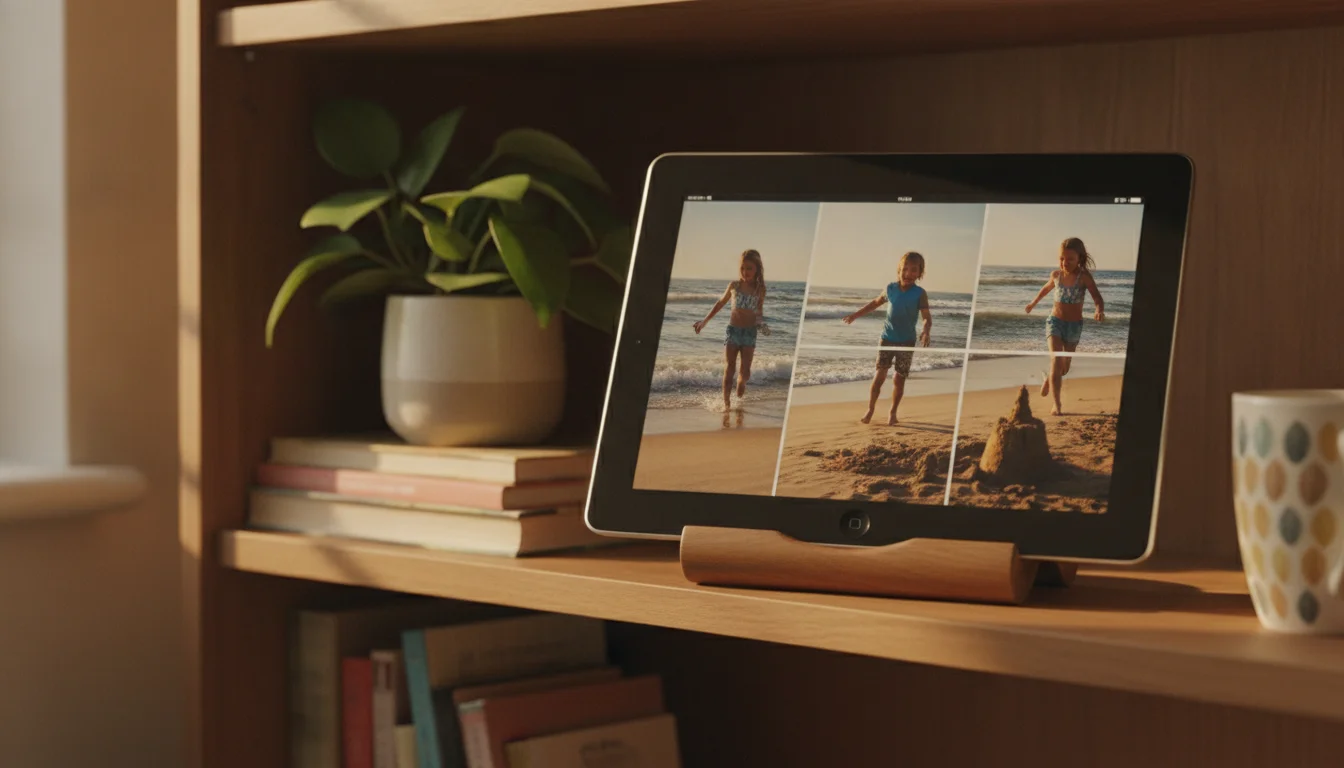
- A photo frame on a shelf, running LiveFrame or a Photos slideshow.
- A bedside clock and alarm, with Clock or Light Alarm and the screen dimmed right down.
- A movie player for the car or a sick day, with films loaded into VLC before you leave.
- A kitchen timer on the counter, with Thyme running dinner’s timers in a big font.
- A music player for the kitchen, with your library synced from a computer and a Bluetooth speaker.
- A reader for EPUBs and PDFs in iBooks, as long as you’re patient with page turns on the iPad 2.
If it’s one of the kids’, Guided Access (Settings > General > Accessibility) locks it to a single app, which keeps a four-year-old in VLC and out of Settings.
Giving it a job
Two cheap things make any of those jobs stick.
The first is a cable. The iPad 2 and iPad 3 use the wide 30-pin connector, and the iPad mini 1 uses Lightning. After thirteen years, the original cable is usually the reason the iPad “stopped charging.” For the mini, a fresh  MFi Lightning cable is about $10. For the 30-pin iPads, look for an Apple-certified 30-pin cable rather than the cheapest one listed, because the bad ones charge so slowly an iPad 3 can lose power while it’s plugged in.
The second is a cheap tablet stand, around $15. A photo frame or bedside clock only works if the iPad lives somewhere you’ll see it, and a stand does that better than leaning it on the toaster.
If what you actually wanted was YouTube, Netflix or Kindle, none of the tricks above will get you there, and that’s a fair answer, not a failure. An Amazon Renewed Fire HD 10 runs about $65 to $80 and runs all of them. The iPad 2 can carry on as the photo frame. If you decide it’s time to let it go entirely, here’s where to sell or recycle an old tablet, though at this age most are worth more as a frame than as cash.
An iPad from 2011 that still boots, holds a charge and plays a slideshow of your kids at the beach is doing better than most of the electronics I owned that year. Give it one of these jobs and it can keep going for a while yet.